92
ML-2050A/2051A/2150A
3. Operating Procedure
<Note>
Set "
k
SLOPE" so as to result in the following value.
k
SLOPE ≤ FLASH1
When setting "FLASH2" or "FLASH3", set the time required for laser light to down-
slope (the laser output is gradually weaker) to FLASH. Set "
m
SLOPE" so as to
result in the following value.
m
SLOPE ≤ FLASH1, FLASH2, FLASH3
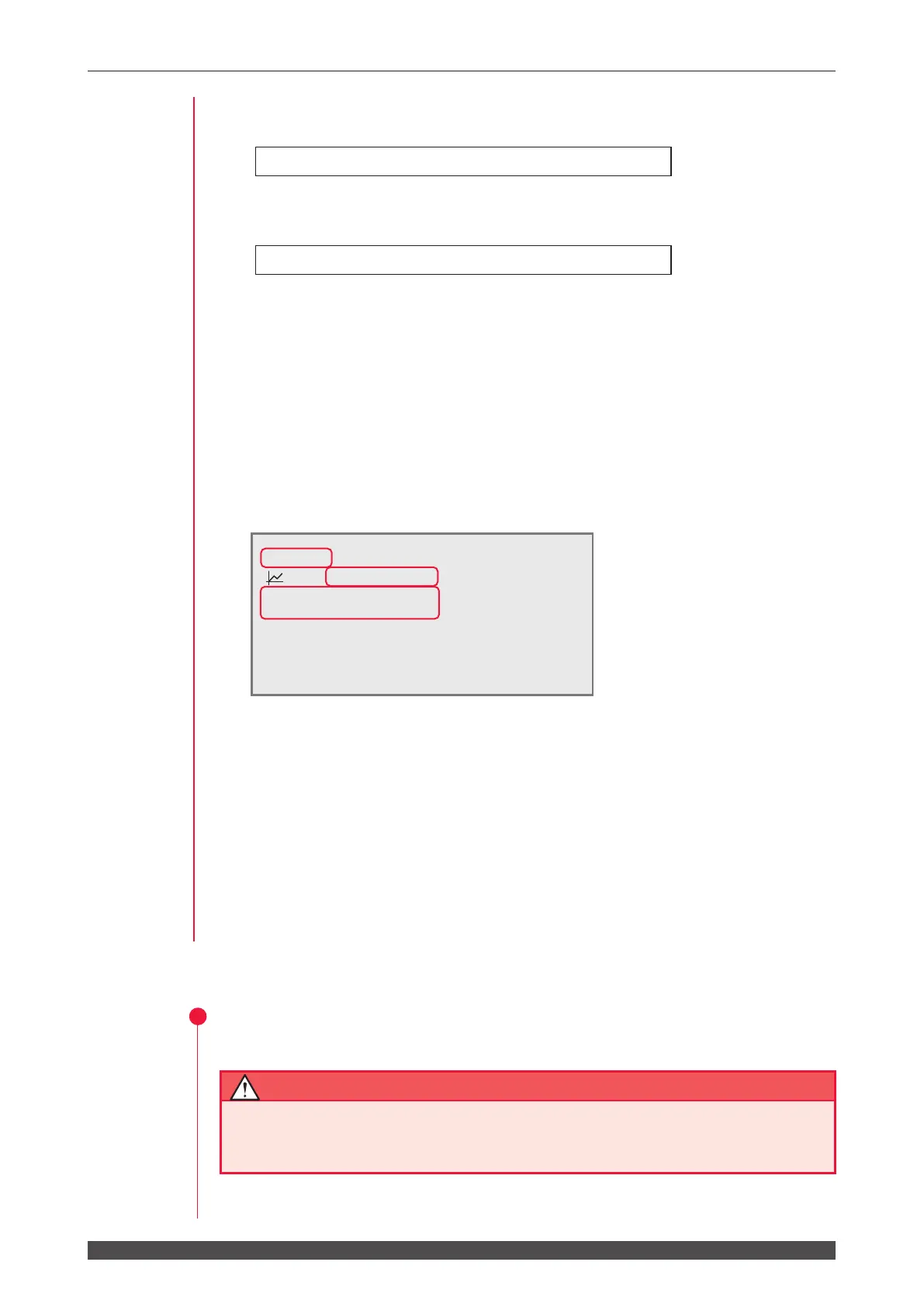
(6) Move the cursor to "000.0%" of "FLASH1" and press the ON or OFF key to set
the laser output value (%).
In this example, set 080.0% in "FLASH1."
⇒
For the laser output value, set the ratio (%) supposing that the set laser output
peak value is 100%. In this example, this peak value is 80% of "PEAK=2.50 kW",
so that the actual laser output value is 2.0 kW. In this case, even if "PEAK=2.00
kW" and "FLASH1 03.6 ms 100%" are set, the actual laser output value is the
same.
(7) Press the ENTER key to denitively set the set welding schedules.
⇒
For setting the number of continuous laser light outputs, set the number of
outputs per second in "REPEAT" in the range of 00 to 30 pps (pulse per second).
When 0 is set, a single output is performed.
⇒
For setting the number of laser light outputs, set it in "SHOT" in the range of
0000 to 9999. When "REPEAT" is not set to 0 and "SHOT" is 0, laser light is
continuously output until the LASER START/STOP button is pressed.
<Note>
The set welding schedules are not definitively set unless the ENTER key is
pressed. Be sure to press the ENTER key after completion of the setting.
3
Outputting Laser Light
Be sure to put on protective glasses for YAG Laser (1064 nm) during laser light
output operation. If laser light enters the eyes directly, a loss of eyesight may be
caused.
-SCH.#05 [FORM:FIX ]
≃
13.0J WATER
28˚C
:OFF PEAK=02.50kW REPEAT= 00pps
k
SLOPE 00.6ms
SHOT =0000
FLASH1 03.6ms 080.0%
FLASH2 00.0ms 000.0%
FLASH3 00.0ms 000.0%
m
SLOPE 00.0ms
HV:ON POSI.BLINK:OFF POSITION:OFF



 To Next Page