94
ML-2050A/2051A/2150A
3. Operating Procedure
(6) Press the LASER START/STOP button.
Laser light is output and the POWER MONITOR screen appears.
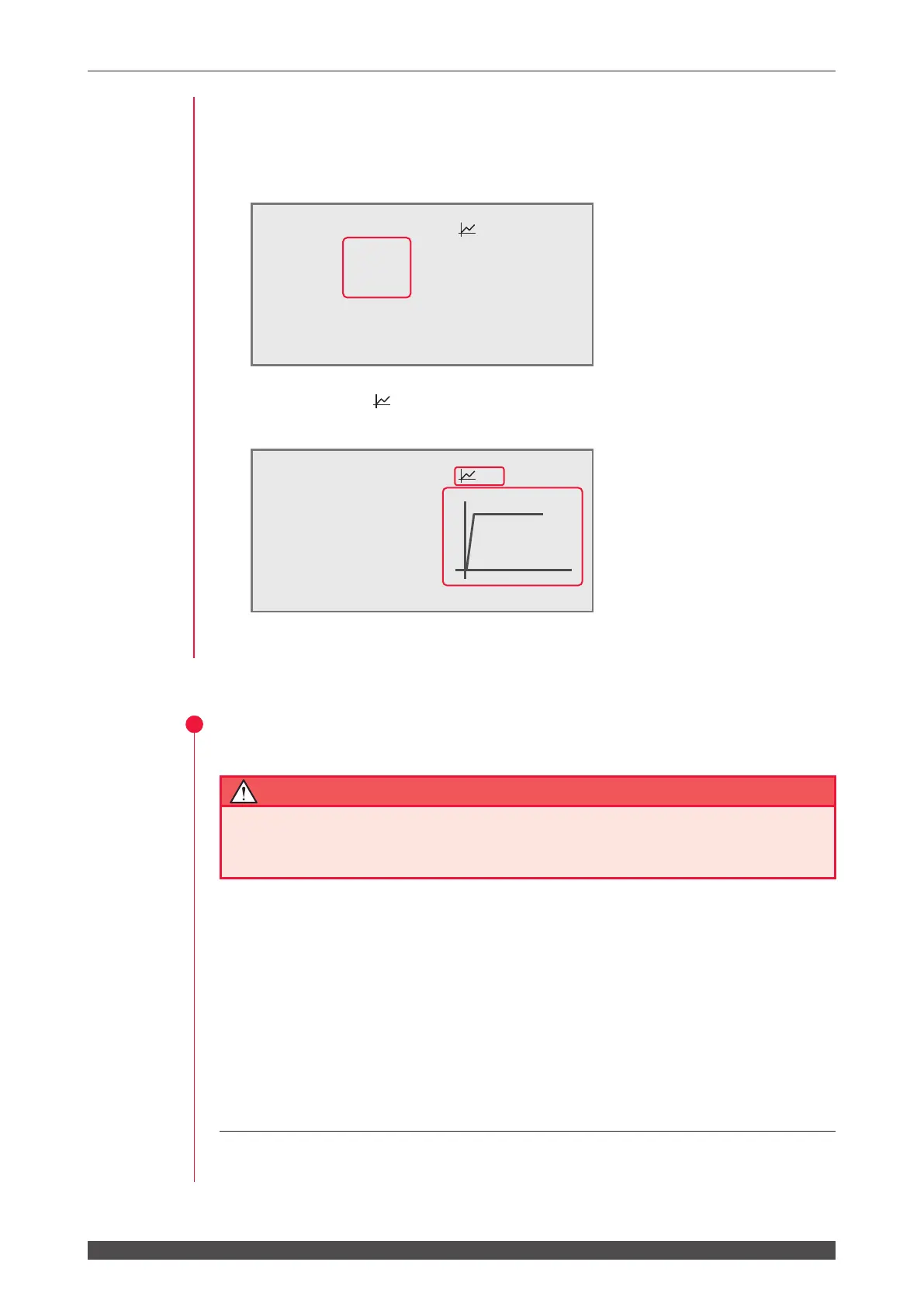
(7) Check the laser output energy (J) and average power (W) of output laser light.
Move the cursor to "
" and press the ON key. Then, the numeric values of laser
output are graphically displayed and you can check them by waveform.
Press the OFF key to go back to the numeric display.
4
Stopping Laser Welding
CAUTION
Do not turn OFF the MAIN POWER switch during a laser output or immediately
after laser light is output. Otherwise, the lamp or YAG rod may be damaged due to
insucient cooling.
(1) Move the cursor to "HV" on each screen and press the OFF key.
The high voltage is cut o.
(2) Turn OFF the CONTROL keyswitch.
The key can be pulled out.
(3) Turn OFF the MAIN POWER switch.
The power supply is turned OFF and the POWER lamp goes out.
⇒
Return the key of the CONTROL keyswitch to the laser safety supervisor so that
it can be kept in custody.
-POWER
MONITOR
SCH.#05 :ON
WATER 28˚C
ENERGY
12.5J
100%
AVERAGE
12.5W
SHOT
COUNT 123456789
GOOD
COUNT 123456789 10ms
HV:ON POSI.BLINK:OFF POSITION:ON
-POWER
MONITOR
SCH.#05 :OFF
WATER
28˚C
ENERGY
12.5J
HIGH 045.0J
LOW 000.0J
AVERAGE
12.5W
LAMP INPUT
PWR
000%
SHOT
COUNT 123456789 REFERENCE
SET
000%
GOOD
COUNT 123456789
HV:ON POSI.BLINK:OFF POSITION:ON



 To Next Page