94
Advanced (ADV) Functions Key (Continued)
To program a linear-hole pattern (Range is 0 through 9) – for example, linear-hole pattern
number 3:
3. Press
The DRO displays the following in the message window:
If you are programming a linear-hole pattern go to step 5.
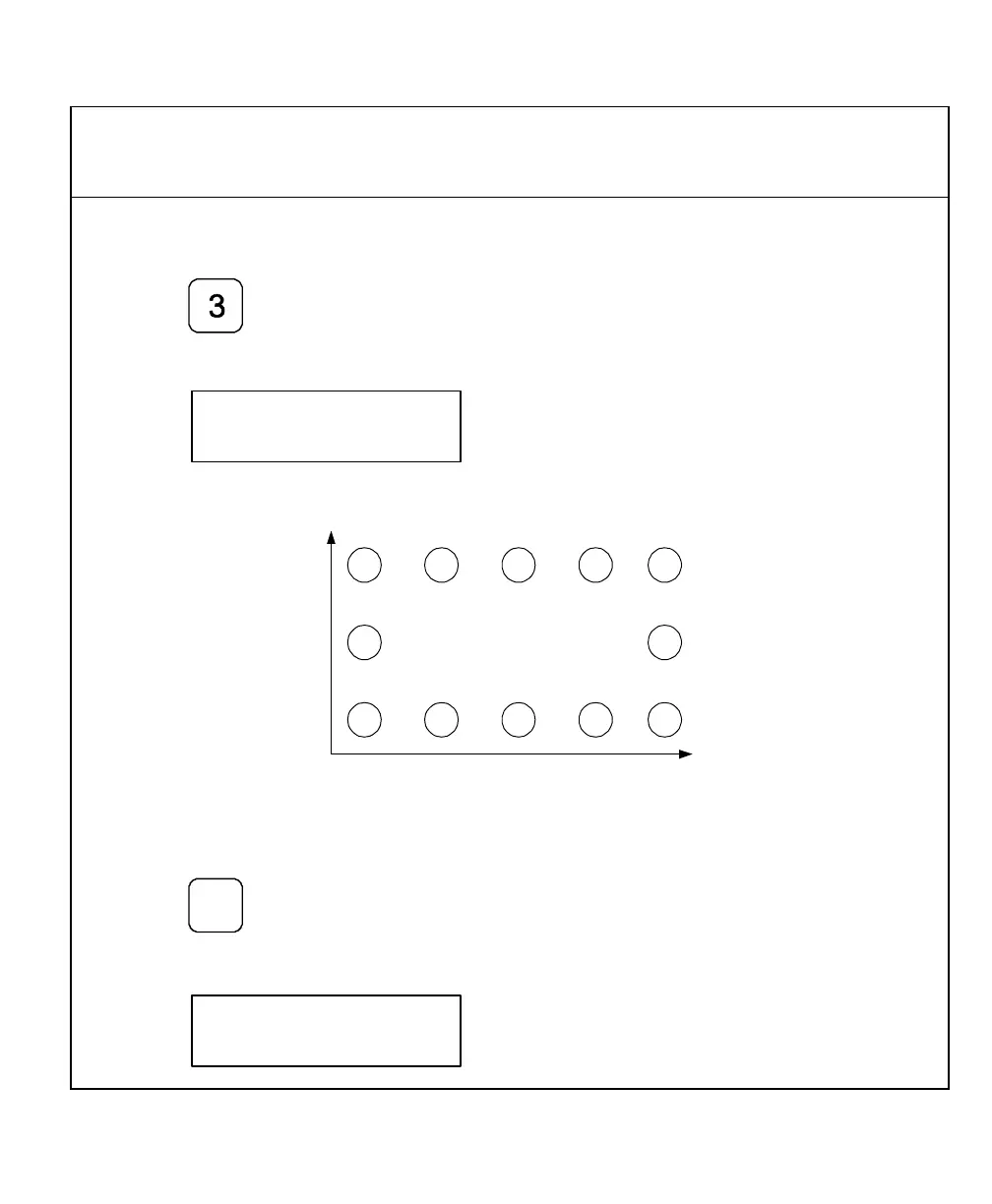
X
Y
Figure 5: Frame-Hole Pattern
To select Frame-Hole Pattern:
4. Press
+
_
The DRO displays the following in the message window:



 To Next Page