97
Advanced (ADV) Functions Key (Continued)
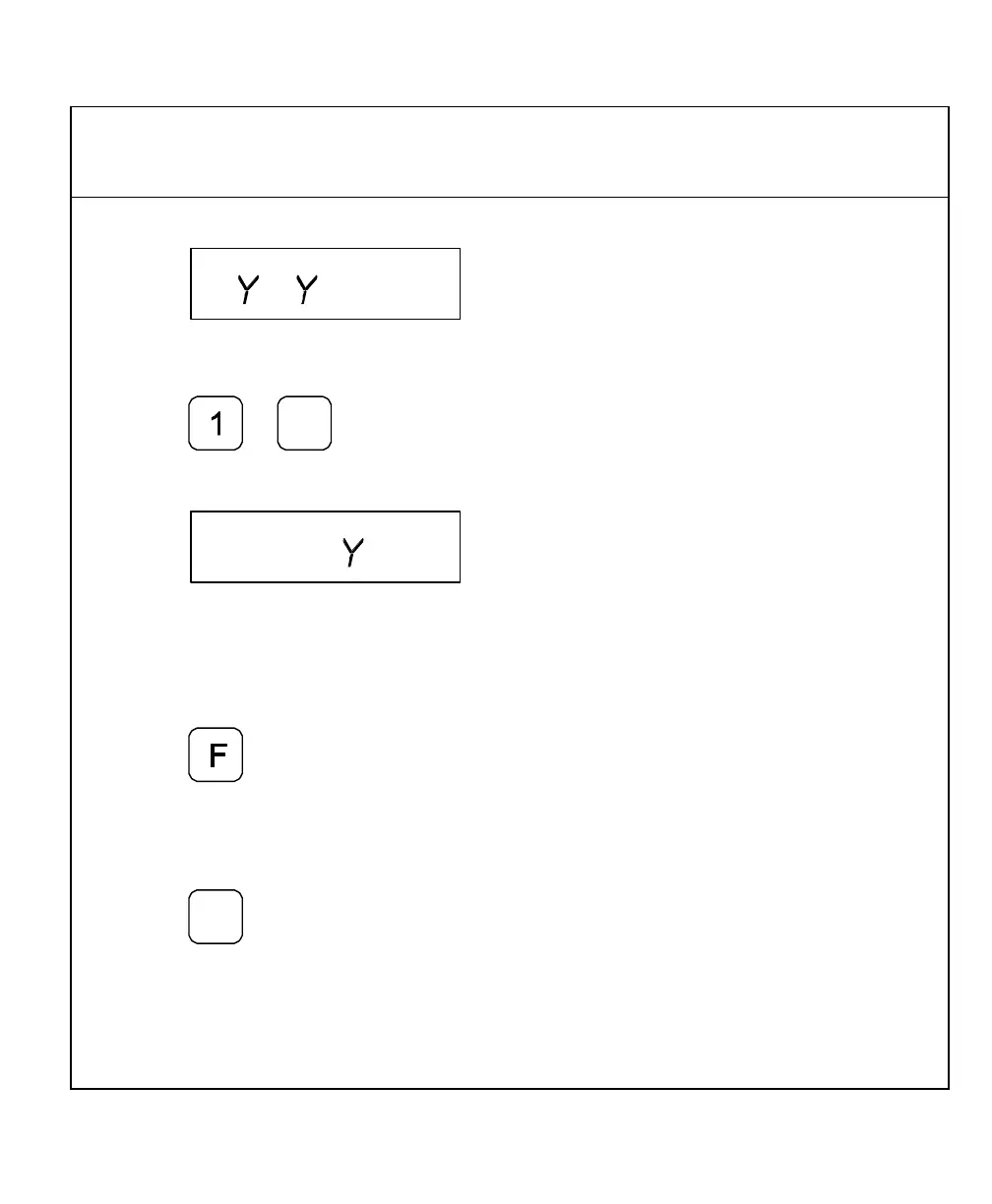
The DRO displays the following in the message window:
To enter the incremental distance between holes on the Y-axis – for example, 1.00 in.
(25.4 mm):
11. Press
The DRO displays the following in the message window:
The message window indicates the calculated holes in the X-axis (4 holes) and the
Y-axis (4 holes). This equals a total of 16 holes (4 X-holes x 4 Y-holes). The
maximum number of holes you can program is 999 holes.
To activate the settings and exit the Frame Hole function:
12. Press
OR
To exit the Frame-Hole function without activating the settings:
13. Press



 To Next Page