103
Advanced (ADV) Functions Key (Continued)
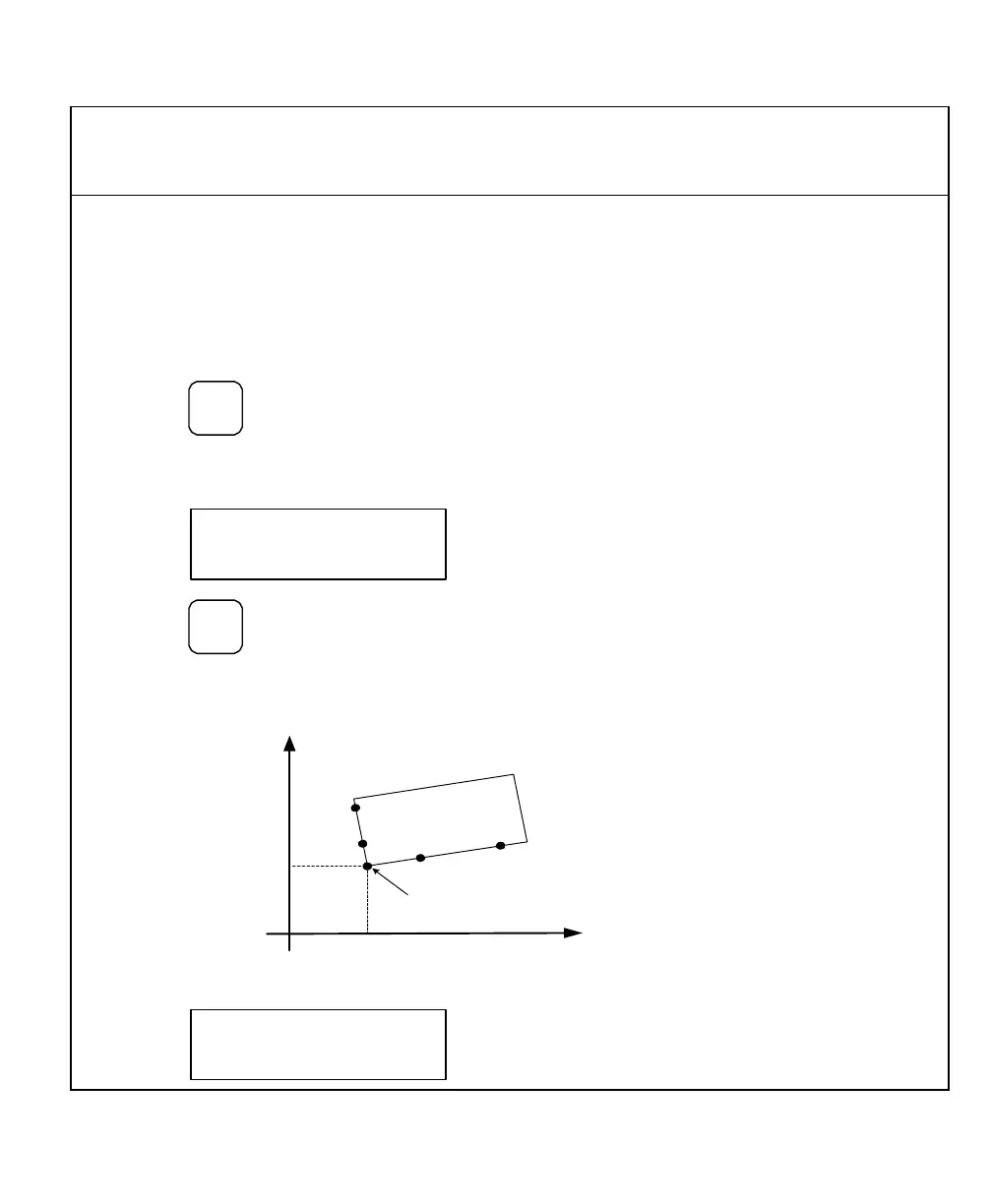
Skew Compensation (900, Mill Mode Only)
Skew compensation allows you to drill holes on a workpiece without aligning the
workpiece on the machine. This feature can electronically align the workpiece on the
machine for setup. Use this feature only for drilling holes.
To access the Skew Compensation function:
1. Press
repeatedly to scroll through
the Advanced Functions list.
When the DRO displays the following in the message window:
2. Press
Example:
Y
X
Position 2
Position 1
Position 4
Position 3
Corner of the
Workpiece (P)
Machine
home can be
anywhere in
this area.
The DRO displays the following in the message window:



 To Next Page