105
Advanced (ADV) Functions Key (Continued)
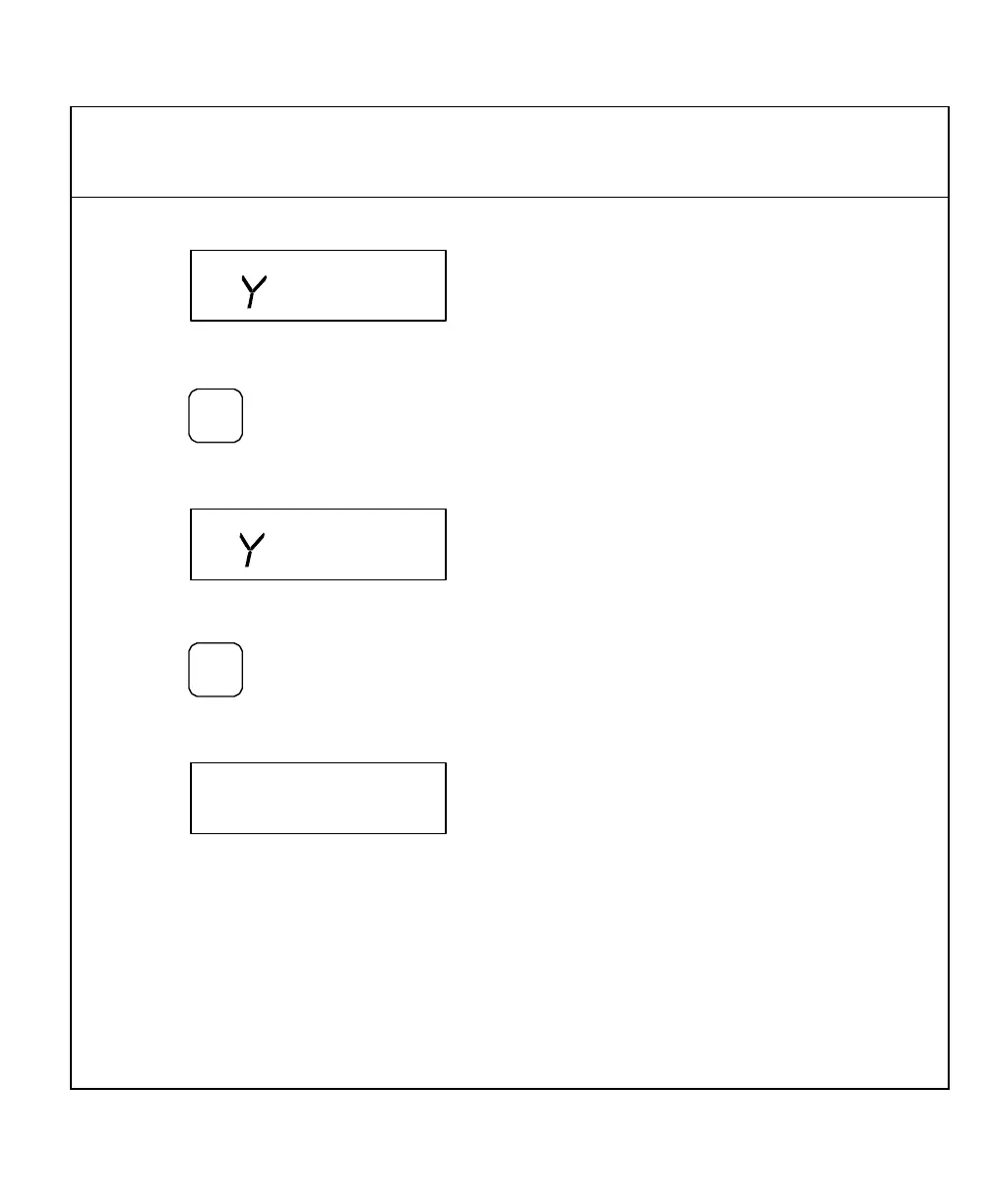
The DRO displays the following in the message window:
10. Move to position 3 and touch the workpiece with the tool or edge sensor probe.
11. Press
The DRO displays the following in the message window:
12. Move to position 4 and touch the workpiece with the tool or edge sensor probe.
13. Press
The DRO displays the following in the message window:
14. Move the quill to the up position.
15. Move the machine until the X-axis and Y-axis indicate zero.
This is the corner of the workpiece (P).
16. Recall information from the Electronic Notepad and move to zero.



 To Next Page