124
Electronic Notepad (Continued)
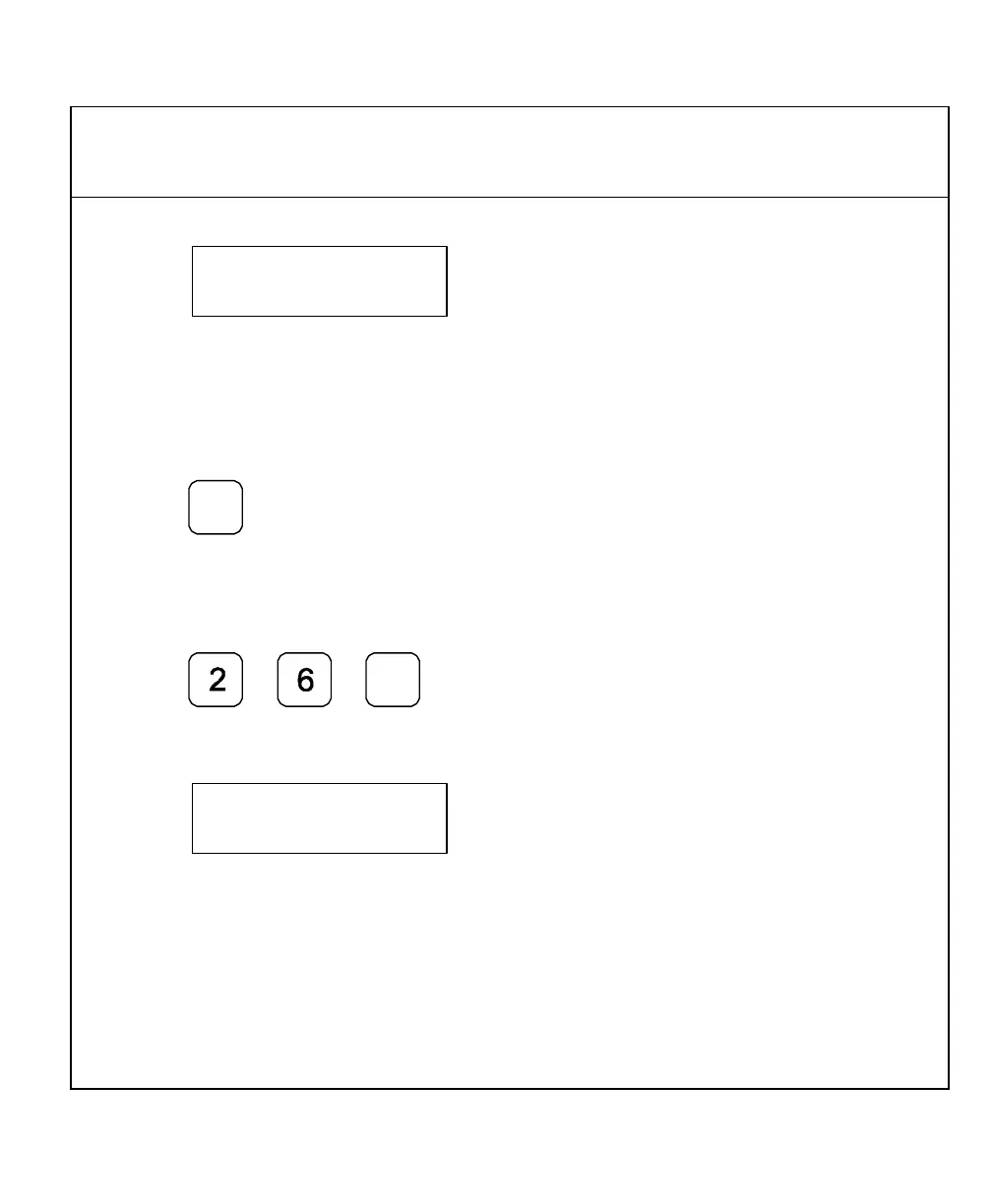
The DRO displays the following in the message window:
indicating memory location
000.
The DRO, by default, indicates the first empty memory location as the first line of a new
program.
To store the entered axis dimensions into line 000:
11. Press
OR
To start the program in a different memory location – for example, line 026:
Press
The DRO displays the following in the message window:
NOTE: Always note the first memory location for a new program. This is the location
you specify later when you need to recall the program.
12. Repeat steps 2 through 11 to enter additional axis dimensions.
NOTE: The DRO indicates memory locations consecutively.



 To Next Page