123
Electronic Notepad (Continued)
Entering Axis Dimensions
To enter axis dimensions into the Electronic Notepad:
2. Press
INCR
to select the Absolute or
Incremental Mode.
NOTE: In all cases, set the first line of a program to ABS (Absolute) Mode.
If required, you can specify a new Datum (Mill Mode) or Tool (Lathe Mode) – for example,
Datum 1:
3. Press
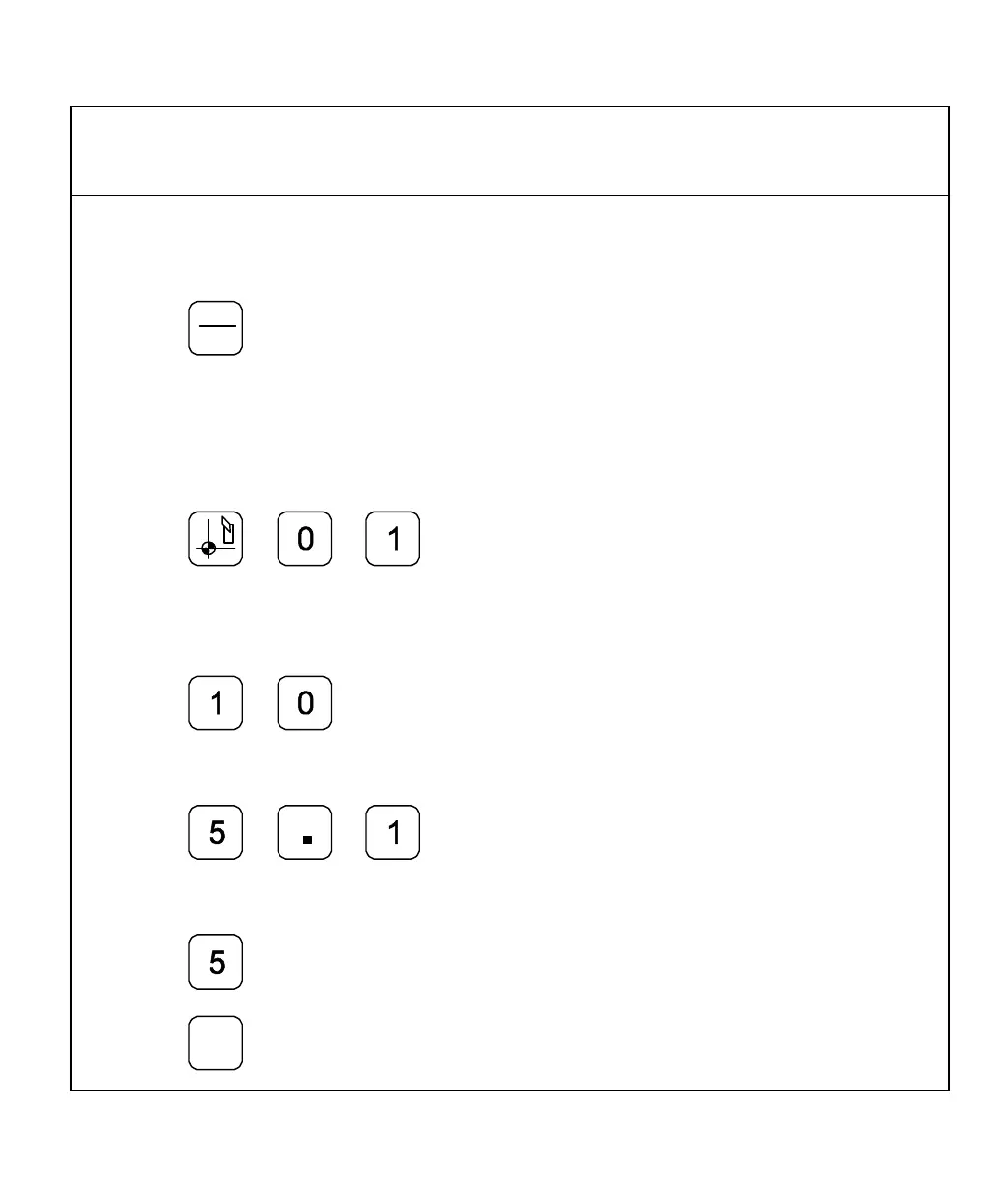
Example: To program dimensions (10, 5.1, and 5) for axes 1 through 3 respectively:
4. Press axis key 1.
5. Press
6. Press axis key 2.
7. Press
8. Press axis key 3.
9. Press
10. Press



 To Next Page