130
Electronic Notepad (Continued)
The values displayed on the axis displays indicate the distance to the programmed
position.
3. Move the machine axis until the displays indicate zero.
This is the first position stored in the Electronic Notepad.
4. Press to recall the next line in the
Electronic Notepad.
The DRO displays the following in the message window:
When the DRO has displayed the last program line in the Electronic Notepad and the
next line is recalled, the DRO displays the following in the message window:
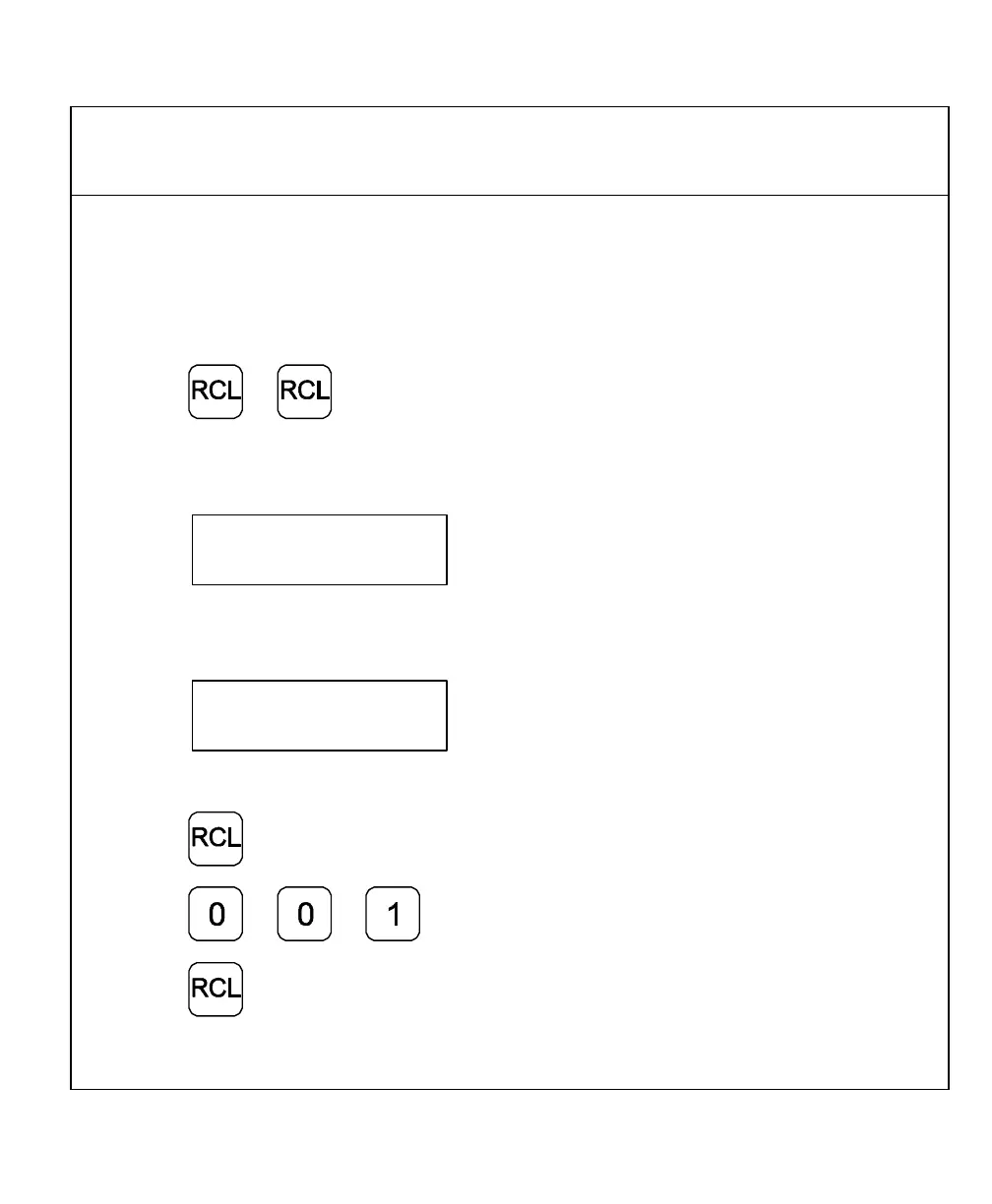
To recall a specific line of information from the Electronic Notepad – for example, line 001:
5. Press
6. Press
7. Press



 To Next Page