129
Electronic Notepad (Continued)
Recalling Dimensions
The DRO allows you to recall programmed information from the Electronic Notepad. You
must know the memory location for the first line in the program you want to recall.
NOTE: Before you recall information from the Electronic Notepad, establish a machine
home position using Absolute Zero Set – F 01 or activate EverTrack
TM
Mode –
F 02.
To recall information from the Electronic Notepad:
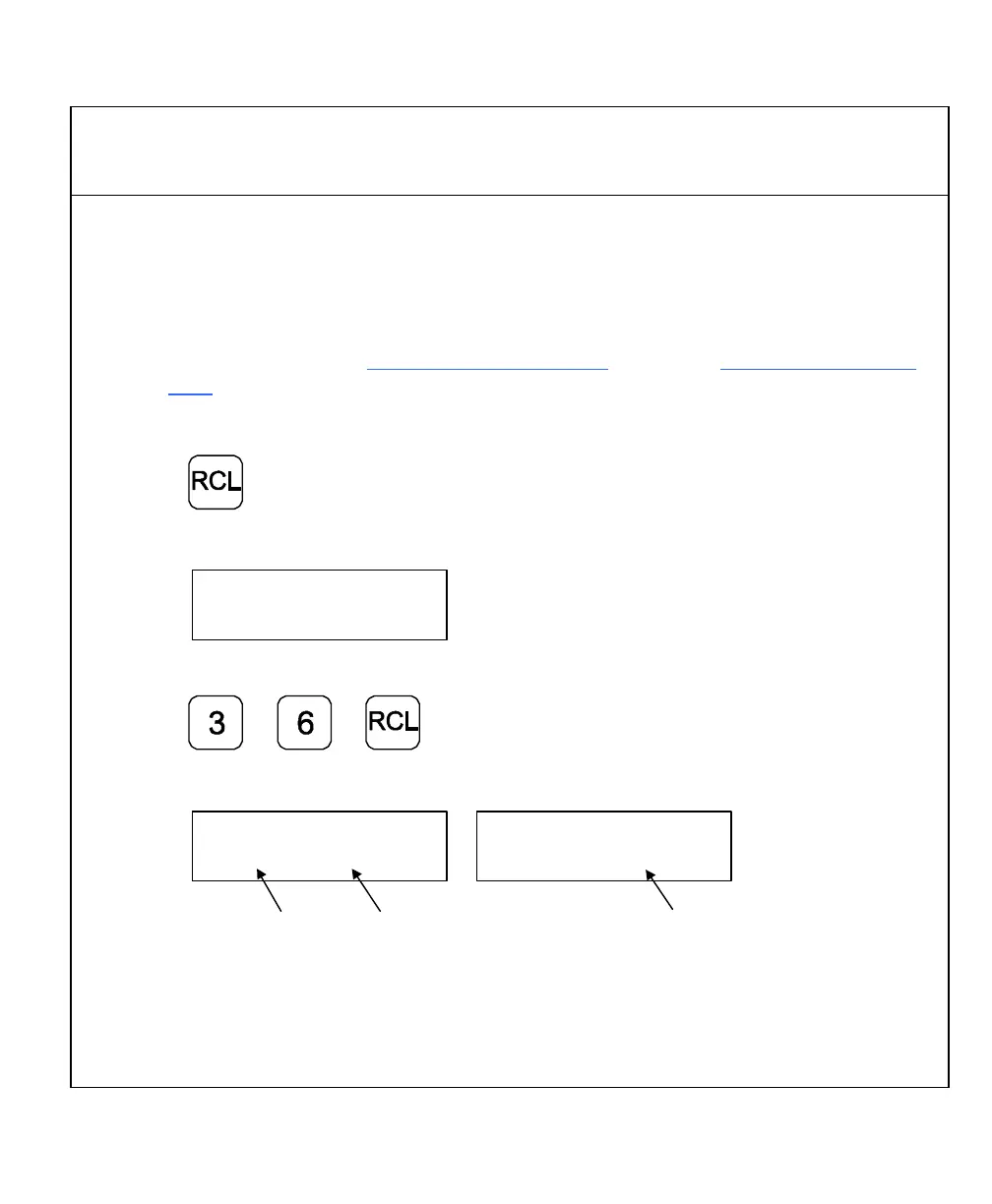
1. Press to activate the feature.
The DRO displays the following memory location in the message window:
To specify a program – for example, memory location 036:
2. Press
The DRO displays one of the following in the message window:
Line Number Datum Point
Tool Number
NOTE: If the D (Mill Mode) or T (Lathe Mode) is blinking, you must reset the specified
datum or tool number. Press the Datum/Tool Offset key and enter the correct
number. The blinking stops when the correct datum or tool number has been
reset.



 To Next Page