128
Electronic Notepad (Continued)
4. Press
to select the desired type of
hole pattern.
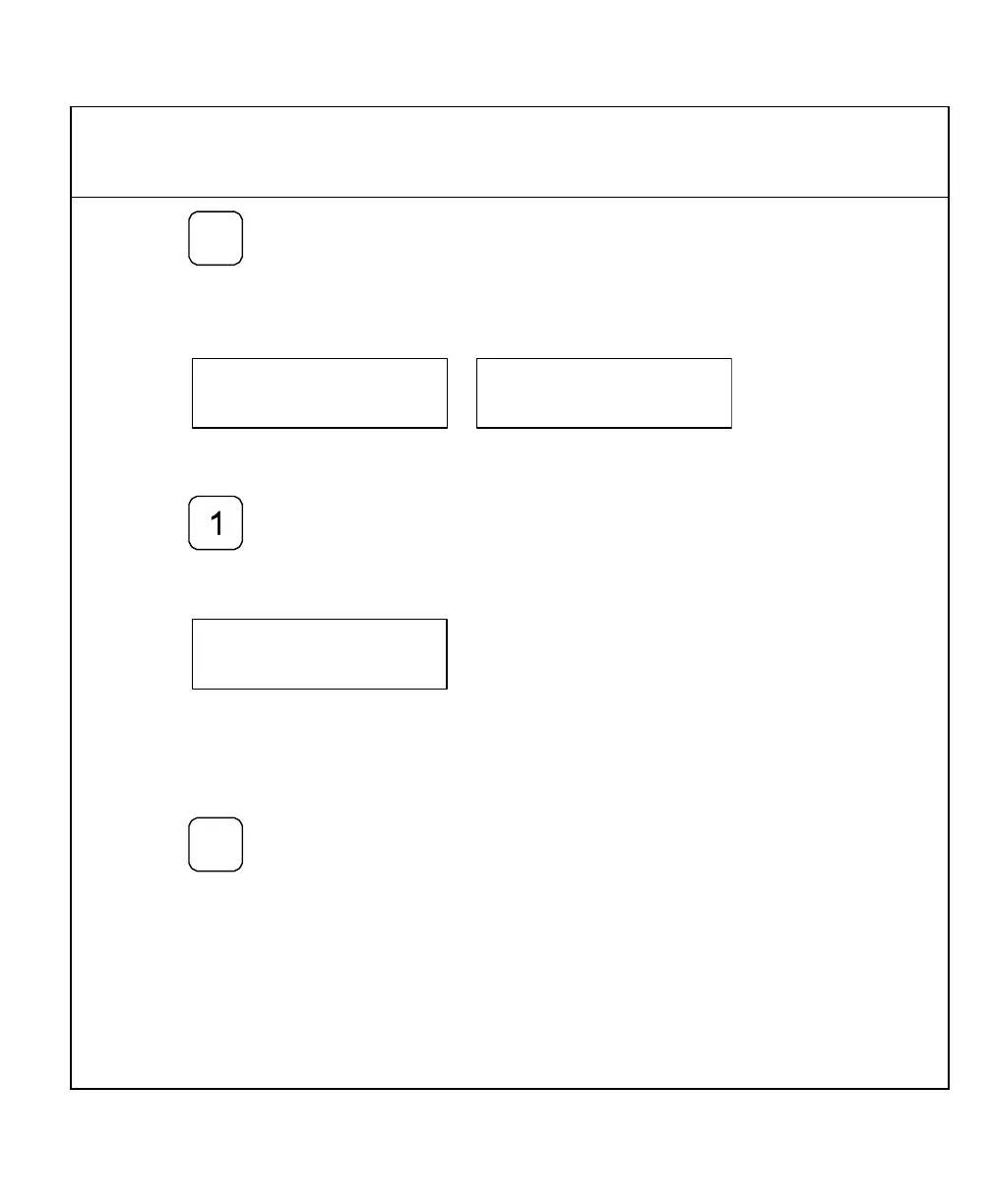
The DRO displays one of the following in the message window:
To enter the desired pattern number – for example, BHP number 1:
5. Press
The DRO prompts for the memory location in the message window:
NOTE: If necessary, change the specified memory location by entering the desired
location.
To store the pattern:
6. Press
The DRO stores bolt-hole pattern number 1 in line 3 of the Electronic Notepad.



 To Next Page