135
Mirror Image – F 17
After you enter dimensions in the Electronic Notepad, F 17 allows you to reverse or
mirror all positions on the X-axis and/or Y-axis without re-entering the positions.
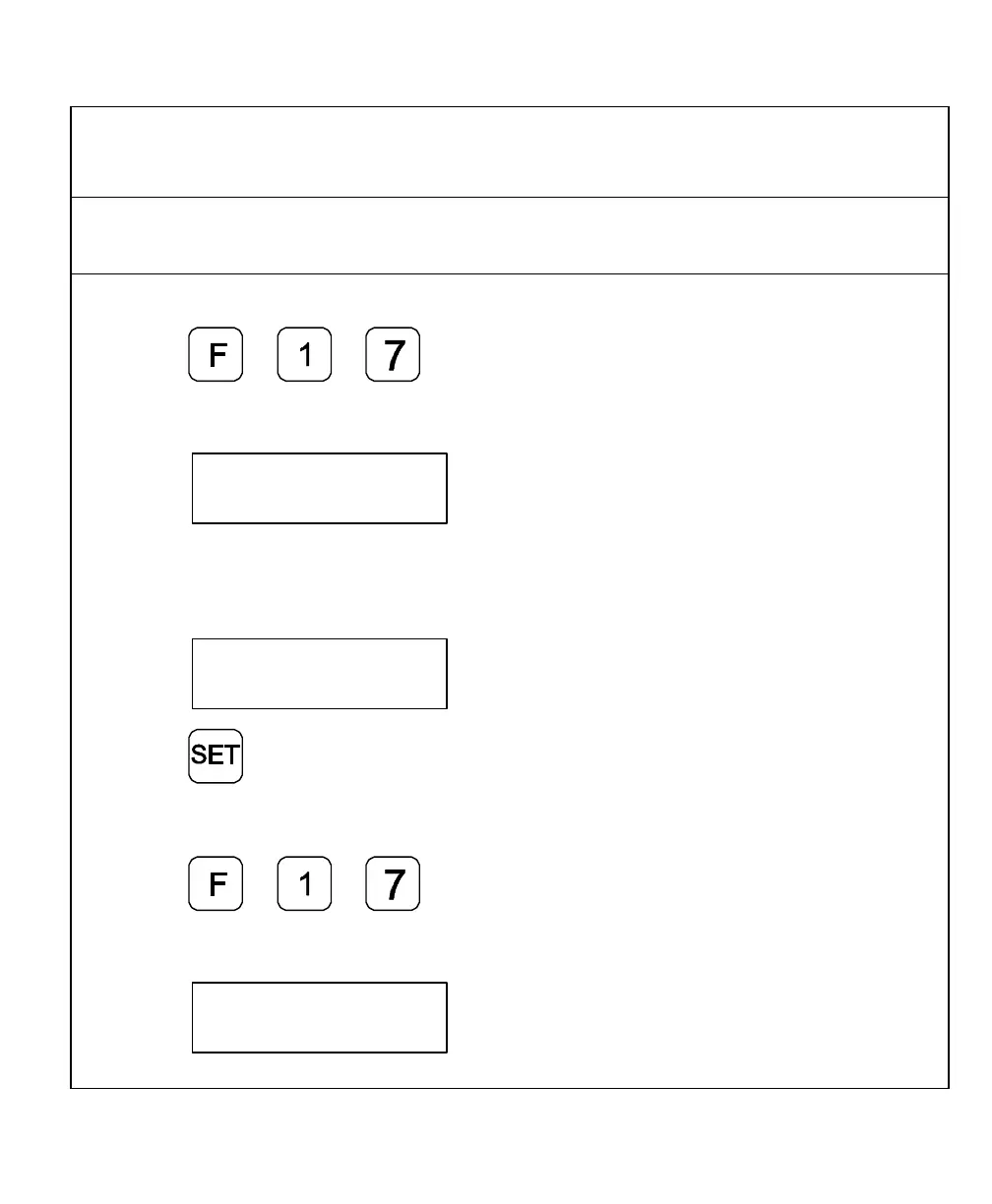
Example 1: To set the X-axis as a mirror image:
1. Press
The DRO displays the following in the message window:
2. Press axis key 1.
The DRO displays the following in the message window:
3. Press
Example 2: To set the X-axis and Y-axis as a mirror image:
1. Press
The DRO displays the following in the message window:



 To Next Page