159
DAC Output Voltage Test
(900 With CSS and I/O Options) – F 98
F 98 allows you to verify the DAC output voltage setting.
To verify DAC output voltage setting:
1. Connect a multimeter between Pin 15 and Pin 8 and measure the DAC output
voltage.
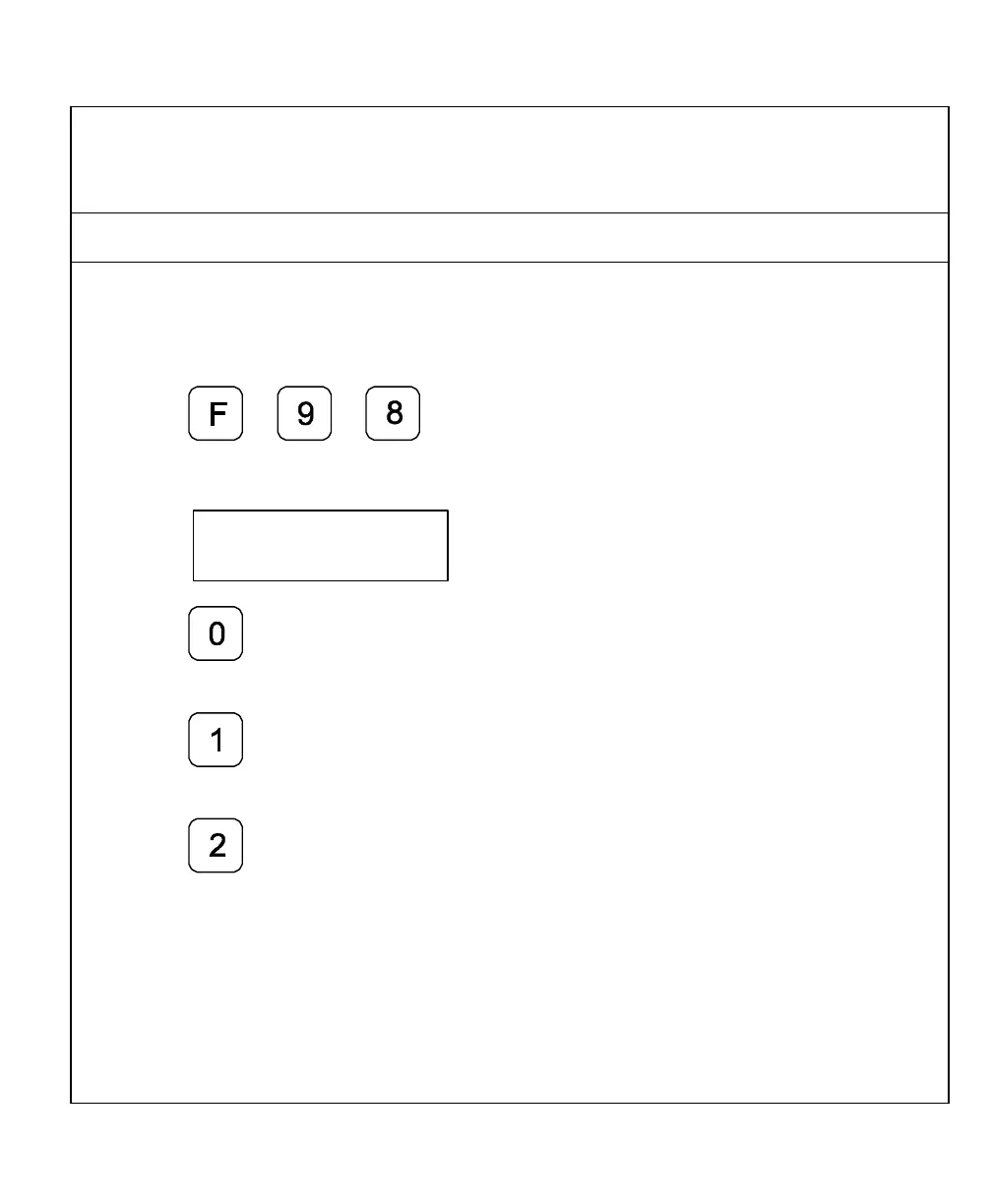
2. Press
The DRO displays the following in the message window:
Dac test
3. Press to display 0V on the axis
display.
4. Press to display 5V on the axis
display.
5. Press to display 10V on the axis
display.
NOTE: The displayed DAC output voltage must be within 100mV of the nominal values.



 To Next Page