158
DAC Output Voltage Offset Adjustment
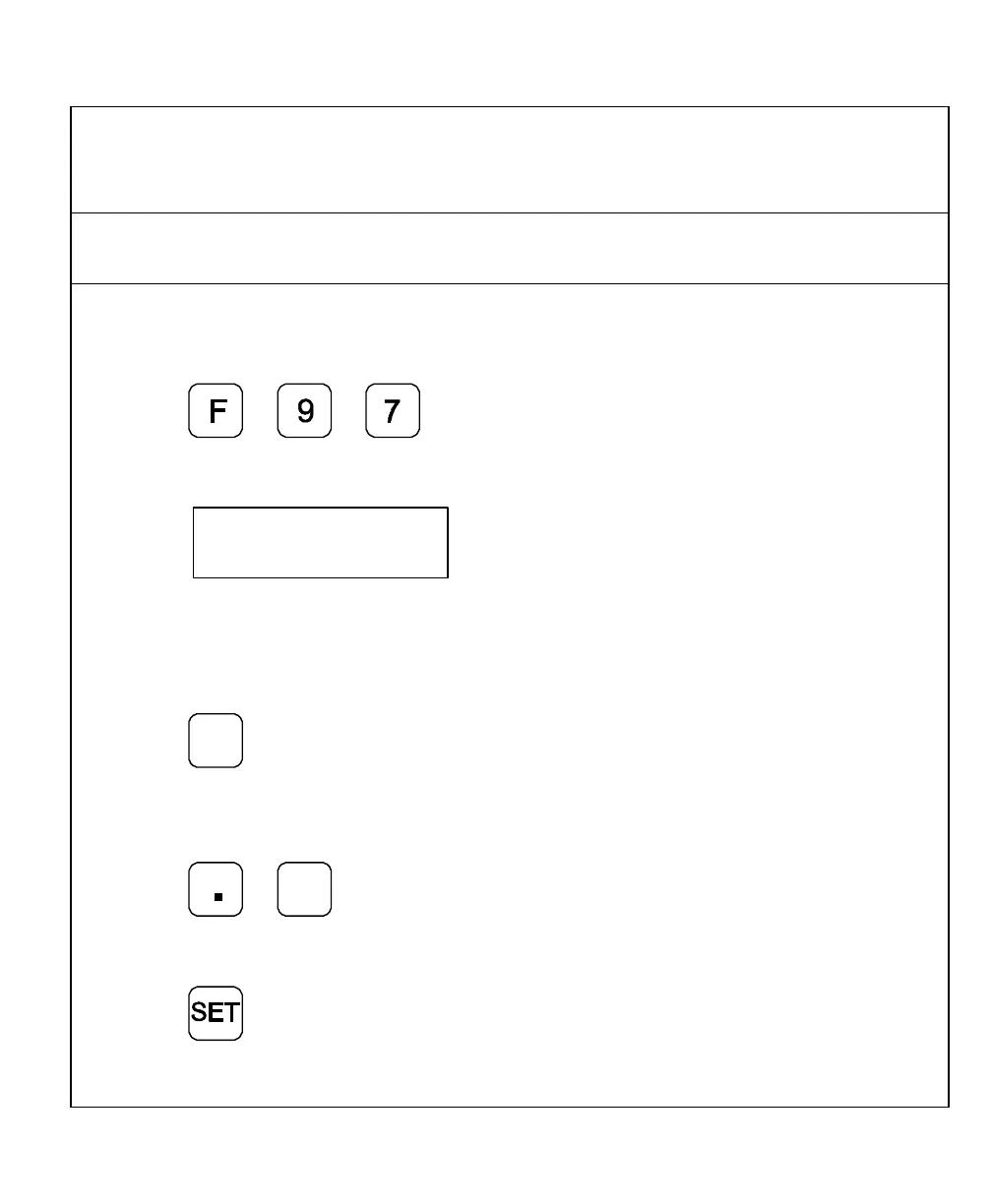
(900 With CSS and I/O Options) – F 97
F 97 allows you to adjust the DAC output voltage offset. You will require a digital
multimeter to perform this feature.
To set up the CSS feature:
1. Connect a multimeter to Pin 15 and Pin 8 and measure the DAC output voltage.
2. Press
The DRO displays the following in the message window:
Dac offset
The DRO displays a value between 0 and 50 in the axis display. To change the output
voltage, change this value.
To adjust the DAC offset to exactly 0mV:
3. Press
+
_
repeatedly until the
multimeter indicates 0 mV.
To reverse the scrolling direction:
4. Press
+
_
To enter the adjusted DAC output voltage:
5. Press



 To Next Page