163
CSS/Direct RPM Input
(900 With CSS and I/O Options) – F 48 (Continued)
The X-axis display indicates the previously used surface speed. The X designation is
blinking, indicating you can enter a value.
If the displayed surface speed is acceptable:
6. Press to continue.
OR
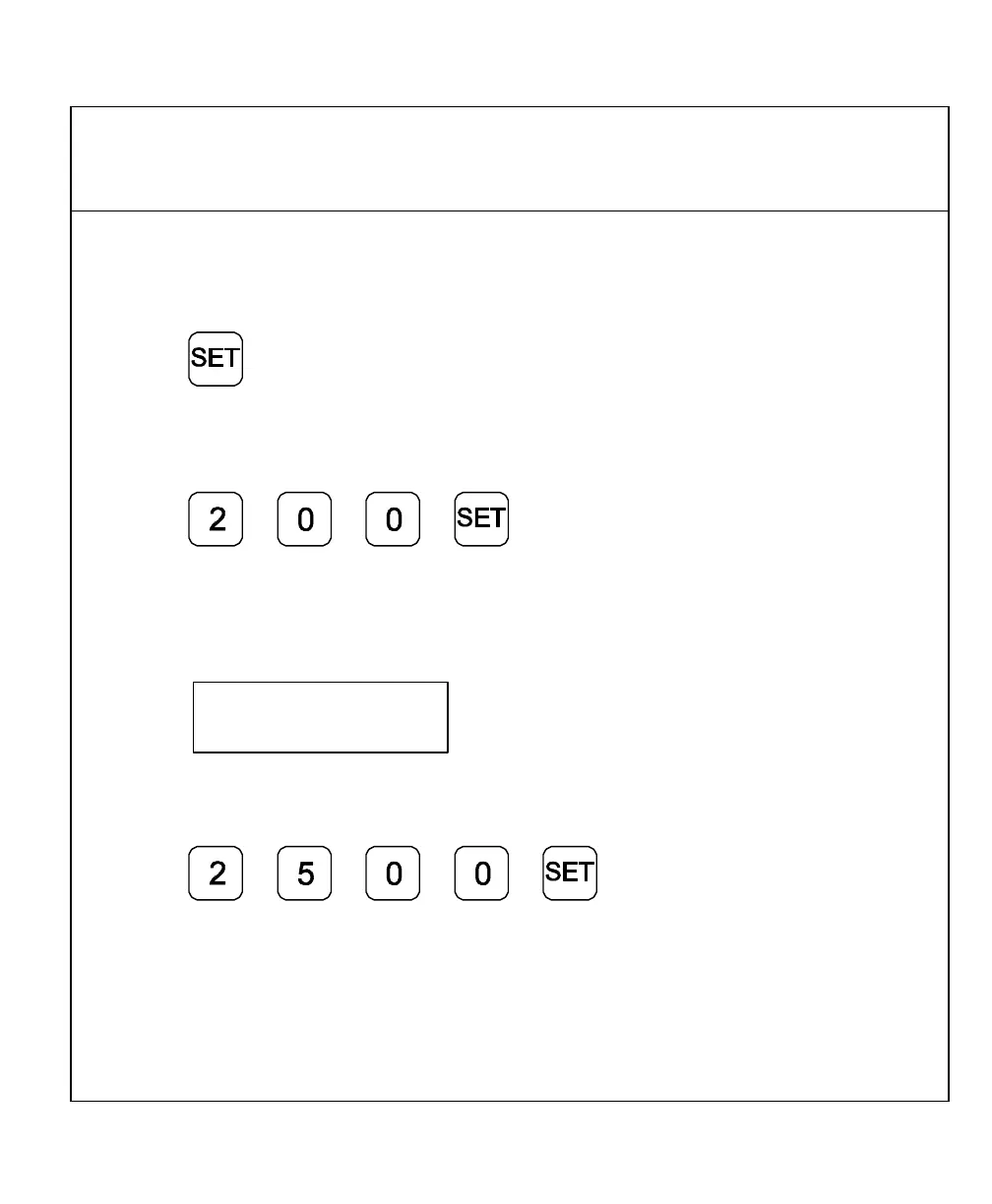
To set a new surface speed (For example, 200 RPM):
7. Press to set the surface speed.
NOTE: Surface speed must be entered in Feet per Minute when the DRO is set to
INCH Mode or Meters per Minute when the DRO is set to MM Mode.
If you select DIRECT RPM, the DRO displays the following in the message window:
Speed MAN
prompting for the desired
spindle speed.
To set the spindle speed (For example, 2500 RPM):
8. Press to set the spindle speed.



 To Next Page