69
Parameter Settings – F 20 (Continued)
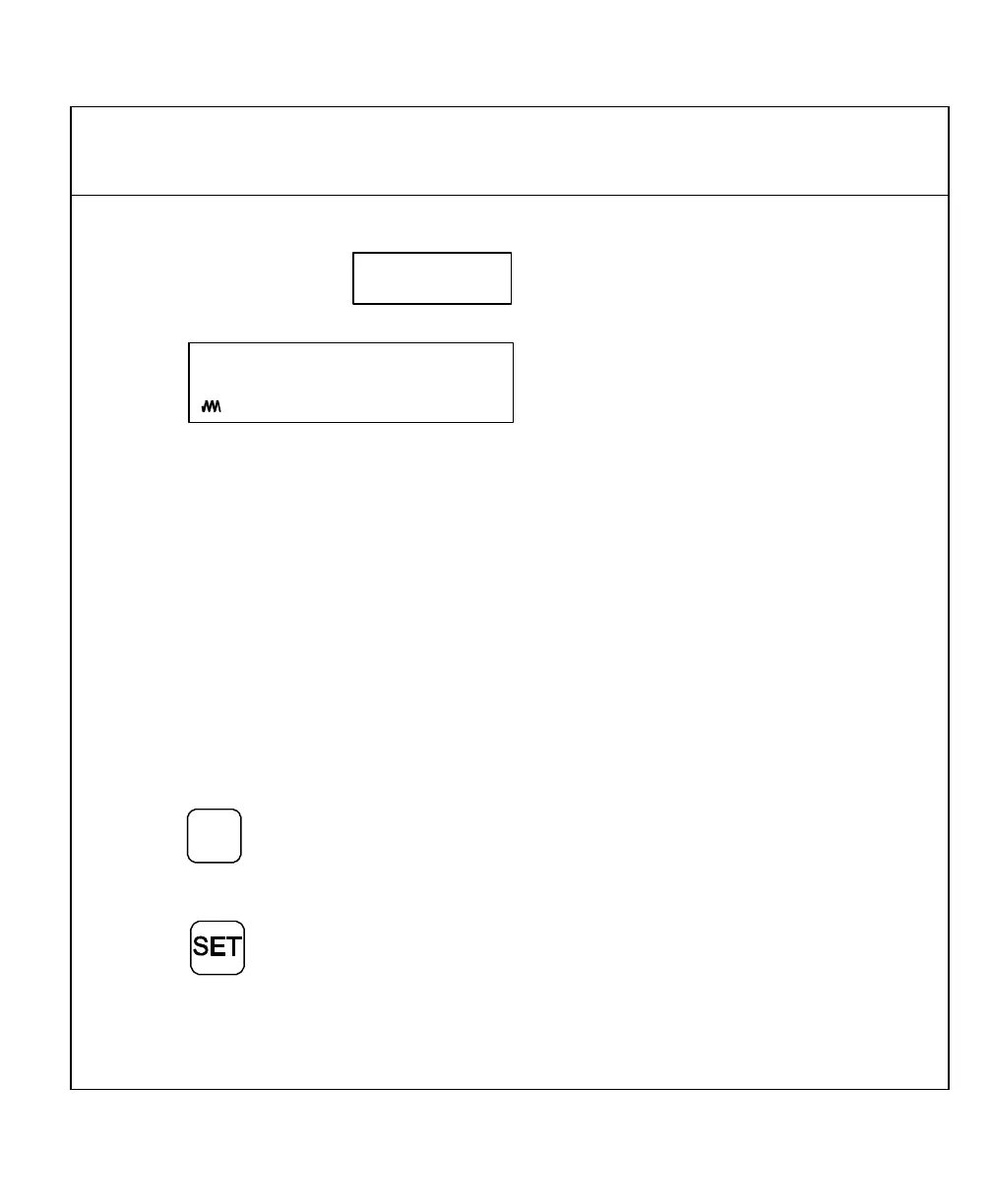
The DRO displays the following in the message window and the axis display:
Min--sec
This is the display resolution for the axis display(s) when you set the DRO to display
degrees in minutes and seconds mode only. The axis designation (in this example, W)
is blinking, indicating that you can enter a value. The DRO will default the same display
resolution as the encoder resolution (in this example, 30 seconds). ANILAM
recommends that you use the same display resolution as you use for the encoder
resolution.
The available display options are:
Display Resolution Options
in Minutes and Seconds Mode
.00.01, .00.02, .00.05, .00.10, .00.20, .00.30, .01, .02, .05, .10, .20
NOTE: The DRO turns on the Coarse Resolution Symbol in the axis display(s) if the
selected display resolution is coarser than the encoder resolution.
3. Press
+
_
repeatedly to scroll through the options.
To select the display resolution:
4. Press



 To Next Page