84
Advanced (ADV) Functions Key (Continued)
The DRO displays the following in the message window and axis display 1:
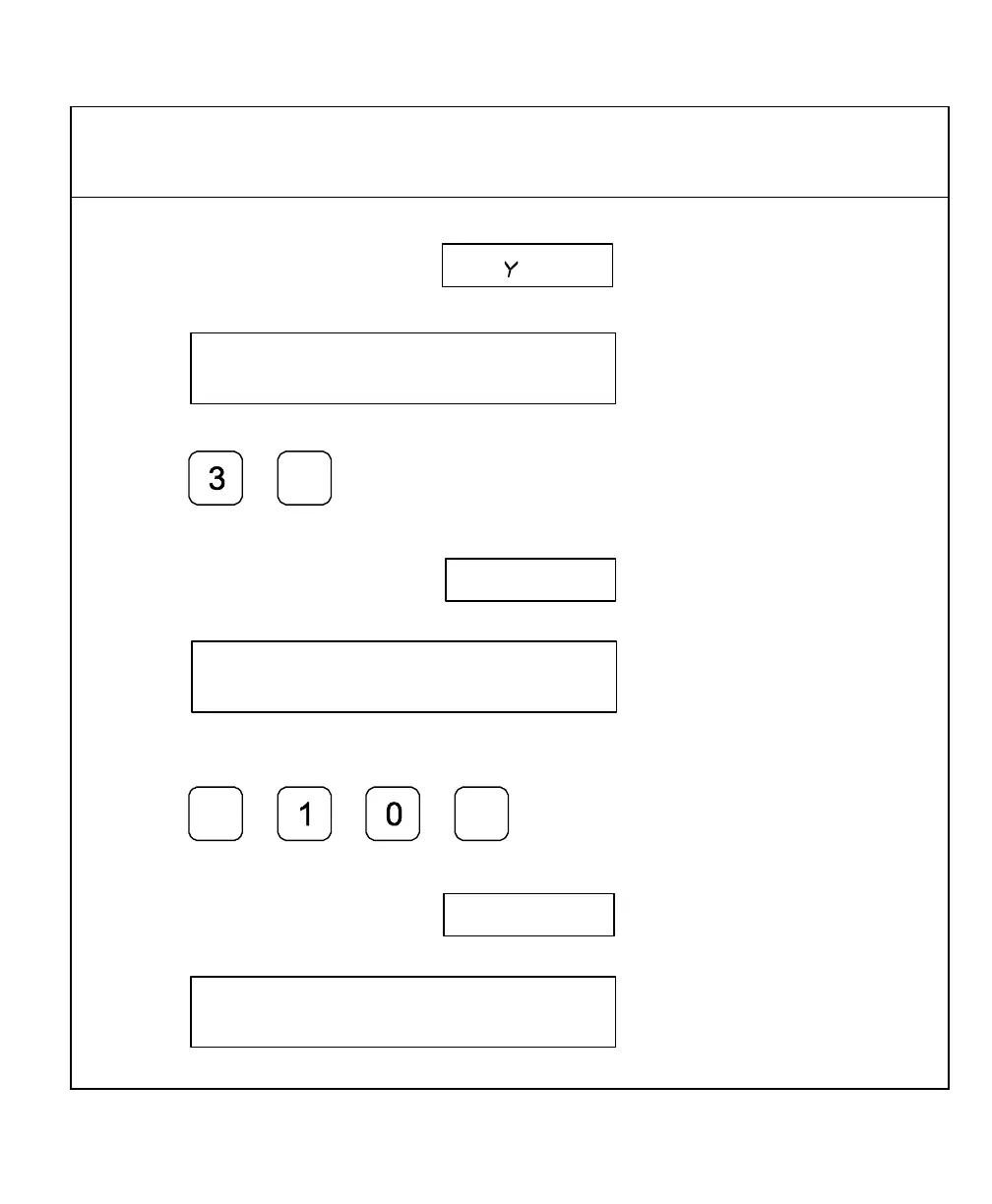
To enter the number of bolt-hole patterns (maximum 360 holes) – for example, 3:
7. Press
The DRO displays the following in the message window and axis display 1:
To enter the beginning angle for the first hole (measured in a counter clockwise direction)
– for example, -10 degrees:
8. Press
+
_
The DRO displays the following in the message window and axis display 1



 To Next Page