87
Advanced (ADV) Functions Key (Continued)
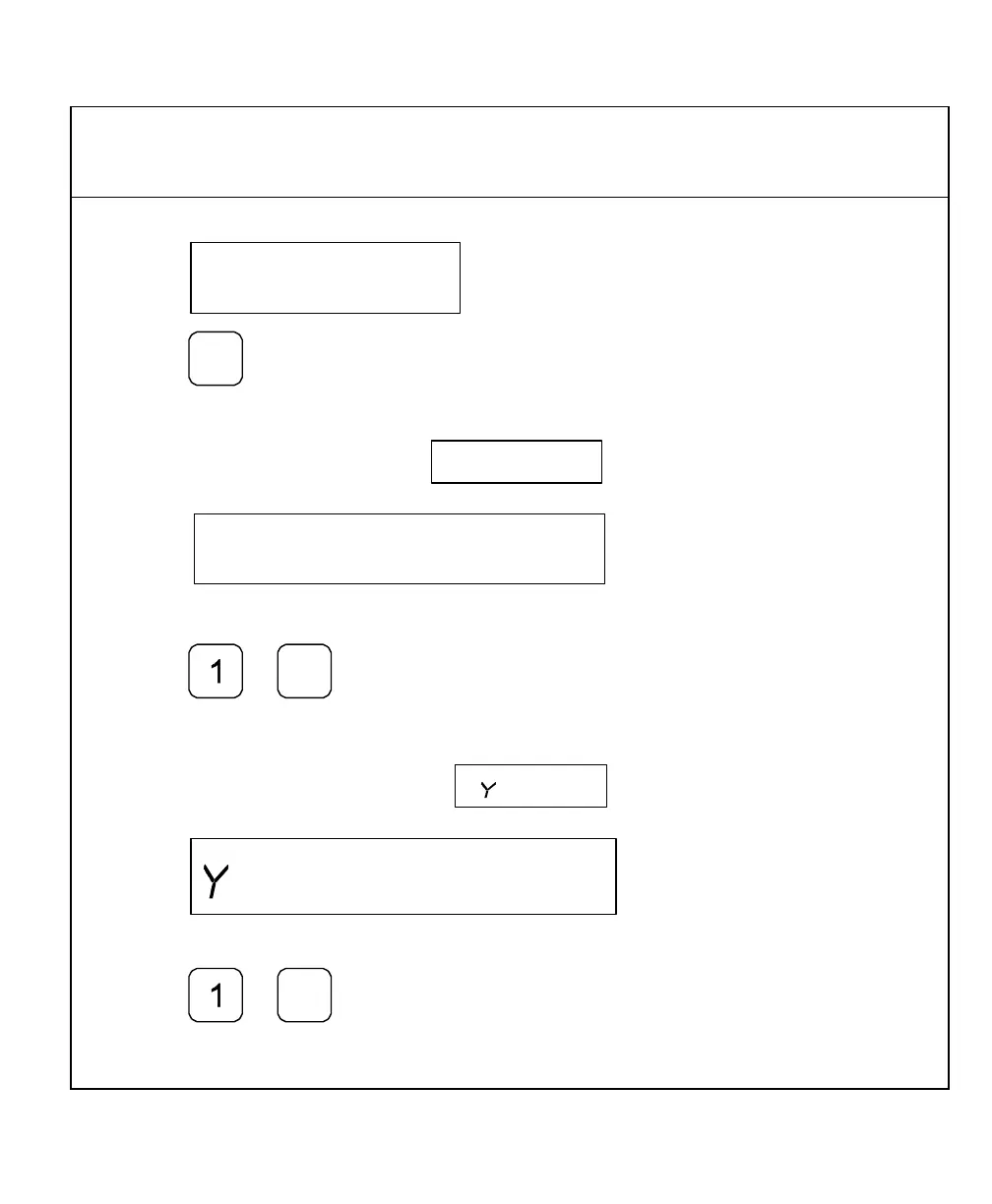
The DRO displays the following in the message window:
5. Press
The DRO displays the following in the message window and axis display 1
To enter the X dimension for the center of the pattern – for example, 1.00 in. (25.4 mm):
6. Press
The DRO displays the following in the message window and axis display 2
To enter the Y dimension for the center of the pattern – for example, 1.00 in. (25.4 mm):
7. Press



 To Next Page