iPAM400 – Product Manual
U-0629-0171.doc – Issue: 04 complete, approved
Page 103 of 138
8.5 Powering the Mainframe On
1. Ensure that the AC mains power supply to the
mainframe is connected.
2. Ensure that the DC power supply to the
mainframe is connected, if used.
3. Power the mainframe on by turning on the
mains isolation switch, and then turning on
the battery isolation switch.
!
!
This product contains wiring that is
energised to 230 V RMS AC mains and
100 V RMS audio signals at up to
20 kHz.
Terminals marked with the
symbol
are hazardous, and the external wiring
connected to these terminals requires
installation by qualified personnel
only.
4. Wait a moment for the iPAM400 application to
start. During the start-up the processor LED
on the front panel flashes fast. The processor
LED will flash slowly to indicate that the
iPAM400 has started and is operational.
!
!
For iPAM400 with amplifier frame
firmware version older than V1.1.0206
the flashing indication is the opposite
way around.
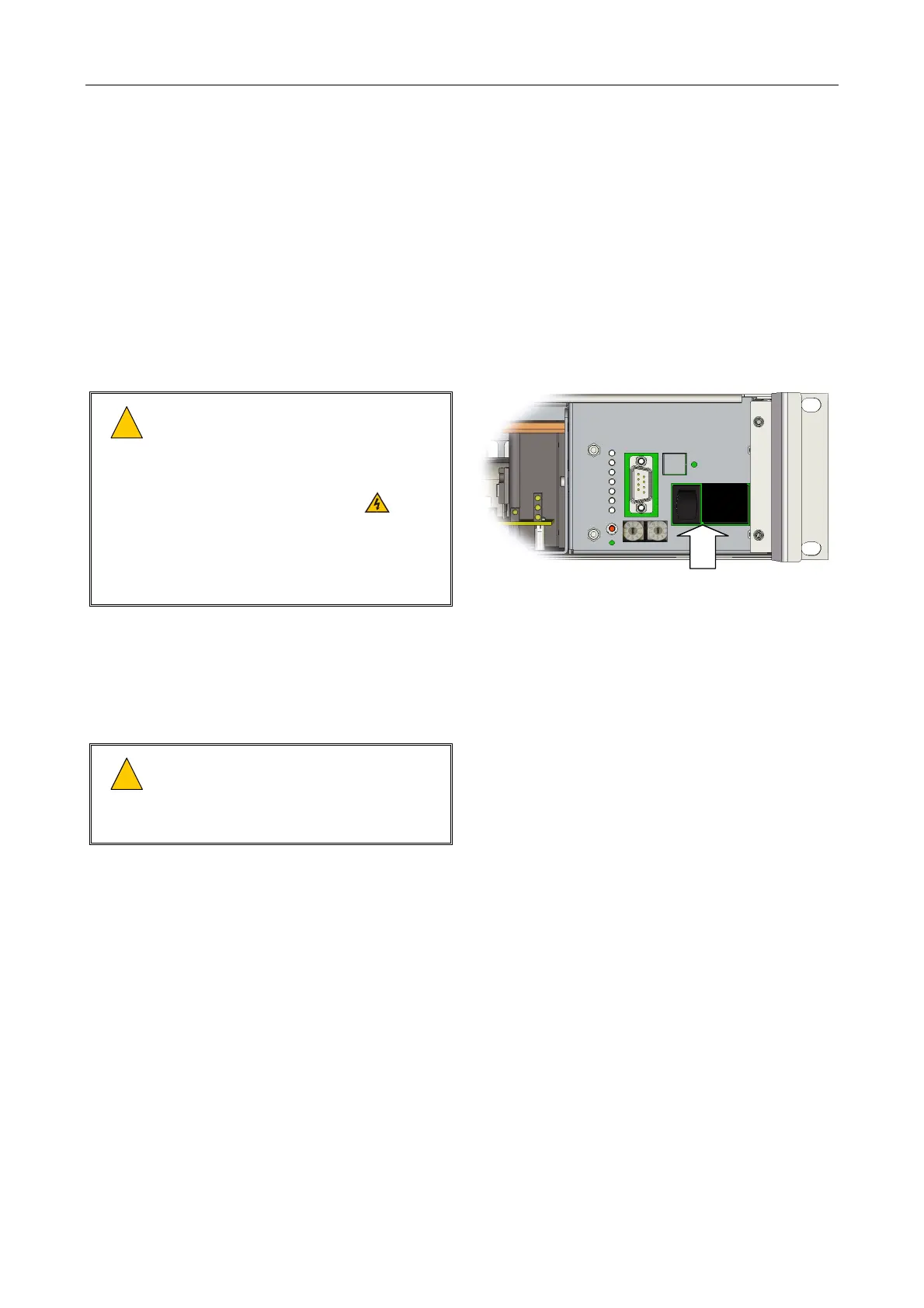
(Front panel removed)
BATTERY AND AC MAINS
ISOLATION SWITCHES: ON
O
I



 To Next Page