20
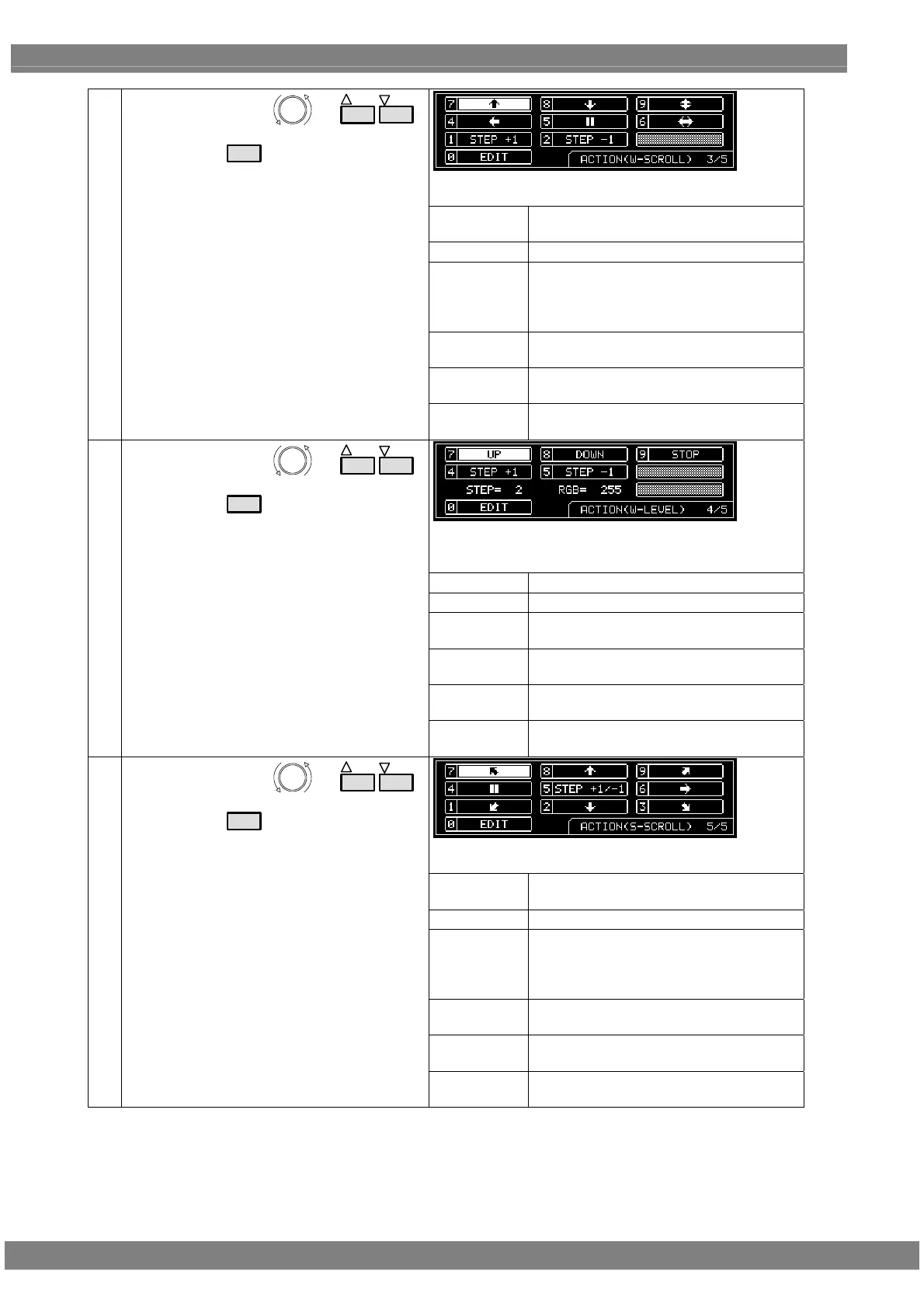
On this screen, the scroll direction and number of steps are
set when the W-SCROLL action has been checked.
←, →, ↑, ↓
Select these to scroll in the directions of
the arrows.
||
Select this to stop the scrolling temporarily.
RESET
Select this to return the pattern to its
original position.
(It is displayed only while scrolling is
stopped temporarily.)
STEP+1
Select this to increment the scroll step by
1.
STEP-1
Select this to decrement the scroll step by
1.
(4)
Select the action using
or
INC
DEC
,
and then press
SET
.
EDIT
Select this to perform the detailed scroll
settings.
On this screen, the level increment/decrement and
direction as well as the number of steps are set when the
W-LEVEL action has been checked.
UP
Select this to increment the level.
DOWN
Select this to decrement the level.
STOP
Select this to temporarily stop the level
change.
STEP+1
Select this to increment the level change
step by 1.
STEP-1
Select this to decrement the level change
step by 1.
(5)
Select the action using
or
INC
DEC
,
and then press
SET
.
EDIT
Select this to perform the detailed level
settings.
On this screen, the scroll direction and number of steps are
set when the S-SCROLL action has been checked.
←, →, ↑, ↓
Select these to scroll in the directions of
the arrows.
||
Select this to stop the scrolling temporarily.
RESET
Select this to return the pattern to its
original position.
(It is displayed only while scrolling is
stopped temporarily.)
STEP+1
Select this to increment the scroll step by
1.
STEP-1
Select this to decrement the scroll step by
1.
(6)
Select the action using
or
INC
DEC
,
and then press
SET
.
EDIT
Select this to perform the detailed scroll
settings.



 To Next Page