Chapter 2 OPERATION PROCEDURES
21
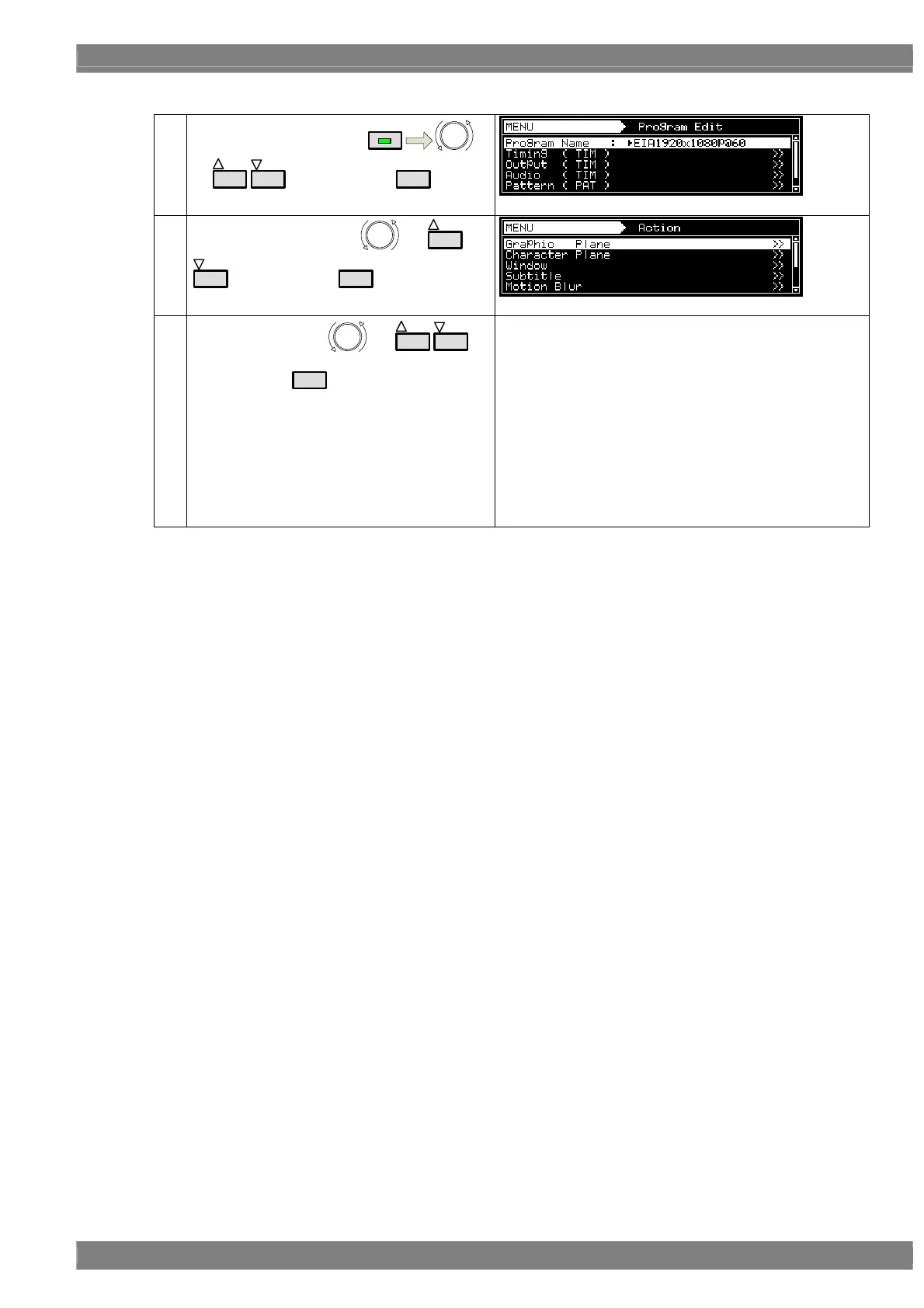
2) Select and set the action for each program data.
(1)
Select Program Edit using
MENU
or
INC
DEC
, and then press
SET
.
(2)
Select Action (PAT) using
or
INC
DEC
, and then press
SET
.
(3)
Select the item using
or
INC
DEC
,
and then press
SET
.
One of the following actions is selected, and the detailed
settings are performed.
For details on the setting procedure, refer to “ACTION
SETTINGS.”
• Graphic Plane
• Character Plane
• Window
• Subtitle
• Motion Blur
• 0.25 / 0.125 dot Scroll
• Lip Sync
• Black Insertion



 To Next Page