64
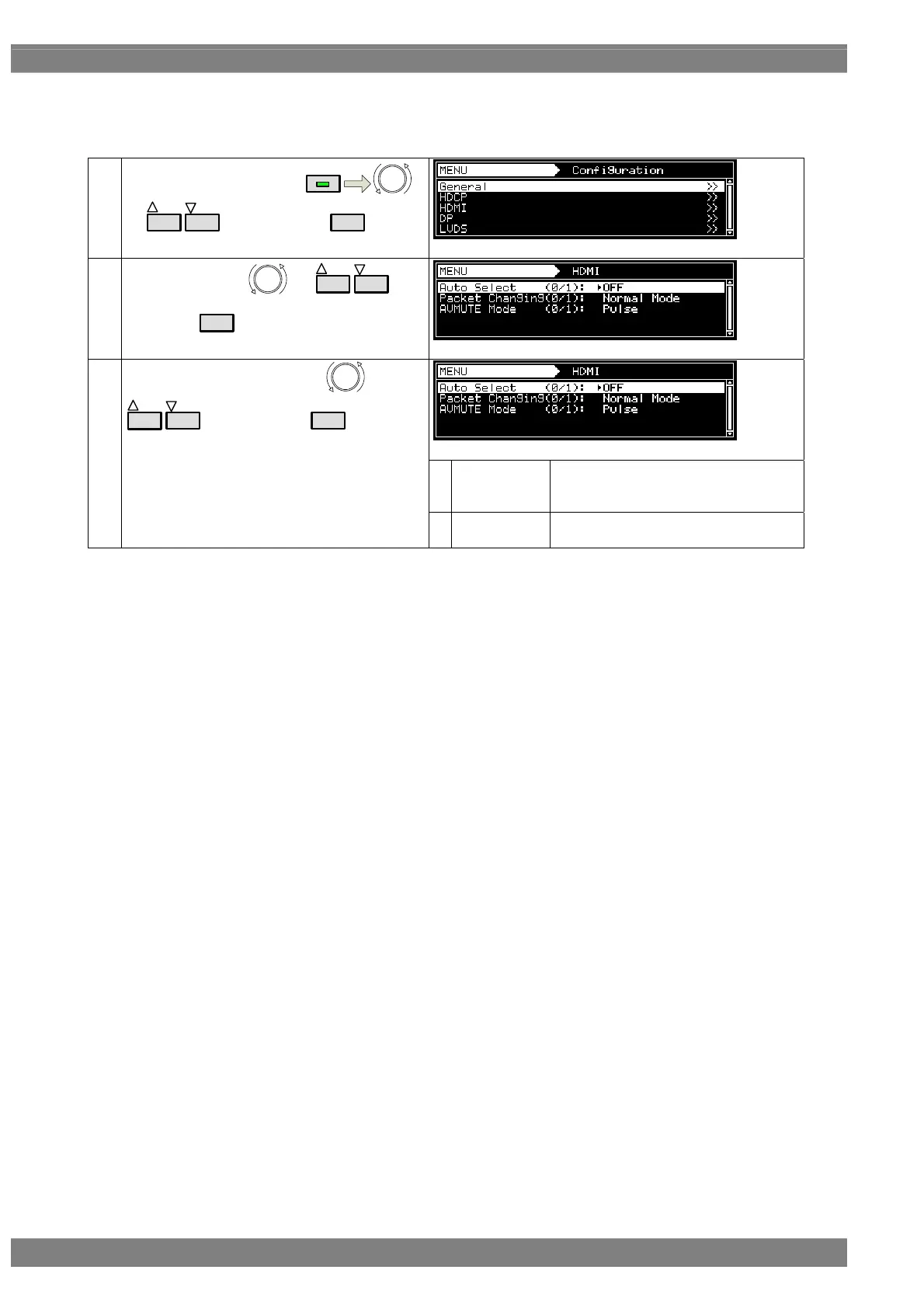
<Setting the HDMI output when making changes to InfoFrame/Packet>
When making changes to InfoFrame/Packet, users can select either to turn off the synchronization of the HDMI
output or establish the settings or change only the packets without turning off the synchronization.
(1)
Select Configuration using
MENU
or
INC
DEC
, and then press
SET
.
(2)
Select DHMI using
or
INC
DEC
, and
then press
SET
.
0
Normal Mode
The HDMI output synchronization is
turned off, and the InfoFrame/Packet
changes are made.
(3)
Select Packet Changing using
or
INC
DEC
, and then press
SET
.
1
Game Mode
Changes are made to Packet only (the
synchronization is not turned off).



 To Next Page