Page 98Aviom A640 Personal Mixer User Guide
Connecting to the Mono Mix Out
In addition to the 1/4-inch and 1/8-inch Stereo Mix Outs, the A640 has a dedicated Mono Mix Out
that is always available. The Mono Mix Out can be used alone—connected to a powered speaker, for
example—or in conjunction with a stereo monitoring device such as headphones where the mono
output is connected to a subwoofer or tactile bass shaker device such as Aviom’s BOOM System.
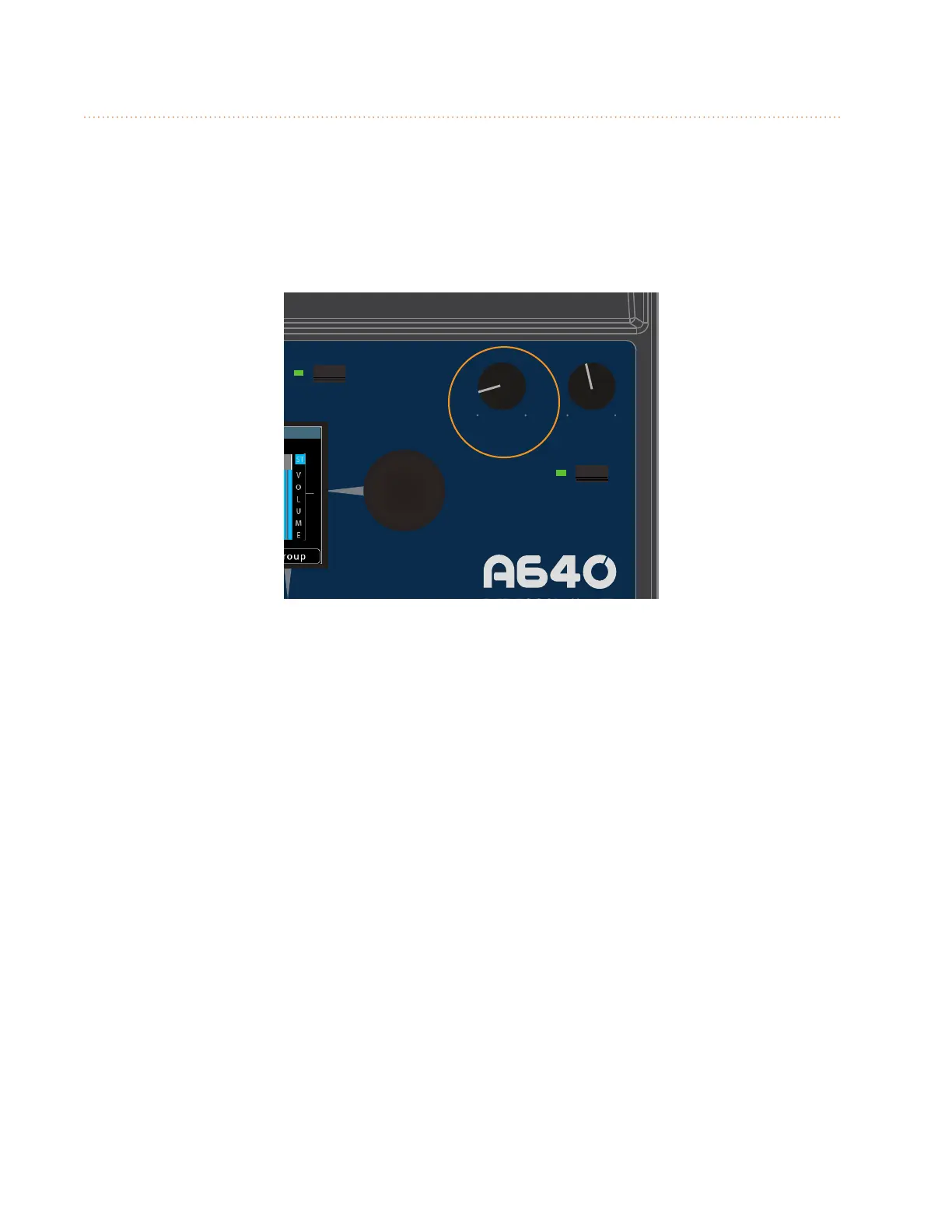
The Aux Volume knob controls the level of the mono output.
AmbienceIntercom
Save Recall
Signal/Clip
Aux Volume Master Volume
Master EQ
Channel
Mix
Names
Trim All
View
Mixer Setup
1 2 3 4 5 6 7 8 9 10 11 12 13 14 15 16 Favorite
Set the output level of the mono mix with the Aux Volume knob.
The volume level of the Aux Volume knob is not stored as part of a mix preset.
Mono Speakers
The A640 Personal Mixer’s Mono Mix Out is ideal when you need to connect the A640 to a mono
device such as a powered speaker or wedge. The balanced line-level XLR output supplies a mono
version of the mix being created on the A640, even when the stereo outputs are also being used.



 To Next Page