Page 12Aviom A640 Personal Mixer User Guide
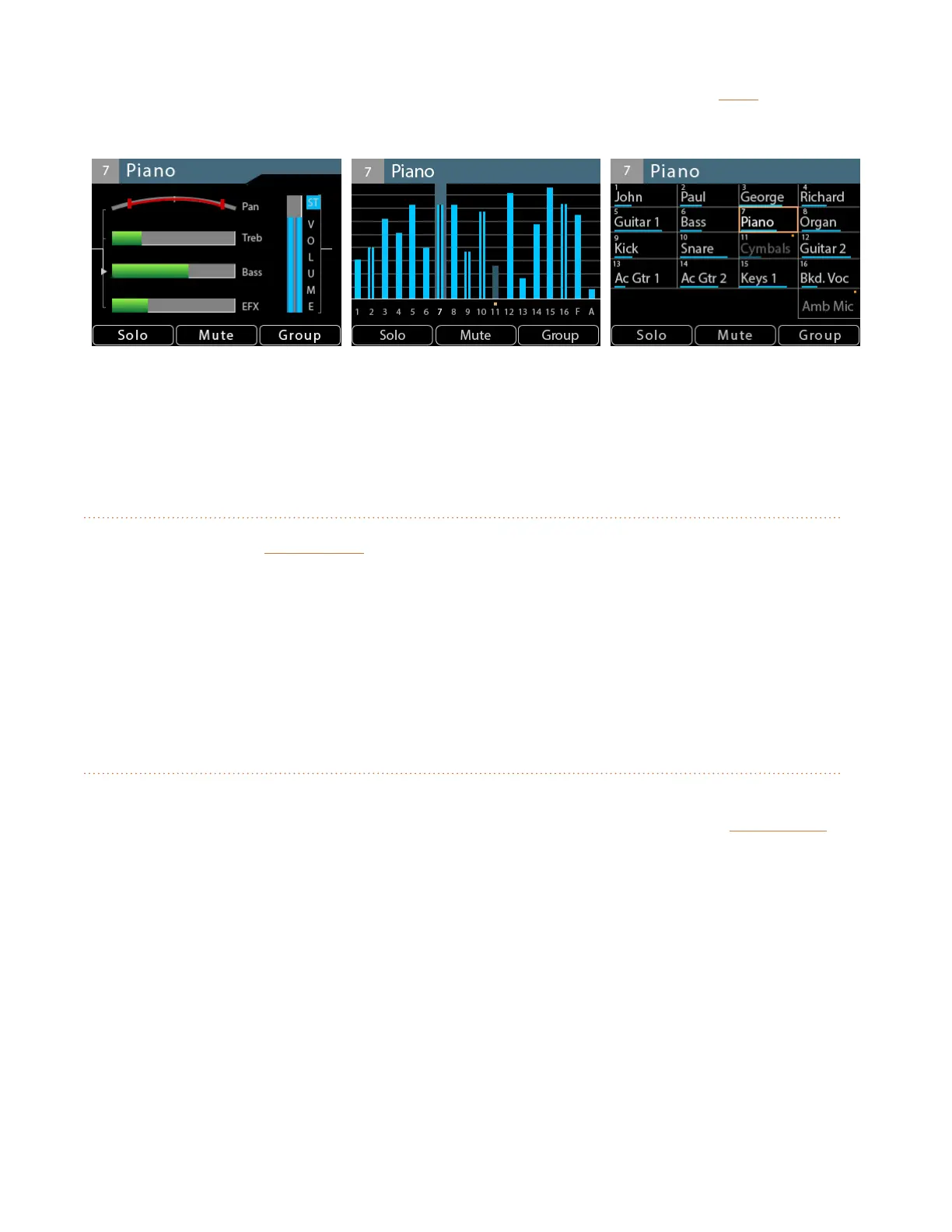
Cycle through the three views at any time while mixing by pressing the dedicated Vie w button found
above the display.
(L/R) Channel, Mix, and Names views
See "A640 Mix Views" on page 23 for a detailed explanation of the Views and their features.
Mixer Setup Button
Pressing the dedicated MixeR Setup button at the top of the A640 interface opens the Mixer Setup
menu which provides access to the A640 Personal Mixer’s customizable settings and storage options.
Each function in the list contains a Help page that provides a brief overview of the selected function’s
operation.
See "Mixer Setup Menu" on page 50 for complete information on all the functions and settings
available in the Mixer Setup menu.
Aux Volume
In addition to the stereo mix output, the A640 automatically generates a balanced line-level mono
mix that makes connecting a subwoofer, bass shaker, or powered speaker easy. The aux VoluMe
knob controls the level of the mono mix being sent to the Aux Out XLR jack on the rear panel.
The Aux Volume level is not saved in a mix preset or conguration.



 To Next Page