Page 42Aviom A640 Personal Mixer User Guide
Intercom Modes
The A640 Personal Mixer's Intercom function can operate in one of two modes—momentary (push-
to-talk) or latched (hands-free).
Momentary
The momentary (push-to-talk) Intercom function is useful when you need to transmit a brief message
to the other A640 users in the network. Holding the inteRcoM button down activates the Intercom
and transmits audio from your location while you speak until the button is released. The Intercom
LED will light solid on the speaker's A640 for as long as the button is held down. On other users' A640
Personal Mixers the Intercom LED blinks to notify them that Intercom audio is available. Each user
can choose an Intercom Receive Volume level for Intercom audio that best suits their needs.
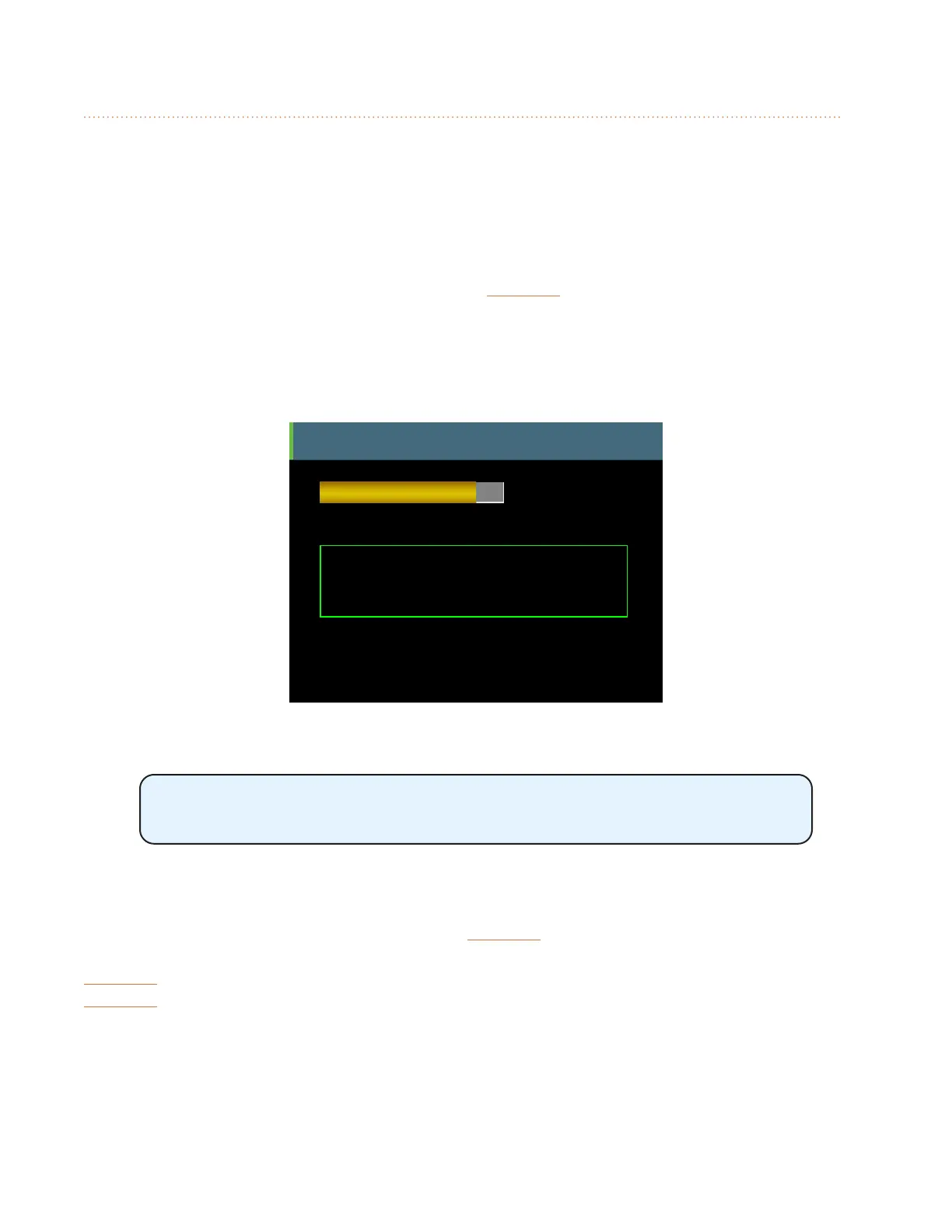
Intercom
Audio Source = Internal Mic
You are the speaker.
Receive
Volume
Intercom Broadcast Slot = 64
D800 Port 1
Each A640 can set its own Intercom Receive Volume.
Hold the Intercom button down and turn either encoder to set the Intercom
Receive Volume.
Latched
For longer hands-free communications, press the inteRcoM button once to latch it on. The Intercom
will remain active without requiring that the button be held down. When done speaking, press the
inteRcoM button a second time to turn it o. The speaker's Intercom LED remains lit solid until the
inteRcoM button is pressed a second time to exit the latched mode. As with the momentary Intercom
mode, the other A640 users' Intercom LEDs blink to notify them that Intercom audio is available.



 To Next Page