Page 10Aviom A640 Personal Mixer User Guide
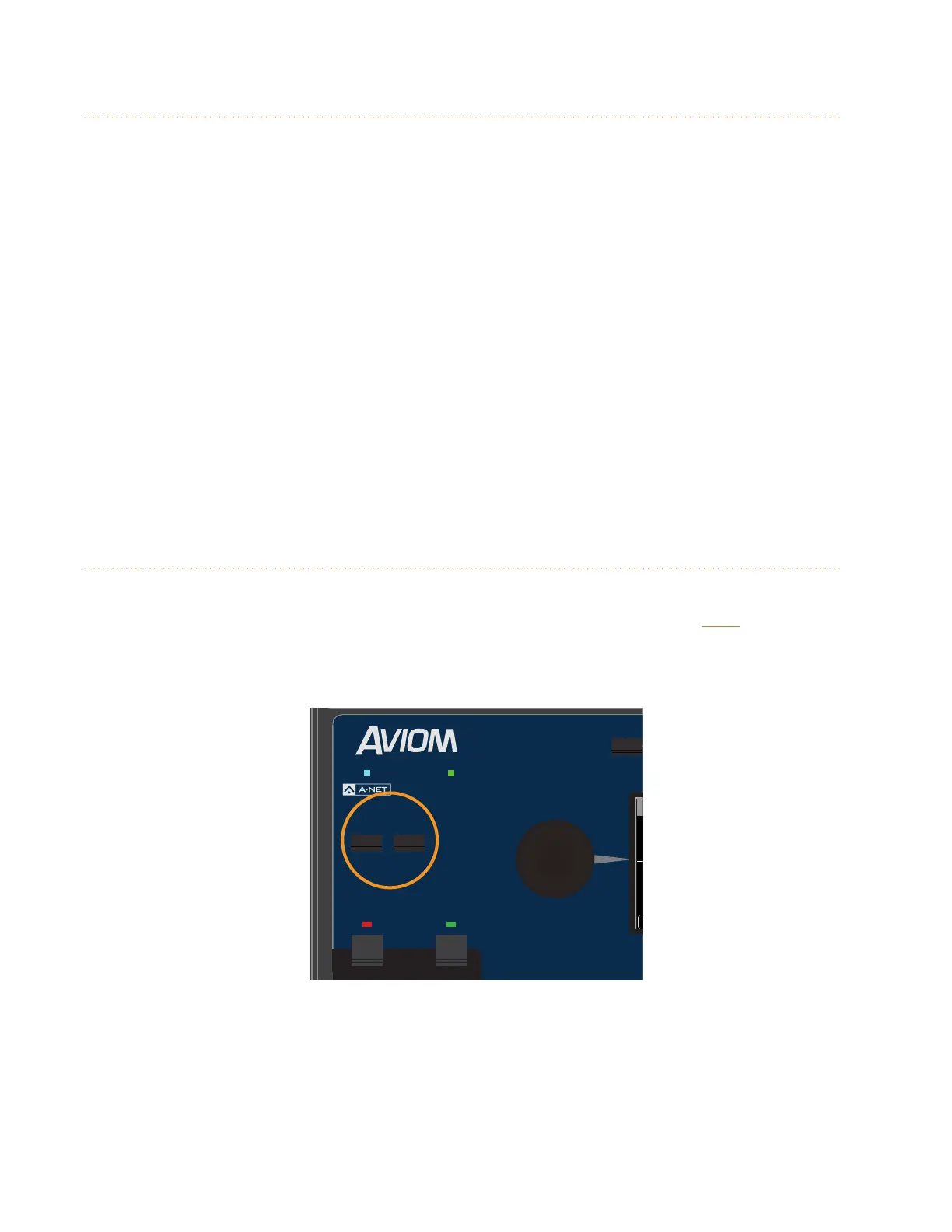
A-Net LED
The A-Net LED lights whenever a valid digital Pro16 or Pro16e A-Net signal is connected to the A640.
When the legacy 16-channel Pro16 version of A-Net is connected, the A-Net LED lights green; when
the enhanced (up to) 64-channel Pro16e version of A-Net is connected, the A-Net LED lights blue.
Signal/Clip LED
The A640 includes custom circuitry to maximize mix headroom and minimize clipping in the digital
domain. A bi-color Signal/Clip LED is provided to help maintain a high delity, distortion-free mix.
The LED lights green under normal circumstances. As channel mix levels begin to increase, peaks
(especially those from percussive sources) will begin to light the red LED to indicate that some
clipping has started to occur.
When the red LED is on frequently, this is an indication that your mix headroom is being
compromised. Turning down the Master Volume knob will not reduce clipping or eliminate distortion
in this case; the Master Volume changes the output level after the digital mix has already been
created. The solution is to use the Trim All function which lowers all channel mix volumes uniformly.
Save Button
The A640 Personal Mixer can save and recall sixteen mix presets in its onboard memory. The A640's
sixteen mix channel buttons are used as the preset memory locations. Press the SaVe button
followed by one of the mix channel buttons 1-16 to save the current settings as a mix preset to that
location.
AmbienceIntercom
Save Recall
Signal/Clip
Aux Volume Master Volume
Master EQ
Channel
Mix
Names
Trim All
View
Mixer Setup
1 2 3 4 5 6 7 8 9 10 11 12 13 14 15 16 Favorite
Save and Recall buttons
Mix Presets 1-16 store the following information:
• Mixer Mode (Pro16, Default, or Custom)
• Settings for each channel:



 To Next Page