Page 25Aviom A640 Personal Mixer User Guide
Ac. Gtr 2
14
The Solo button lights green when any channel is placed into Solo mode.
Additive Solo
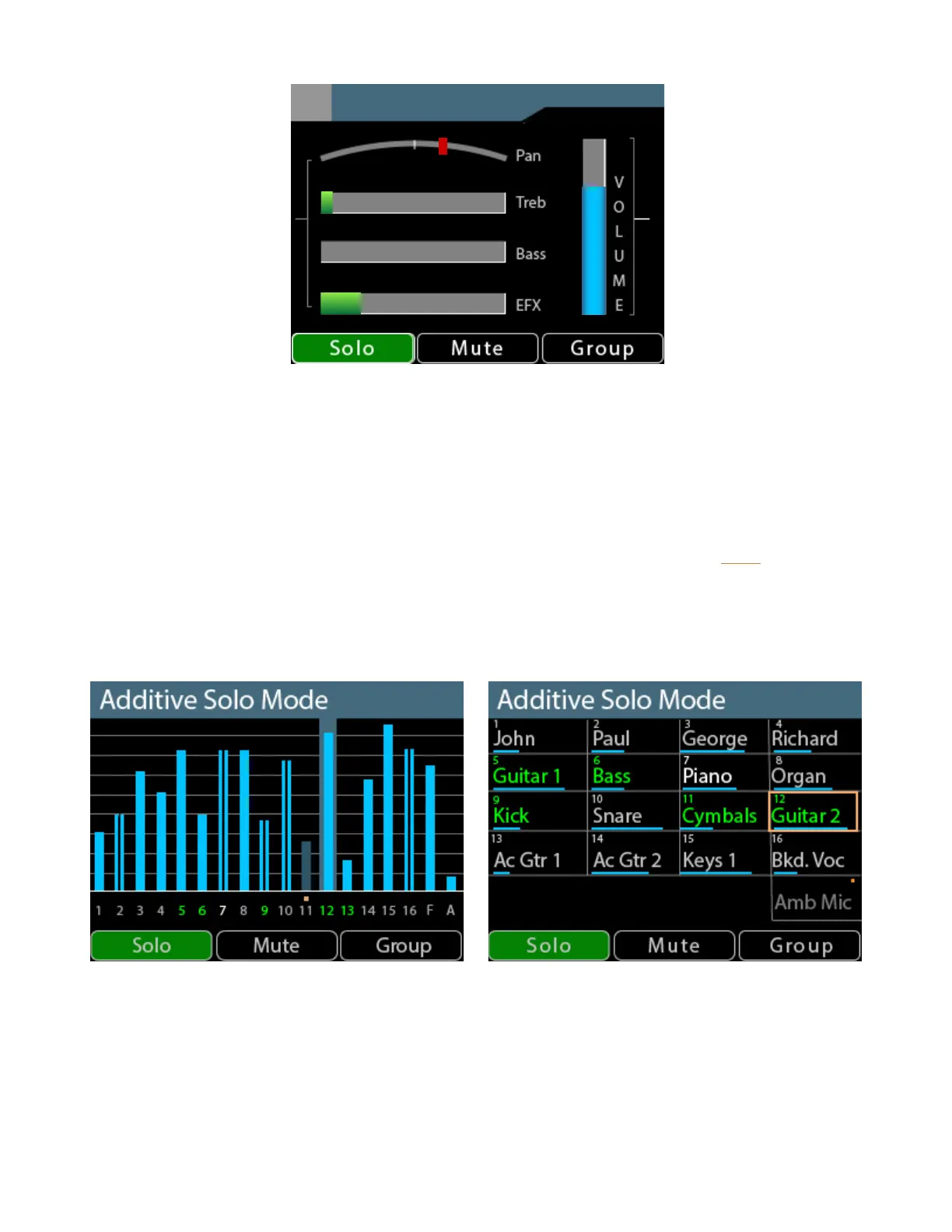
To hear multiple channels while in Solo mode, double-click channel buttons to add them to the Solo
mix. The info bar at the top of the current View’s window will indicate Additive Solo Mode whenever
more than one channel is in solo. To remove a channel that has been added to the Additive Solo
group, double-click its channel button again. To exit Additive Solo mode press the Solo button to
return to normal mixing.
When using Additive Solo in the Mix view or Names view, all channels added to the Solo group will
have a green highlight.
Channels 5, 6, 9, 12, and 13 are shown in Additive Solo Mode in the Mix View (L) and Names View (R).
The Solo mode on/o state is temporary and is not saved as part of a mix preset or conguration.



 To Next Page