Page 11Aviom A640 Personal Mixer User Guide
ཌྷ Volume
ཌྷ Mute status
ཌྷ Pan for mono and stereo channels
ཌྷ Treble boost amount
ཌྷ Bass boost amount
ཌྷ EFX level
• Last selected channel 1-16, or 1-17 in Custom mode
• Which channel is mapped to the Favorite button (Pro16 and Default modes only)
• Master EQ Bass, Treble, and Enhance amounts
• Ambience On/O status
• Ambience volume
• Intercom Volume and audio source
• Aux Out source (Main Mix or Aux Mix)
• Aux Mix channel On/O selections
• Group 1-4 settings
• The last View screen displayed
• Current Stereo Link values for all 64 Slots from the A-Net network
Recall Button
The Recall button is used to load one of the sixteen saved mix presets into memory. Press the
Rec all button followed by the channel button that corresponds to the mix preset you wish to load.
The Mixer Mode (Pro16, Default, or Custom) saved within the preset must
match the current Mixer Mode in order to load the mix preset.
An error message is displayed if you attempt to load a mix preset whose settings do not match the
current Mixer Mode.
View Button
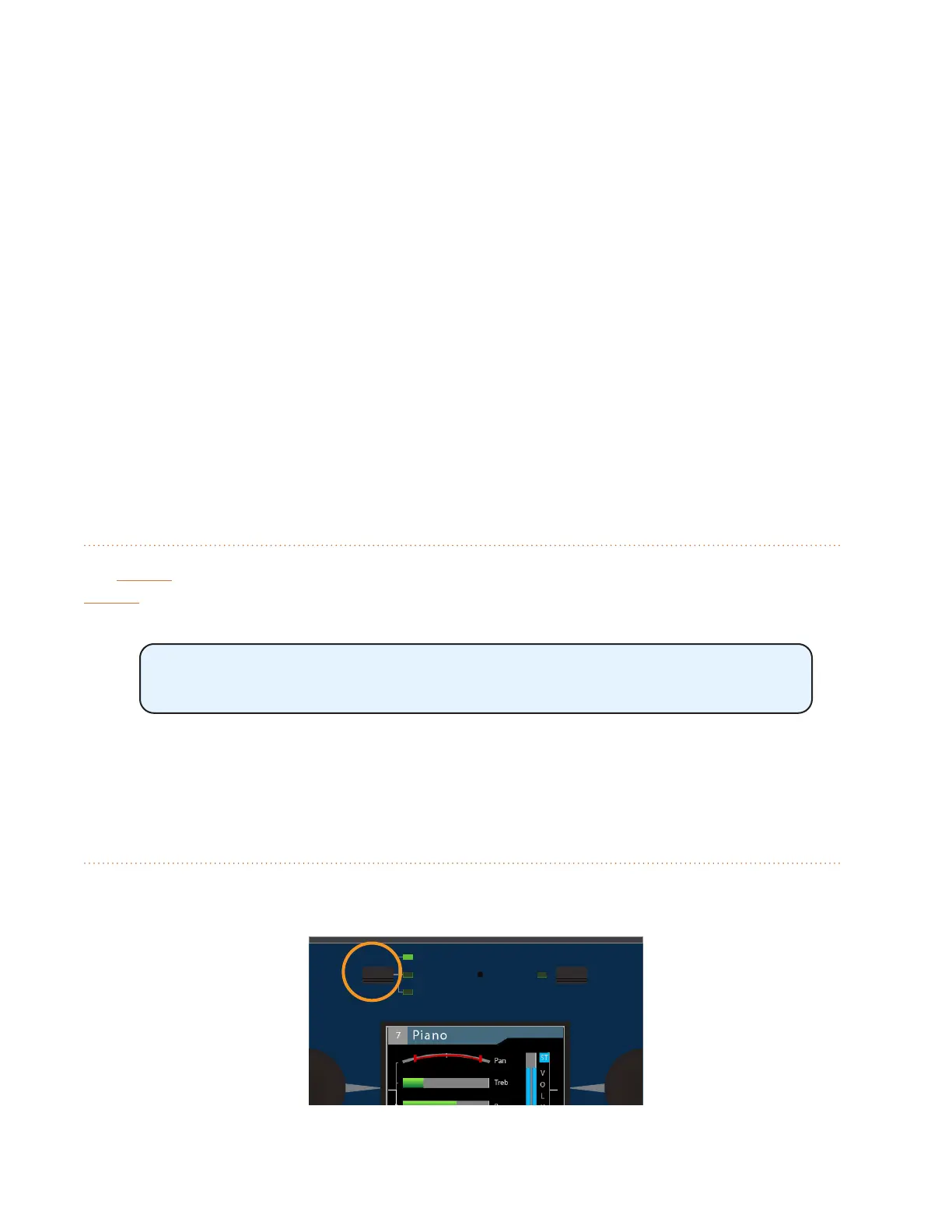
The A640’s built-in display can show your mix settings in one of three views—Channel View, Mix
View, or Names View.
AmbienceIntercom
Save Recall
Signal/Clip
Aux Volume Master Volume
Master EQ
Channel
Mix
Names
View Mixer Setup
1 2 3 4 5 6 7 8 9 10 11 12 13 14 15 16 Favorite



 To Next Page