Page 13Aviom A640 Personal Mixer User Guide
AmbienceIntercom
Save Recall
Signal/Clip
Aux Volume Master Volume
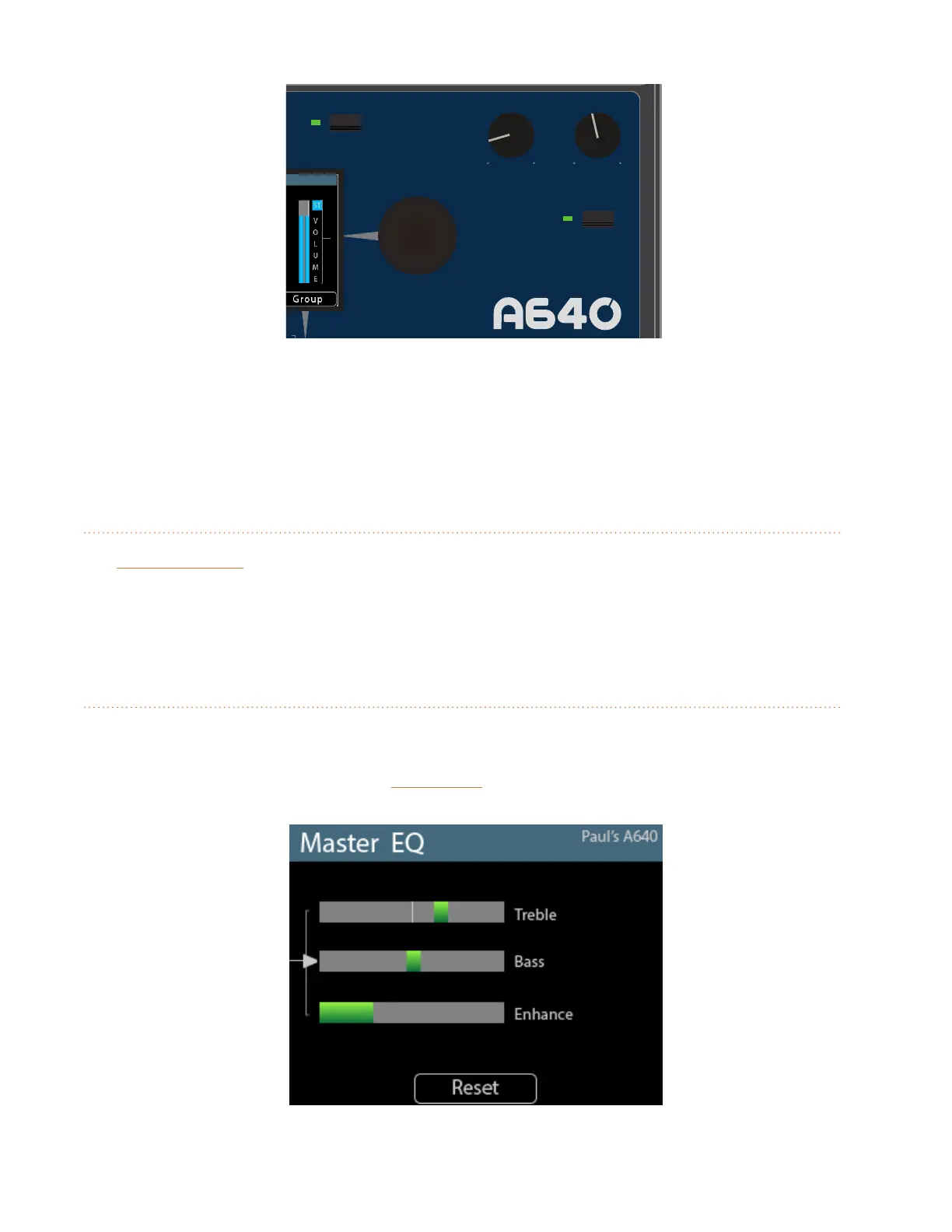
Master EQ
Channel
Mix
Names
Trim All
View
Mixer Setup
1 2 3 4 5 6 7 8 9 10 11 12 13 14 15 16 Favorite
Aux Volume, Master Volume, and Master EQ
You can choose between using the mono version of the main mix or a customized set of channels.
See page 71 to learn more about setting up and using the Aux Mix.
Master Volume
The MaSteR VoluMe knob controls the stereo mix level heard when using headphones or earbuds
connected to the A640's rear-panel 1/4- or 1/8-inch output jacks. The Master Volume is independent
of the Aux Volume. Its volume level is not saved in a mix preset or conguration.
Master EQ Button
The A640 Personal Mixer includes a global Master EQ section that is applied to the stereo mix being
sent to the 1/4-inch and 1/8-inch stereo headphone outputs as well as the XLR mono Aux Mix output
on the rear panel of the A640. Press the MaSteR eQ button to access its settings.
The A640 Master EQ section



 To Next Page