Page 85Aviom A640 Personal Mixer User Guide
Edit Mixer Name
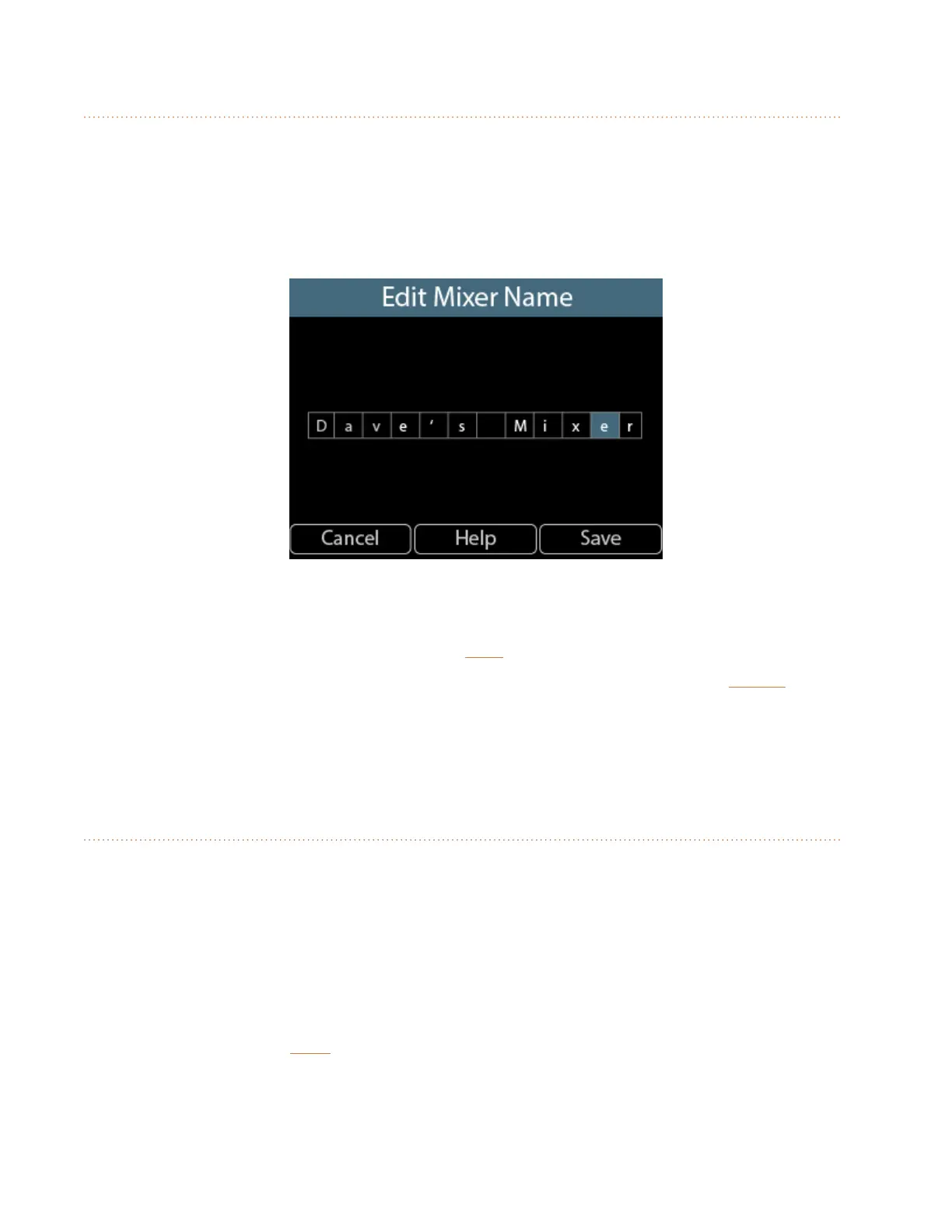
Each A640 Personal Mixer in a system can be given a unique 12-character name. The mixer name will
be displayed on the Master EQ screen, in the About This Mixer window, and to other A640 users when
using the Intercom feature. Use the Edit Mixer Name function to dene a name for each A640.
• From the main Mixer Setup window, scroll to choose Edit Mixer Name.
• Press either encoder button to begin editing the text.
• The editing window opens.
• Scroll through the twelve text cells with the left encoder.
• Turn the right encoder to select a letter, number, or special character from the list.
• To nalize the name and exit, press the SaVe button.
To exit the name editing elds without changing the current mixer name, press the cancel button to
return to the main Mixer Setup menu.
The mixer name is saved as part of a conguration when using the Save Conguration function.
LCD Backlight Level
The LCD on the A640 Personal Mixer can be set to one of 12 available brightness levels to allow it to
adapt to any performance situation.
To change the display’s brightness:
• From the main Mixer Setup window, scroll to choose LCD Backlight Level.
• Press either encoder button.
• With the LCD Backlight Level window open, turn either encoder to scroll through the 12
brightness levels.
• To exit press the back button to return to the main Mixer Setup menu or press any mixer
interface button to exit directly to mixing.
The LCD’s brightness level is remembered across power cycles and is saved as part of a conguration.



 To Next Page