Page 69Aviom A640 Personal Mixer User Guide
DefaultsBack Help
Channel Mapping
Drums
Bass
John Voc
Ac Gtr
Gtr 1
Paul Voc
Yes
No
No
No
No
No
1-2
1-2
9
26
7
15
1
2
5
6
3
4
15
!
!
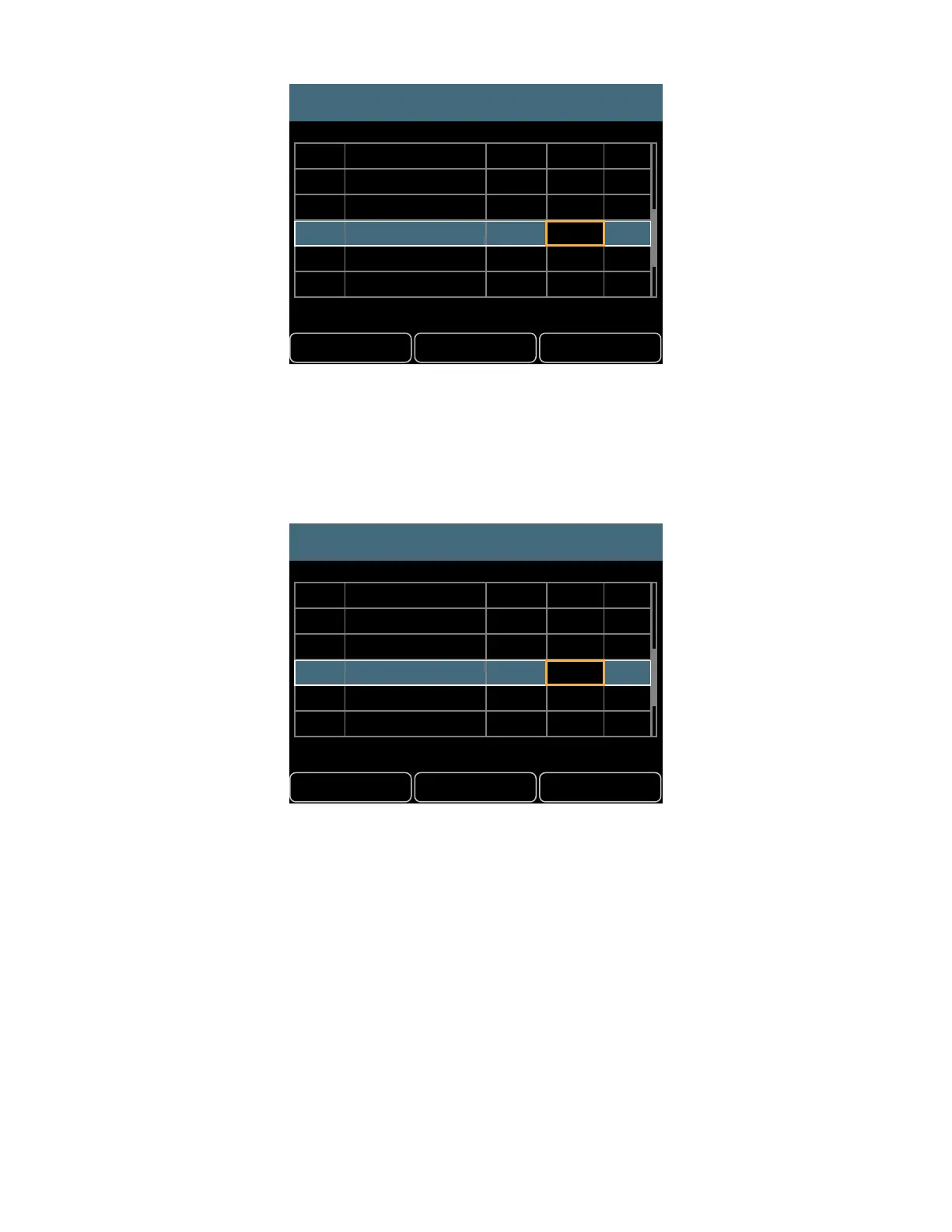
Adding a stereo link creates a channel conict
In systems using the Intercom feature, the Intercom’s Broadcast Slot should not be assigned to an
A640 mix channel button in a Custom Mode channel map. The channel list will indicate the current
Broadcast Slot in red text; no monitor mix audio will be heard on the Broadcast Slot.
DefaultsBack Help
Channel Mapping
Drums
Bass
John Voc
Ac Gtr
Gtr 1
Paul Voc
Yes
No
No
No
No
No
1-2
1-2
9
26
7
15
1
2
5
6
3
4
15
64
1
2
Assigning the Broadcast Slot (64) to a mix channel button will cause that channel to have no audio output.
Disable an A640 Mix Channel Button
It is possible to disable an A640 mix channel button by setting it to have no network Slot assignment.
To do this:
• Follow the previous steps to begin editing a channel map.
• Select the A640 mix channel to be disabled.
• Scroll the Slot assignment list to the left using the right encoder until the double dash “- -”
character appears.



 To Next Page