Page 70Aviom A640 Personal Mixer User Guide
DefaultsBack Help
Drums
Bass
John Voc
Ac Gtr
Gtr 1
Paul Voc
Yes
No
No
No
No
No
1-2
3
9
26
7
15
1
2
5
6
3
4
- -
Channel Mapping
• Press the right encoder button to complete the assignment.
• Press the back soft button to exit.
The channel’s-Volume, Pan, Treble, Bass, and EFX settings are reset whenever a channel is disabled.
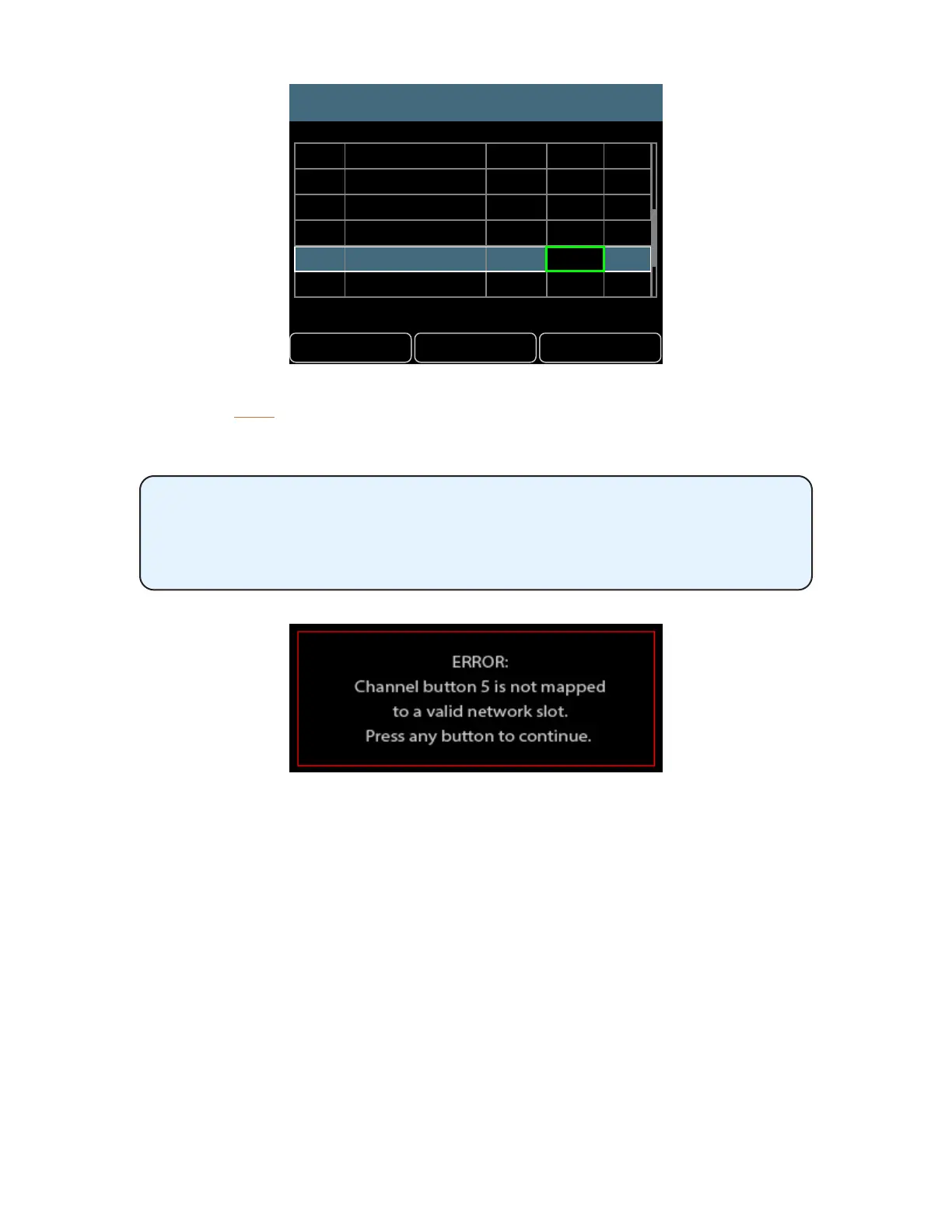
Any mix channels set to have no network Slot assignment cannot be selected
or edited while mixing on the A640 in Custom mode. An error message will be
displayed whenever an unassigned mix channel button is selected on the A640.
The channel button’s green LED will also ash as a reminder.
Channel Map settings are saved and recalled as part of a conguration. See “Save a Conguration” on
page 52.



 To Next Page