Page 83Aviom A640 Personal Mixer User Guide
If each A640 mixer channel button is assigned a stereo source, you can hear a
maximum of 36 channels (18 stereo pairs) in Custom mode.
Input List
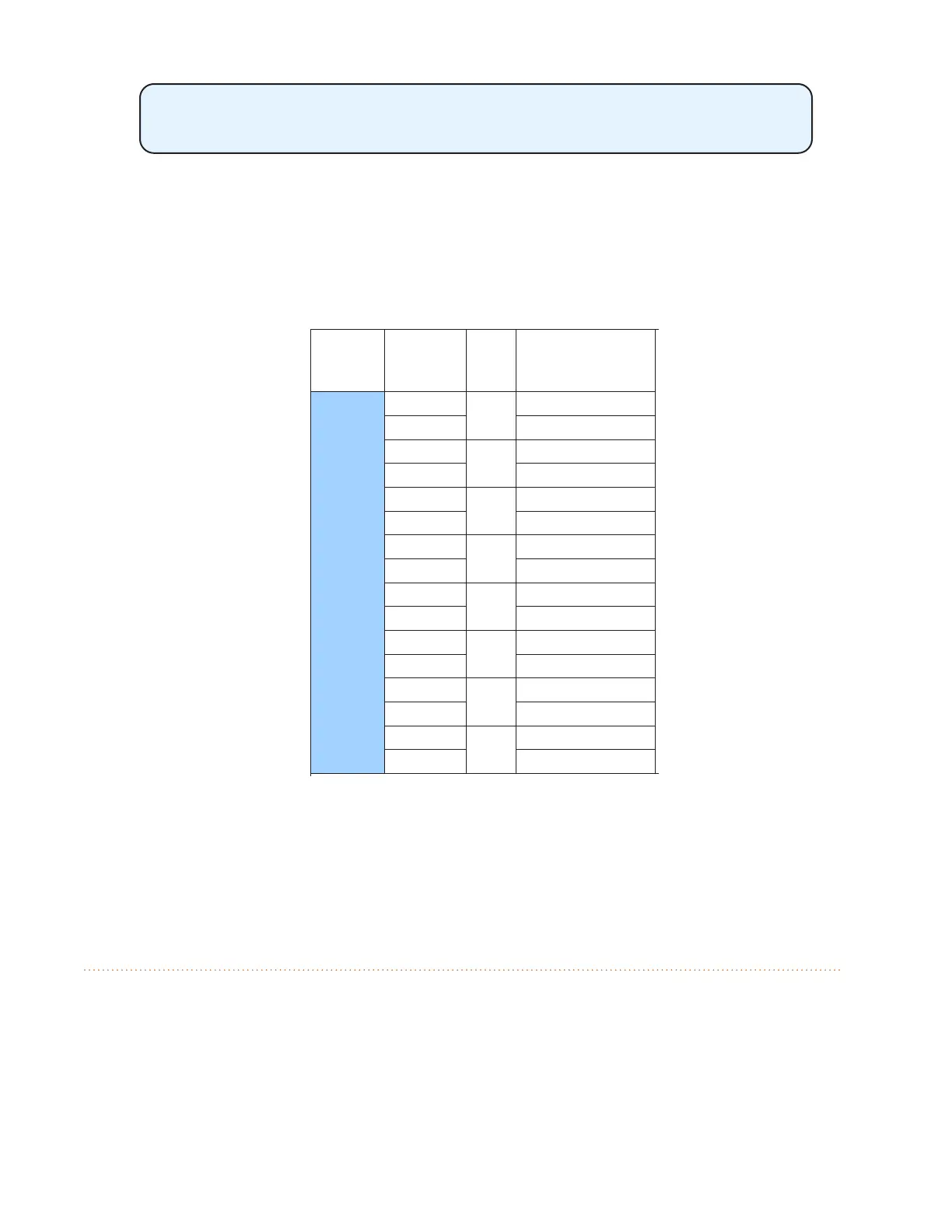
To simplify system setup, create an input list. Print out the channel worksheet and note each source
channel’s network input slot, mono/stereo status, and its name making it easier to create and
manage Custom mode congurations for multiple performers.
Network
Channels
(Slots) Input Stereo Source
Network
Channels
(Slots) Input Stereo Source
1-16
1
2
3
4
5
6
7
8
9
10
11
12
13
14
15
16
48
Network
Channels
(Slots) Input Stereo Source
Network
Channels
(Slots) Input Stereo Source
17-32
17
49-64
49
18 50
19 51
20 52
21 53
22 54
23 55
24 56
25 57
26 58
27 59
28 60
29 61
30 62
31 63
32 64
Kick
Snare
Cym & Toms L
E Gtr 1 L
E Gtr 1 R
Ac Gtr
E Gtr 2
Organ Top
Piano L
Piano R
Cym & Toms R
Bas
Paul Vocal
John Vocal
Gerge Vocal
The rst 16 channels of an input list
A blank, full-size version of the input list appears at the end of this document. The input list is also
available on the Aviom website (www.Aviom.com).
Clear Current Mix
The A640 Personal Mixer oers a simple shortcut function to quickly reset the current mix to its
default settings—Clear Current Mix. The function clears the currently active mix but does not aect
any mixes saved as presets in the A640. It also has no aect on any mix presets saved as part of a
conguration on a USB storage device.
Using this command:



 To Next Page