Page 38Aviom A640 Personal Mixer User Guide
Intercom Setup
The A640 Personal Mixer's intercom is a convenient way for A640 users to
communicate with each other while wearing headphones or earbuds during a live
stage or theater performance, recording session, TV broadcast, etc.
The Intercom feature requires that the personal mixing system include a D800 or D800-Dante A-Net
Distributor (with v4.00 or higher rmware installed). The D800 can support up to eight A640 Personal
Mixers.
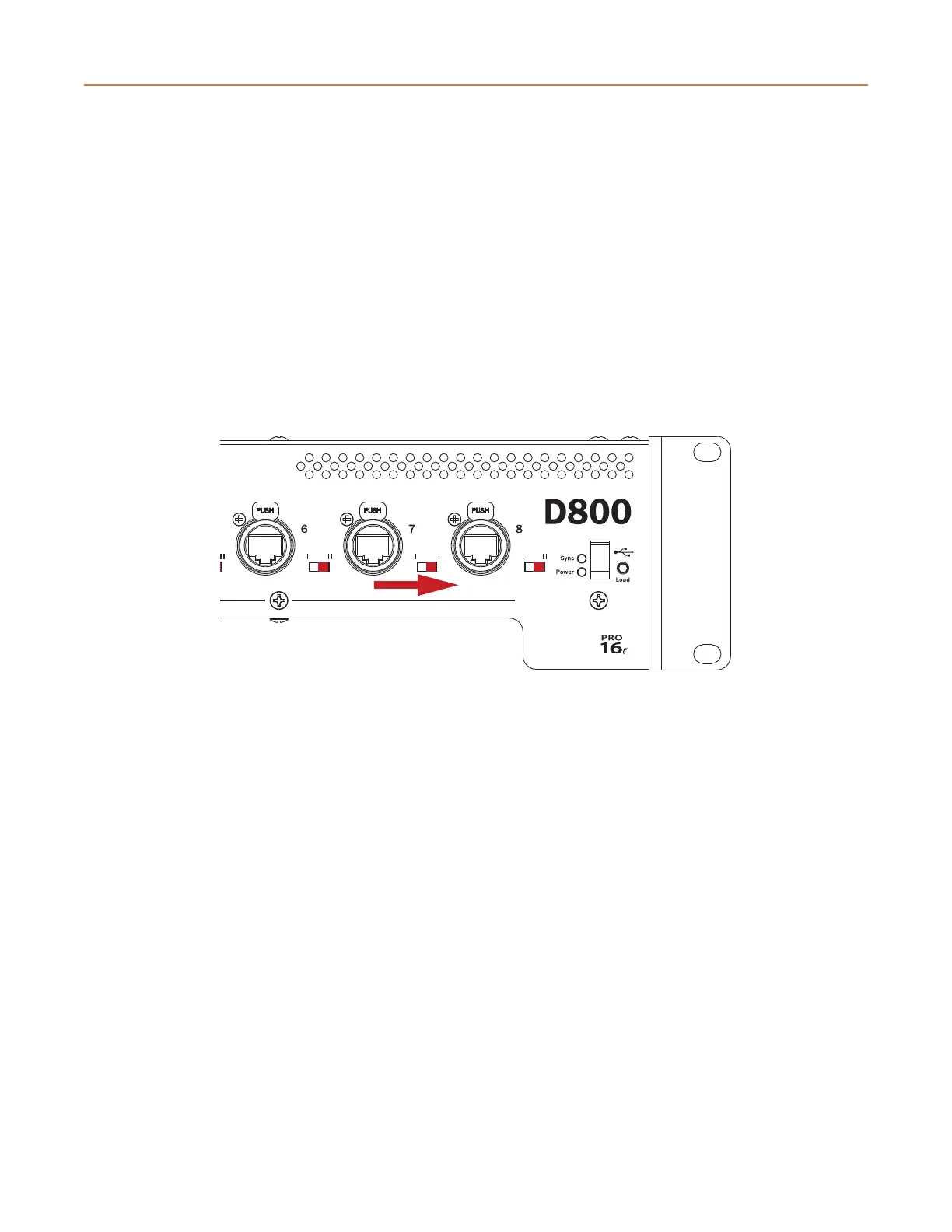
Using the Intercom also requires that each port of the D800 or D800-Dante that will make use of
the Intercom feature has its I/II switch set to the 'II' position to enable bidirectional communication
between the A640 Personal Mixers and the host D800.
D800 I/II switches must be set to the “II” position.
The basic steps required to set up the Intercom include:
• Connect A640 Personal Mixers to a D800 or D800-Dante A-Net Distributor.
• Set the D800 front panel I/II switches to "II."
• Choose a global Broadcast Slot for the Intercom audio being sent through the network.
• Set the desired audio source (internal mic, external mic connected to the Aviom A-Net
network, or none) for each A640 Personal Mixer that will transmit over the Intercom.
Attempting to use the Intercom without a connection to a D800 or D800-Dante A-Net Distributor will
result in an error message being displayed on the A640.



 To Next Page