Page 21Aviom A640 Personal Mixer User Guide
Channels in the aux mix ignore any left/right panning set up in the stereo
version of the monitor mix.
By default, the mono mix contains the same channels as the stereo mix. The mono mix channels are
always at the same volume level as those in the stereo mix. The Aux Mix can also output a custom set
of channels selected from your monitor mix by using the Aux Mix Setup function found in the Mixer
Setup window.
See page 71 to learn how to set up a custom Aux Mix.
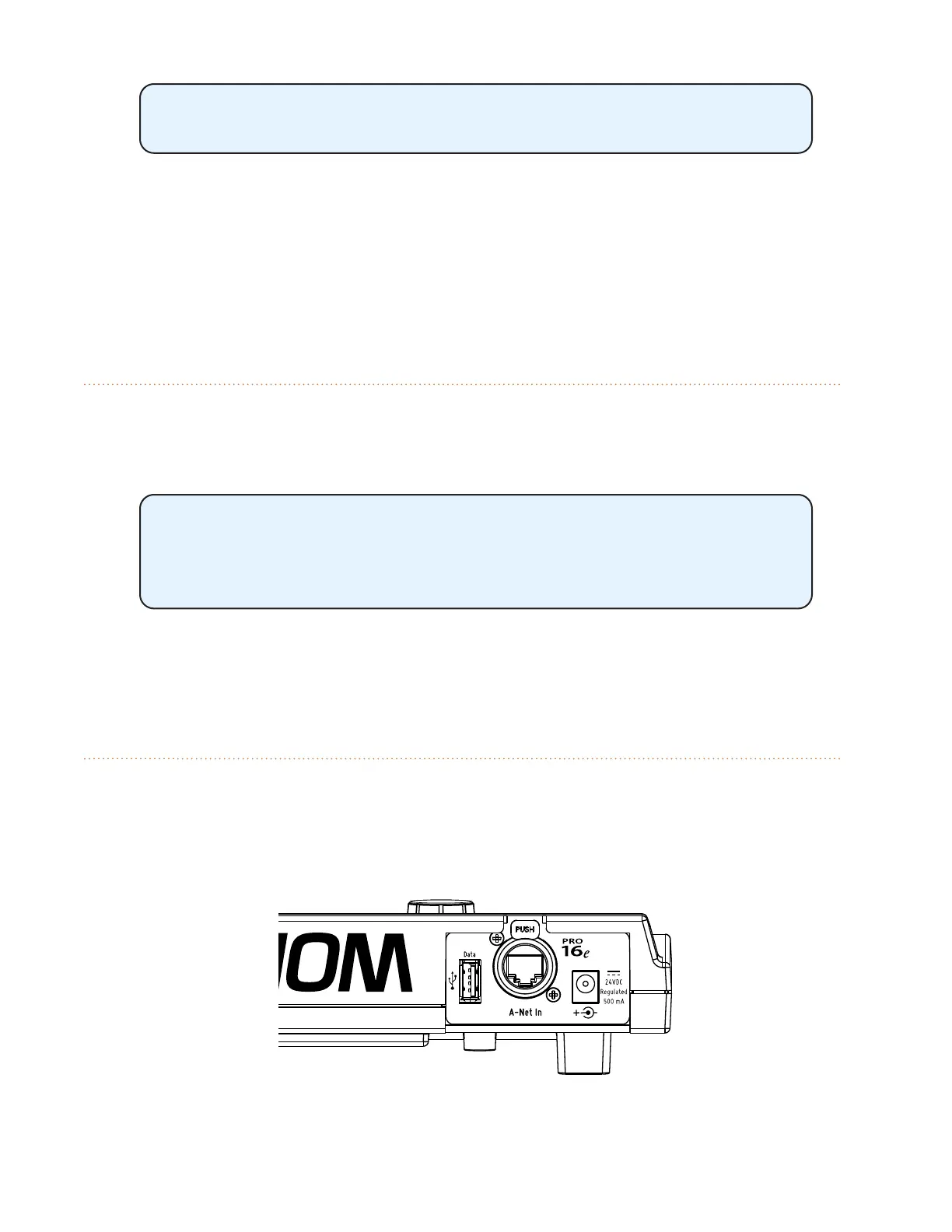
USB Port
Save and recall your A640 mix settings and congurations with a standard USB storage device
connected to the A640's USB port. If new A640 rmware is available, the A640 can be updated by
using the Check for Updates function, found in the File Transfer section of the Mixer Setup menu.
The USB data port is designed to use a PC-formatted USB storage device
and is not designed to work with external hard drives or any other types of
peripherals that connect via USB. It cannot be used to charge another USB
device.
To learn more about the File Transfer function and saving and recalling A640 congurations, see page
51.
A-Net In Port
Aviom's high speed, low latency A-Net audio data transport protocol can connect a virtually
unlimited number of A-Net devices. The A-Net port on the A640 Personal Mixer can supply up to
64 sources for the A640 to choose from when creating custom channel mappings for a performer's
monitor mix.
The A640's A-Net In port can be connected to current or legacy A-Net devices including analog input



 To Next Page