Page 77Aviom A640 Personal Mixer User Guide
Mixer Mode
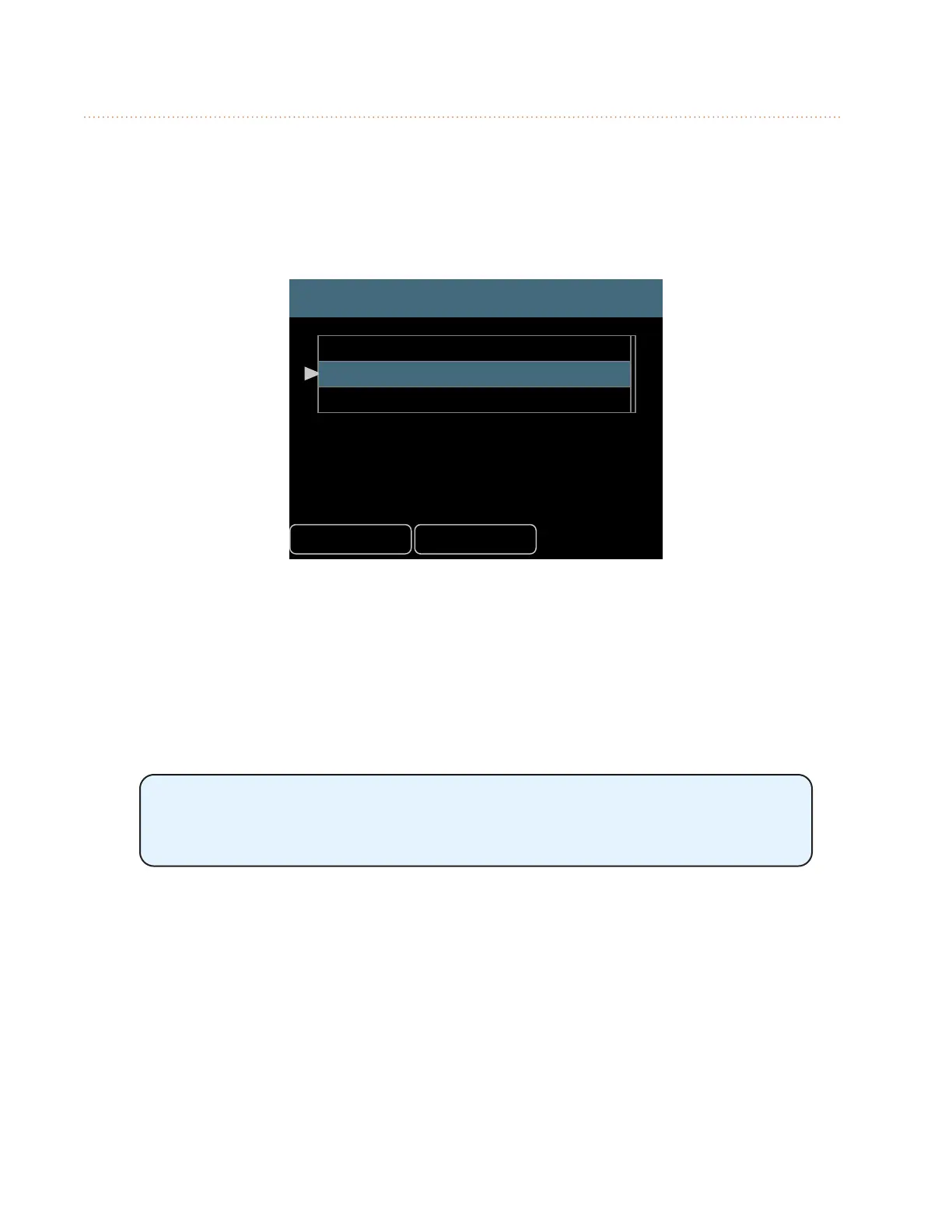
The A640 Personal Mixer can operate in one of three modes —Pro16, Default, or Custom. Each mode
aects how the A640 uses the A-Net network’s incoming multi-channel digital audio data. All A-Net
network channels (also referred to as network Slots) are always present in the A-Net data stream
and are available to all Personal Mixers in the system. The three mixer modes simply tell each A640
Personal Mixer how to use them and map them onto the A640’s mix channel buttons.
Mode
Back Help
Pro16 - 16 mono ch
Default - 16 stereo ch
Custom
The currently selected mode is shown in the Mode eld when you open the Mode options from the
Mixer Setup menu. If it is not already selected, scroll to the Mode option. Press either encoder button
to access the Mixer Mode settings.
To change the A640’s current operating mode, scroll with either knob to select the desired option.
Press the encoder to activate it. All mix settings will be cleared. Answer Yes to continue or No to
return to the Mode settings options. Pressing the encoder activates the selected mode and exits to
the main Mixer Setup menu.
Changing the A640’s operating mode will clear the current mix settings
(Volume, Pan, Bass, Treble, and EFX) for all channels as well as the current
Master EQ settings.
Legacy Devices
When the A640 is connected to a legacy device or system that outputs the original 16-channel Pro16
version of A-Net, you cannot access Default or Custom modes. Using the Default and Custom modes
requires that the A640 is connected to a system that is using the Pro16e (64-channel) version of
A-Net.
Legacy devices include:
• AN-16/i Input Module (version 1)
• AN-16/i-M Mic Input Module



 To Next Page