Page 18Aviom A640 Personal Mixer User Guide
AmbienceIntercom
Save Recall
Signal/Clip
Aux Volume Master Volume
Master EQ
Channel
Mix
Names
Trim All
1 2 3 4 5 6 7 8 9 10 11 12 13
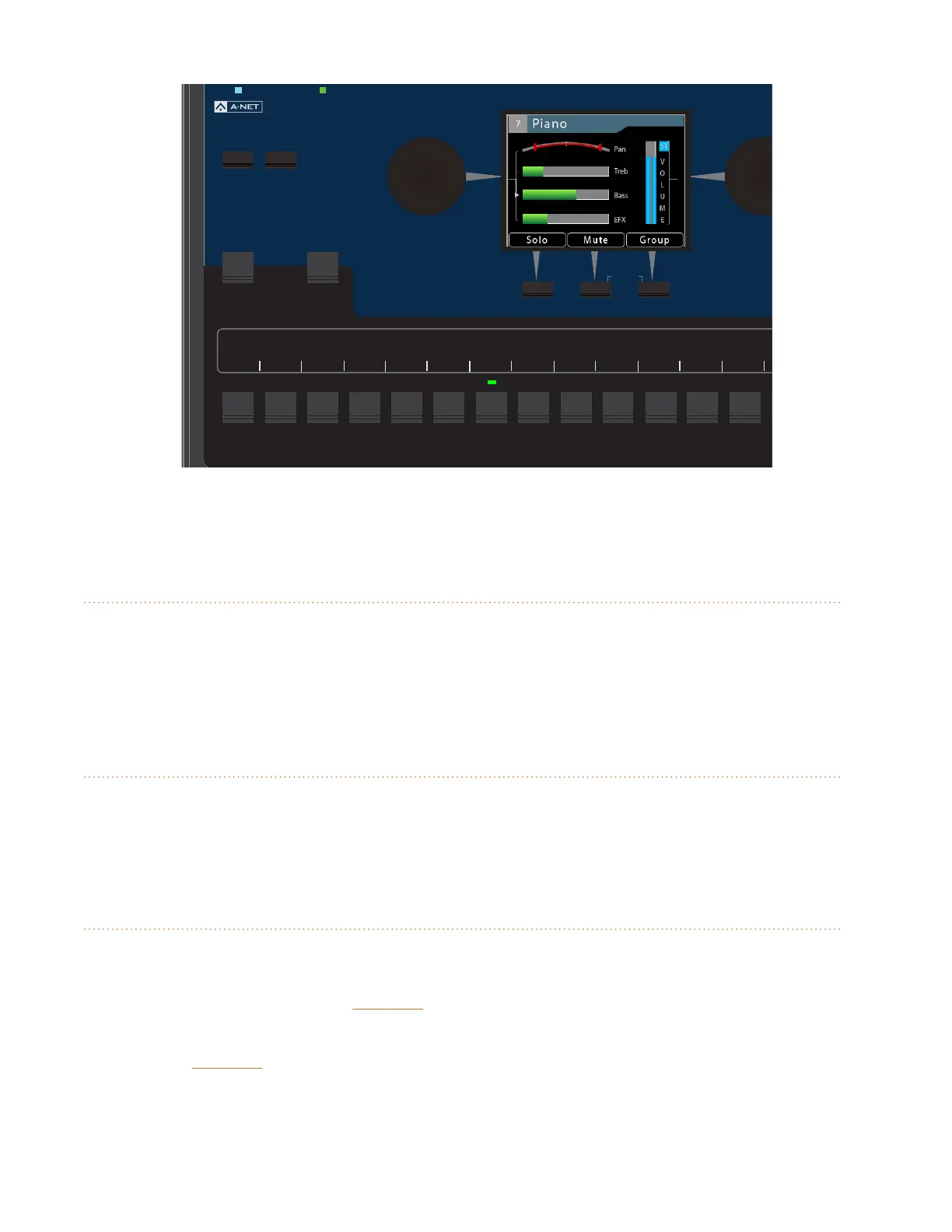
Channel 7 is selected for editing, as seen in Channel View.
Channel Active LEDs
When a mix channel is selected for editing, the LED above its button will light in green. When a Group
is created, all channels that are members of the Group will have their Channel Active LEDs lit when
the Group is selected.
Channel Mute LEDs
Any number of mix channels can be muted within a mix. When a mix channel is muted, the LED
below its button will light in gold.
Favorite Button
When operating the A640 Personal Mixer in Pro16 or Default mode, any one of the 16 standard mixer
channel buttons may be assigned to the A640’s Favorite channel button, allowing easy access to a
frequently-used channel. Hold the FaVoRite button and then press a channel button to assign it.
Whenever your Favorite channel is selected on the A640—either by pressing the numbered channel
button or the FaVoRite button itself—it will be indicated in each View with the addition of FAV in the
top bar of the View next to the channel name.



 To Next Page