Page 68Aviom A640 Personal Mixer User Guide
DefaultsBack Help
Channel Mapping
Drums
Bass
John Voc
Ac Gtr
Gtr 1
Paul Voc
Yes
No
No
No
No
No
1-2
3
9
26
7
15
1
2
5
6
3
4
16
Stereo
Mono
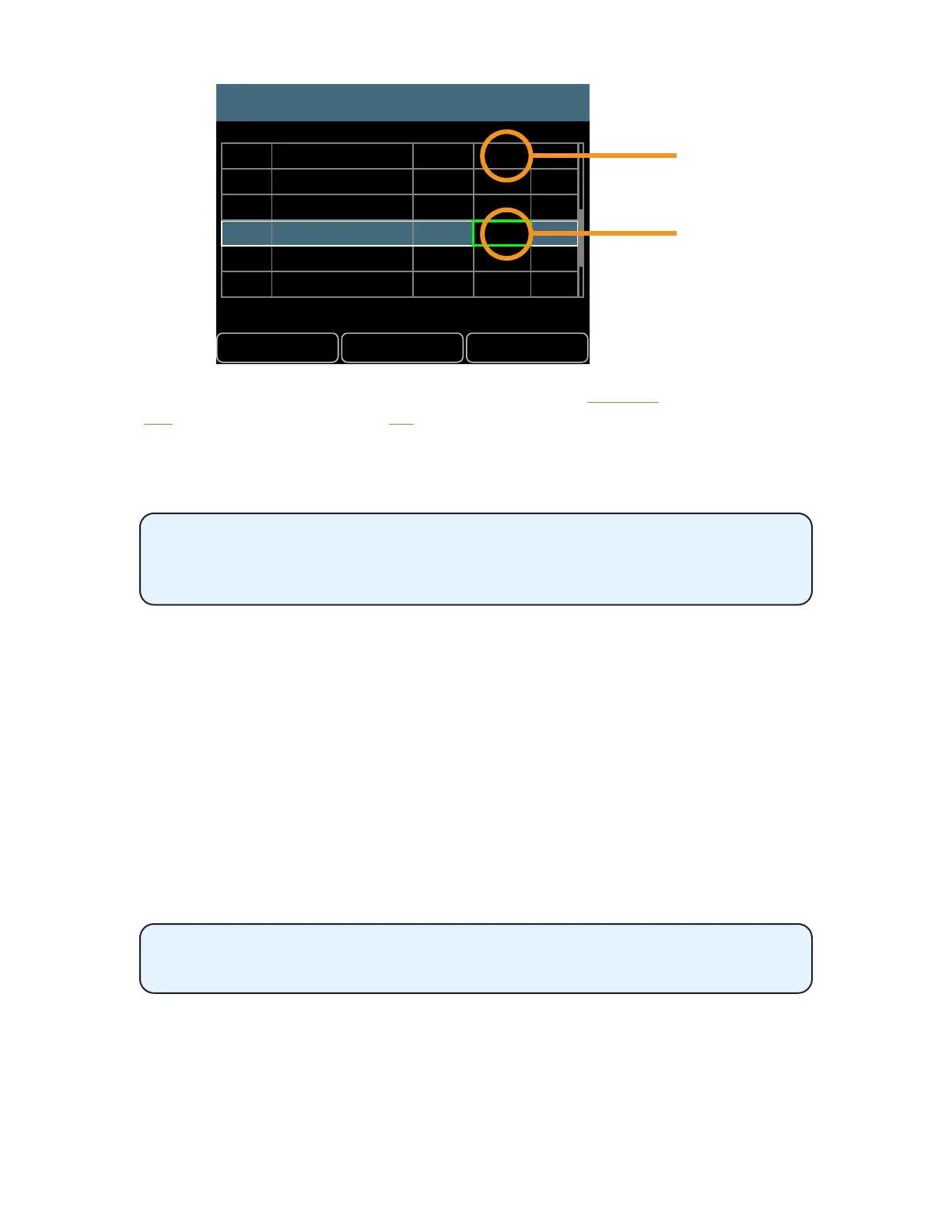
To return all channels to their default Slot assignments, press the DeFaultS soft button and then
choose YeS to conrm and continue or no to cancel. The default Slot assignments will always reect
the network’s current mono/stereo settings when using this command.
To use the new custom channel map, the A640’s mode must be set to Custom.
Use the File Transfer function to save an A640 conguration to a USB storage
device which will back up a custom channel map. It can also be used to copy a
custom channel map from one A640 to another.
When you save a conguration that contains a custom channel map, it is important to remember
that the mono/stereo status of each channel pair is dependent upon the global link settings that are
currently in use. Loading a saved conguration into an A640 connected to an Aviom A-Net network
with dierent stereo link settings may aect what you hear on each mixer channel.
Channel Mapping Errors
Any channel mapping errors are indicated with a red “!” in the Err column of the channel table. As an
example, a channel mapping error could occur if a channel map has network Slot 1 assigned to A640
mixer button #1 and network Slot 2 assigned to A640 mixer button #2. If network Slots 1-2 are then
stereo linked, that channel mapping will cause the Error warning to appear. Both channel buttons are
not permitted to use the same 1-2 stereo channel pair simultaneously.
Mix presets and congurations cannot be saved until the channel mapping
error is corrected. .



 To Next Page