Page 74Aviom A640 Personal Mixer User Guide
• The display returns to the main Intercom window and the selected source is shown within
the Audio Source text.
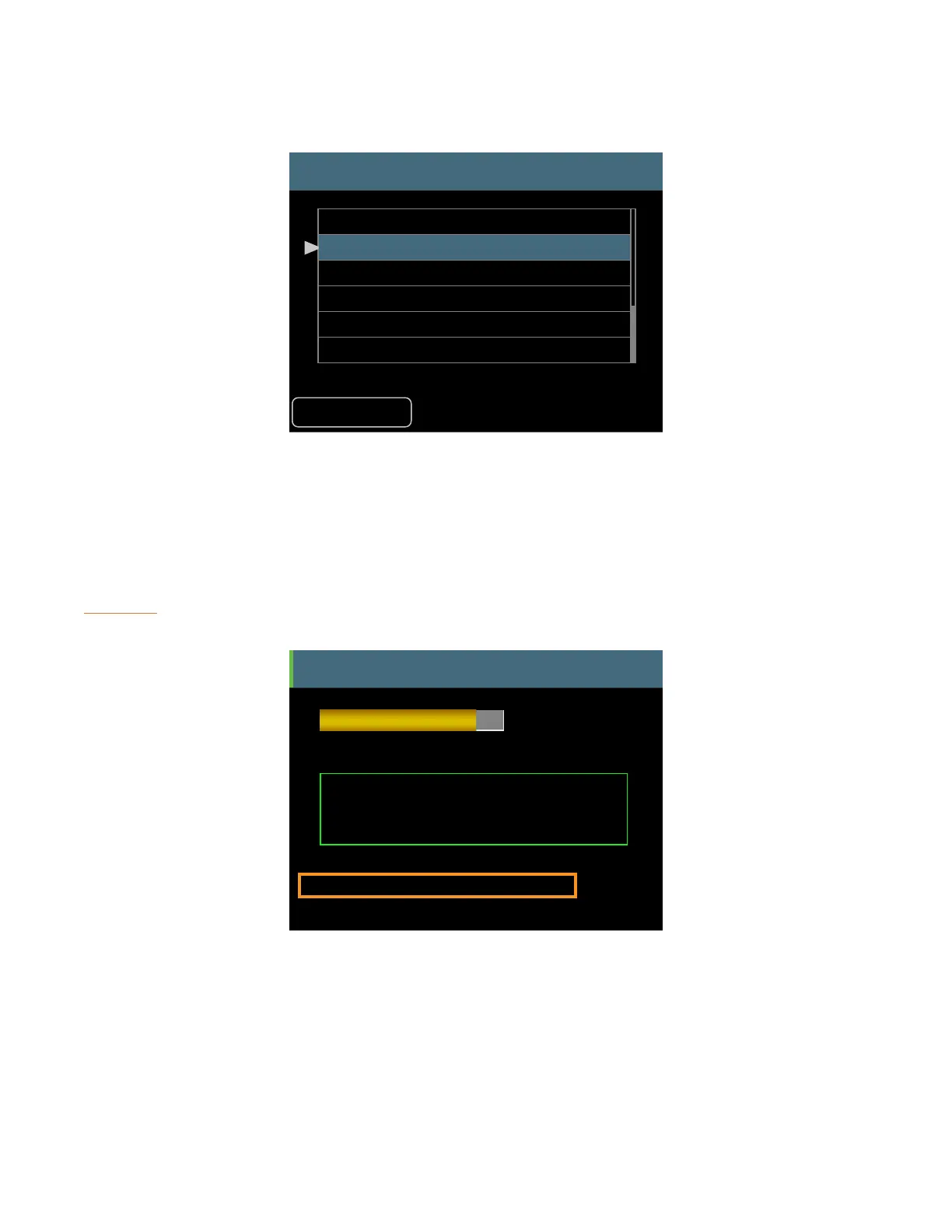
Intercom Audio Source
Back
Listen Only
Internal Mic
Slot 1
Slot 2
Slot 3
Slot 4
Selecting a transmit source for the Intercom
The network’s current Broadcast Slot will be shown in red text in the Intercom Audio Source list. The
Broadcast Slot cannot be assigned as an audio source for the Intercom.
The Intercom transmit source can be set independently for each A640 Personal Mixer in the system.
The current setting for the Intercom Audio Source is displayed whenever you hold down the
inteRcoM button.
Intercom
Audio Source = Internal Mic
You are the speaker.
Receive
Volume
Intercom Broadcast Slot = 64
D800 Port 1
The current Audio Source setting is displayed whenever the Intercom button is held.
If no source is selected, the source reads Disabled, Listen Only.
Intercom Broadcast Slot
The A-Net network always uses one of its 64 available network Slots as the global Intercom
communication channel to send intercom audio to all A640s connected to the D800. Choosing a



 To Next Page