Page 75Aviom A640 Personal Mixer User Guide
Broadcast Slot from the A640 sends a command to the D800 A-Net Distributor which then broadcasts
this information throughout the network to all connected A640 Personal Mixers. When the inteRcoM
is engaged on an A640, all A640 Personal Mixers will hear intercom audio from that user via the
selected Broadcast Slot.
The Broadcast Slot can be set to o (None) or to any one of the 64 network Slots.
The A640 must be connected to a D800 or D800-Dante A-Net Distributor to
access the Intercom Broadcast Slot settings.
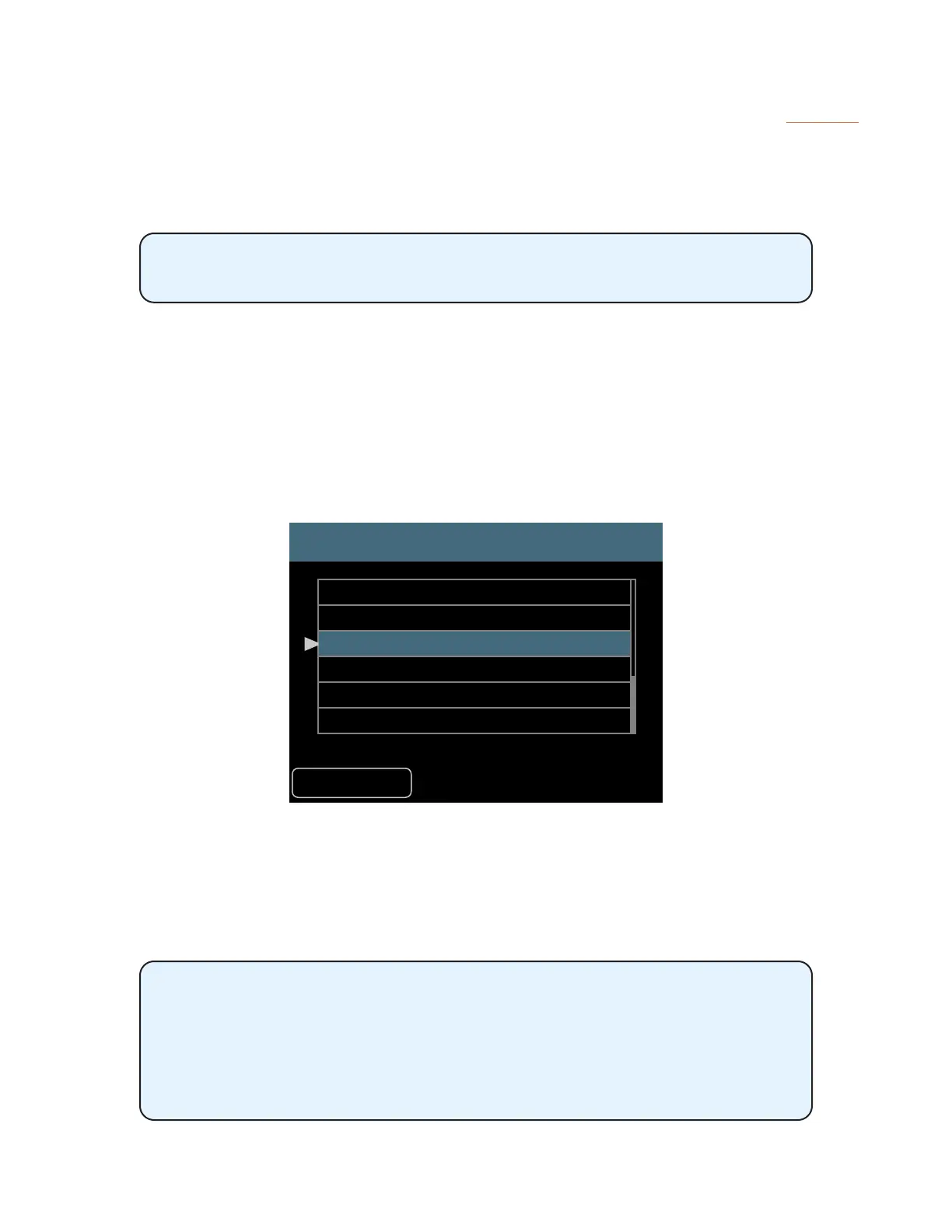
To set the global Intercom Broadcast Slot source from the Intercom window:
• Scroll to select the Broadcast Slot option in the Intercom settings.
• Press either encoder button to open the channel list.
• Scroll with the encoders to select None or any one of the 64 network Slots.
• Press either encoder button to conrm the selection.
• The display returns to the main Intercom window and the selected Broadcast Slot source is
shown within the Broadcast Slot text.
Broadcast Slot
Back
Slot 30
Slot 31
Slot 32
Slot 33
Slot 34
Slot 35
Selecting Slot 32 as the Intercom Broadcast Slot for all A640 users
When choosing None as the Broadcast Slot option, Intercom communication is disabled and none of
the A640 Personal Mixers will be allowed to broadcast Intercom audio to the other A640 users in the
network.
Choosing a network Slot to be used for the Intercom broadcast function
disables all standard audio trac for that Slot (or stereo pair if a stereo link is
set).
Always be sure to choose a Broadcast Slot that will not interfere with audio
sources already being used for monitor mixing.



 To Next Page