Page 14Aviom A640 Personal Mixer User Guide
Press either encoder button to scroll to the Treble, Bass, or Enhance settings. Then turn the encoder
to change the amount. The Treble and Bass controls oer boost or cut. Scroll to the left of the center
indicator (the default setting) for a Treble or Bass cut; scroll to the right for a boost.
The Enhance circuit is a specially designed boost-only feature that adds a simultaneous bass and
treble boost at varying amounts as you increase its level. Its specially designed EQ curve is ideal for
in-ear monitoring. The default setting for Enhance is fully left (o). The settings for the Master EQ will
save with each mix preset created on the A640.
To return the Treble, Bass, and Enhance controls to their default values, press the ReSet button.
Color LCD
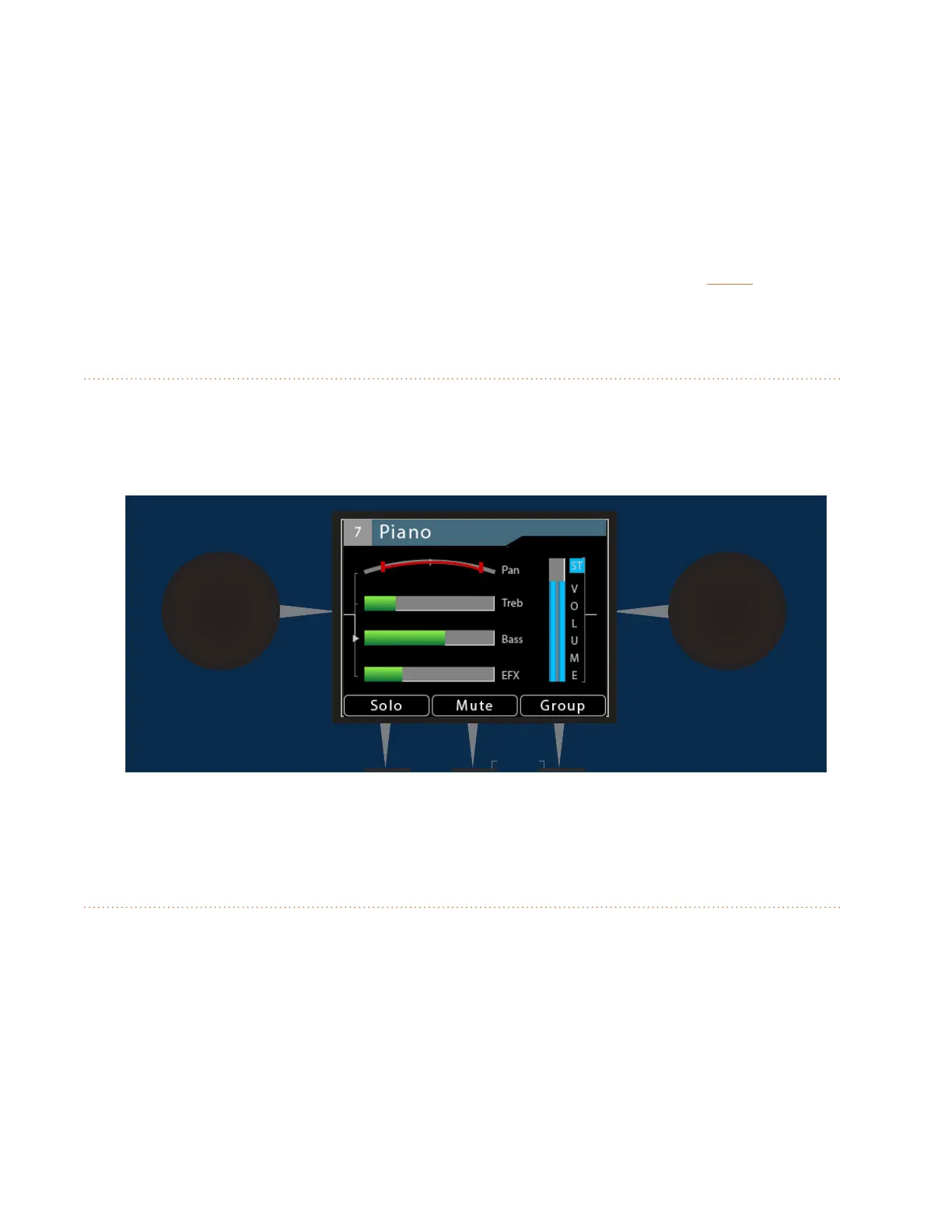
The central LCD (Liquid Crystal Display) shows the current mix in one of three Views. The LCD is also
used with the Master EQ and when setting up the A640 Personal Mixer using the options in the Mixer
Setup window.
AmbienceIntercom
Save Recall
Signal/Clip
Aux Volume Master Volume
Master EQ
Channel
Mix
Names
Trim All
View Mixer Setup
1 2 3 4 5 6 7 8 9 10 11 12 13 14 15 16 Favorite
Color LCD as seen in Channel View
Left/Right Rotary Encoders
Two rotary encoders with push button switches are found on either side of the display. The encoders
are used for creating and editing a monitor mix, setting up an Aux Mix, creating a custom channel
map, setting up preferences in the Mixer Setup window, etc.



 To Next Page