Page 61Aviom A640 Personal Mixer User Guide
Edit Channel Names
Back
Kick
Snare
Cymbals
Piano
Bass
Vocal 1
1
2
3
4
5
6
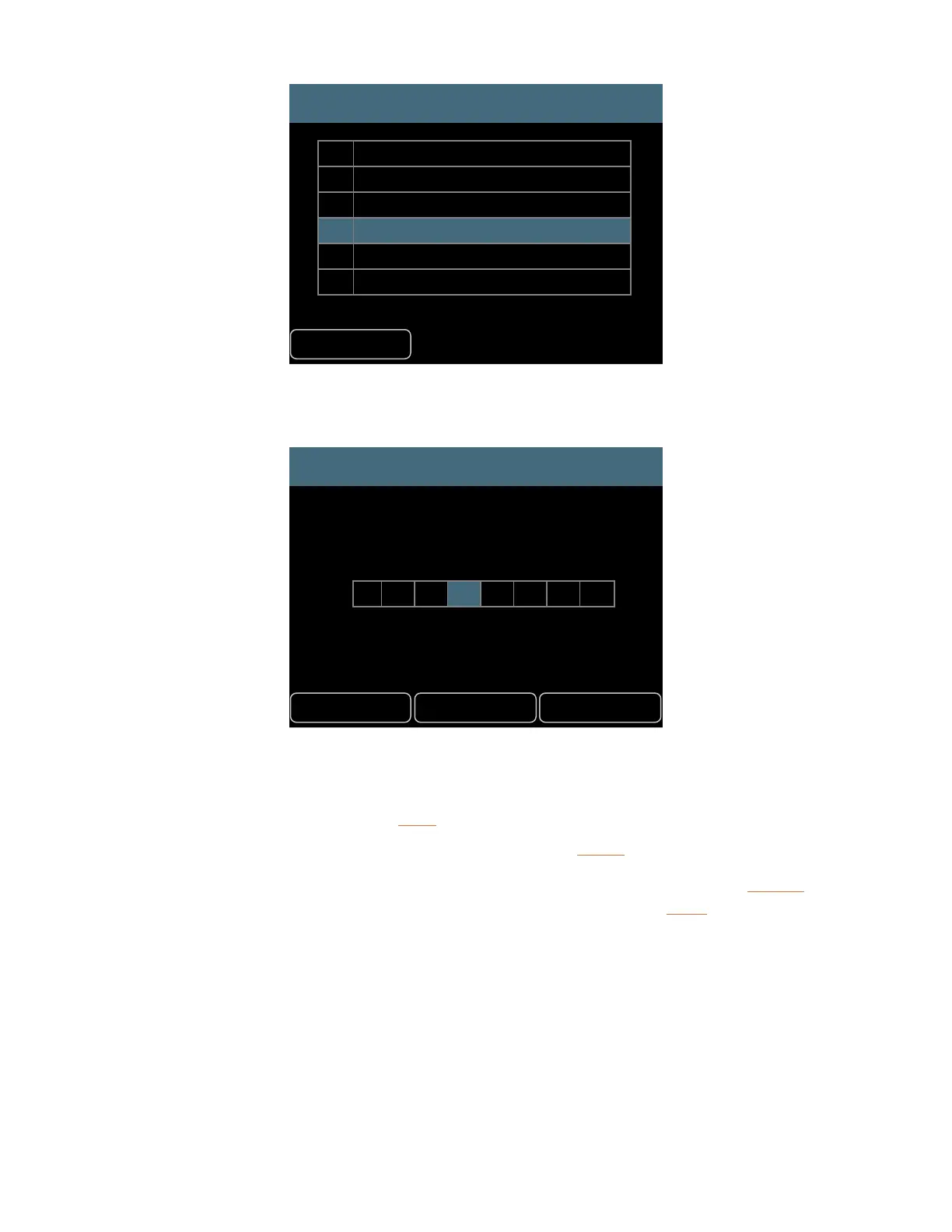
• Scroll to select a channel name to edit.
• Press either encoder button to begin editing its name.
Edit Channel 4 Name
Cancel Clear Save
E l e c P n o
• The text editing window opens.
• Turn the left encoder to scroll through the eight text cells.
• Turn the right encoder to select a letter, number, or special character from the list.
• To nalize the name, press the SaVe button.
To clear all characters from the current channel name, press the cleaR button.
To exit the name editing elds without changing the current channel name, press the cancel button.
At this point you may select a dierent channel name for editing or use the back button to return to
the main Edit Channel Names window.
Channel Names Using Dante
The A640, when used with the D800-Dante A-Net Distributor (with Aviom v4.00 rmware or newer
and Dante rmware 4.2.3.13 or newer), can load channel names from a D800-Dante that is part of a
Dante network. Channel names can be loaded as a one-time command or they can be synced over
the Dante network so that any changes made to the D800-Dante A-Net Distributor’s channel names



 To Next Page