Page 60Aviom A640 Personal Mixer User Guide
• The Save Conguration dialog opens.
• Press enteR to name and save the current conguration.
• When the rmware update message reappears, press YeS to continue the rmware update.
• Progress bars are displayed during the rmware update process; expect about ve minutes
for the rmware update to complete.
Do not remove the USB storage device while a rmware update is in progress.
Once the update is complete, the A640 Personal Mixer will restart and is ready to begin mixing. If you
saved a conguration le as part of the update process, reload it by using the Recall Conguration
function. See “Recall a Conguration” on page 55.
Edit Channel Names
The A640’s mix channels support multiple forms of channel naming. Channels names can be edited
manually from the Mixer Setup menu or they can be loaded from a Dante network that has a D800-
Dante A-Net Distributor connected.
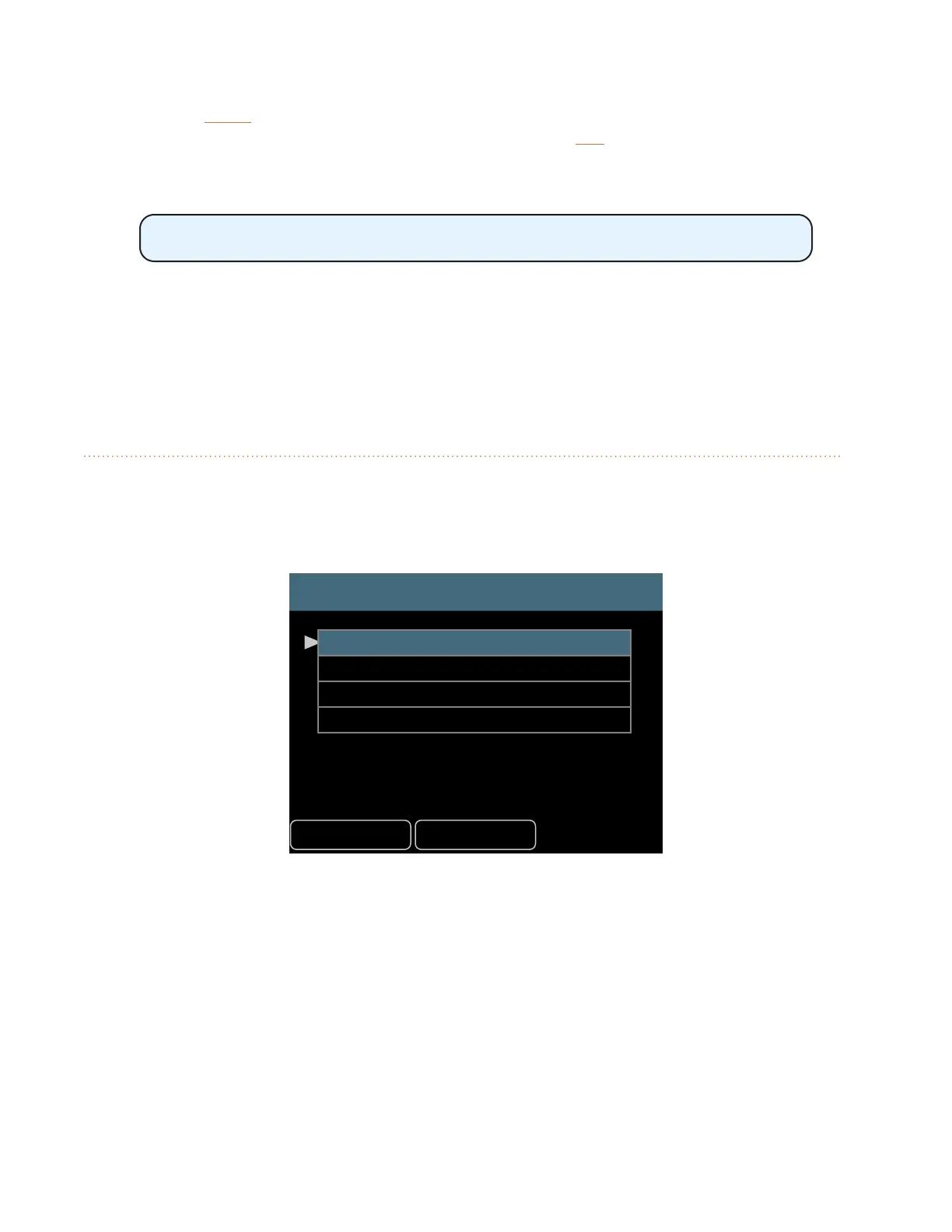
HelpBack
Edit Channel Names
Manual Edit
Load Names from D800-Dante
Auto-Sync with Dante (OFF)
Restore Default Names
Each A640 mix channel name can be up to eight characters long.
Manual Edit
To create (or edit) names for each A640 mix channel manually:
• Select Edit Channel Names from the Mixer Setup menu.
• Scroll with the encoder to select the Manual Edit option.
• Press either encoder button to access the channel name list.
• The channel list will open and display the rst six mixer channel names.



 To Next Page