Page 32Aviom A640 Personal Mixer User Guide
positioning as well as the stereo width of the audio source.
Pan
V
O
L
U
M
E
Treb
Bass
EFX
GroupSolo Mute
Piano
7
ST
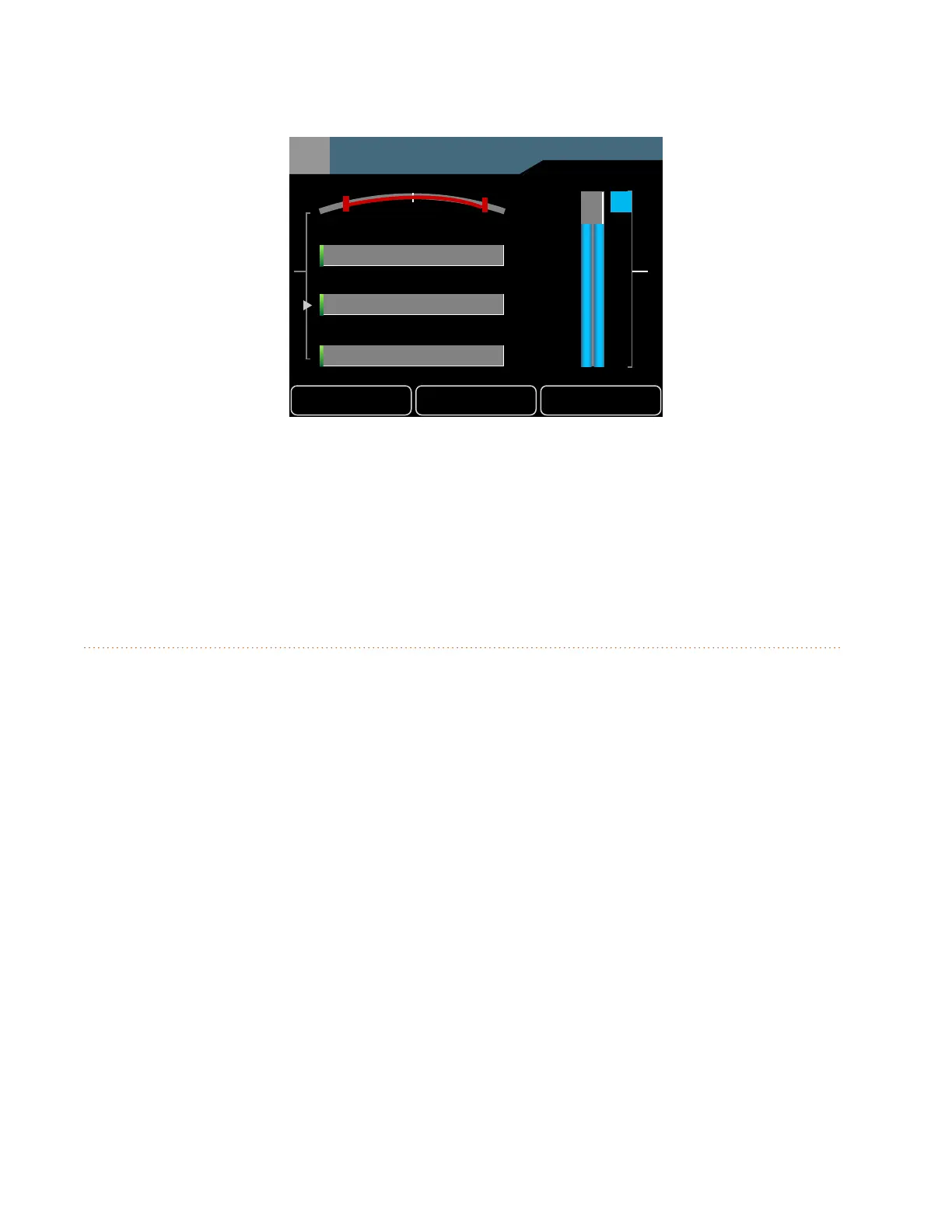
Channel 7 is panned in the stereo eld.
When a stereo channel's left/right sides reach the center as the Pan encoder is turned, the signal is
mono and displayed with a single green triangle.
Pan settings are saved as part of a mix preset saved to any of the A640's 16 mix preset locations.
Tone Controls
Each mix channel on the A640 has a pair of tone controls, Treble and Bass. Use these to ne-tune the
audio of the individual channels in your monitor mix. Use the left encoder's push button to cycle
through the channel-level options in Channel View—Pan, Treble, Bass, and Eects (EFX).
The Treble and Bass tone controls are positive-only (boost); they add treble or bass to the sound of
the channel but cannot subtract it. Turn the left encoder left/right to adjust the amount of Treble or
Bass boost. The default amount is fully left.



 To Next Page