Page 50Aviom A640 Personal Mixer User Guide
Mixer Setup Menu
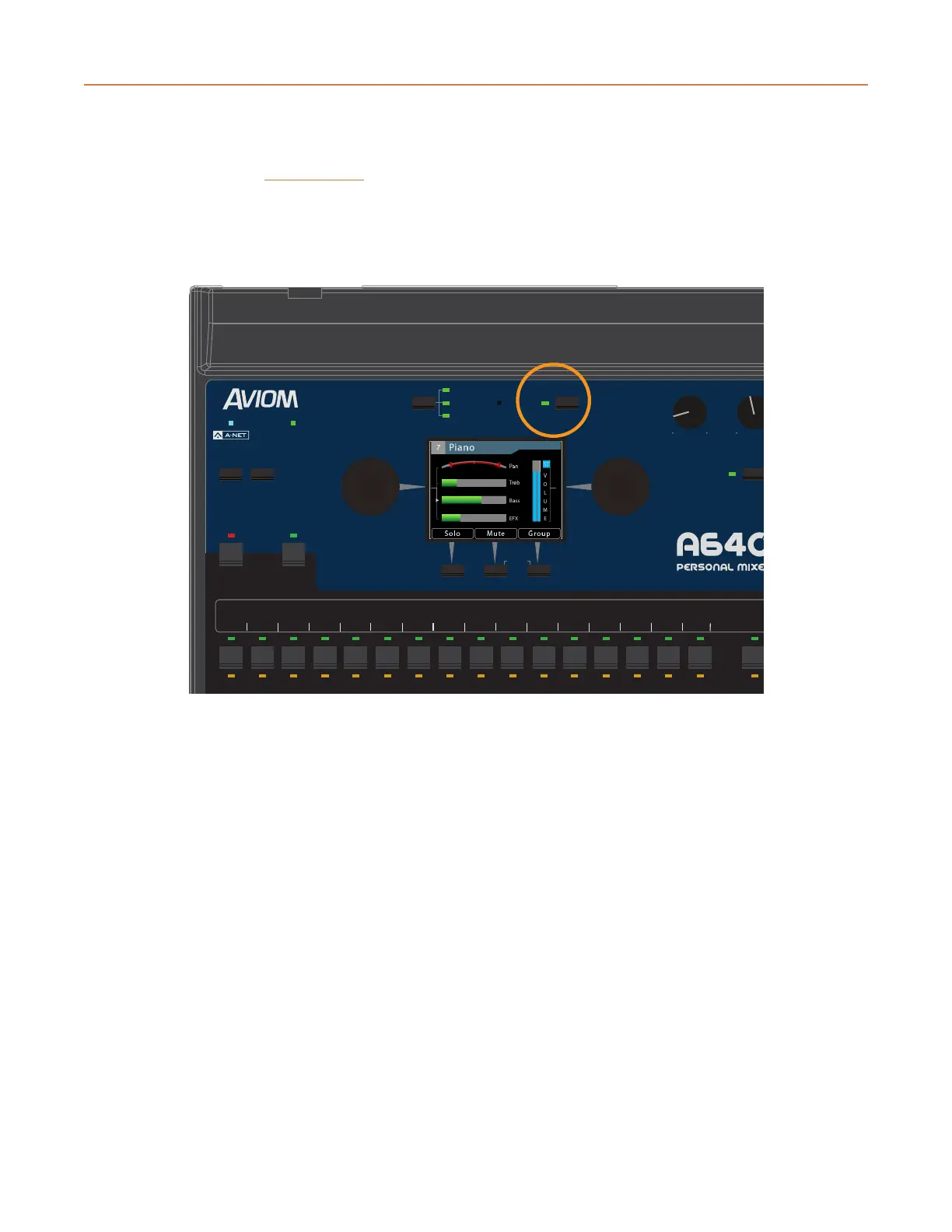
Pressing the dedicated MixeR Setup button at the top of the A640 interface opens the Mixer Setup
menu which provides access to the A640 Personal Mixer’s customizable settings and storage options.
Each function in the list contains a Help page that provides a brief overview of the selected function’s
operation.
AmbienceIntercom
Save Recall
Signal/Clip
Aux Volume Master
Channel
Mix
Names
Trim All
View Mixer Setup
1 2 3 4 5 6 7 8 9 10 11 12 13 14 15 16 Favorite
Press the Mixer Setup button to access the Setup menu.
Scroll to select an option from the Mixer Setup menu. Press either encoder button on the A640 to
access its settings and options.



 To Next Page