Page 48Aviom A640 Personal Mixer User Guide
• You are now ready to use the external mic to transmit Intercom audio whenever the
inteRcoM button is pressed.
The Intercom's Audio Source and Broadcast Slot must be set to dierent Slot
numbers within the network when using an external mic.
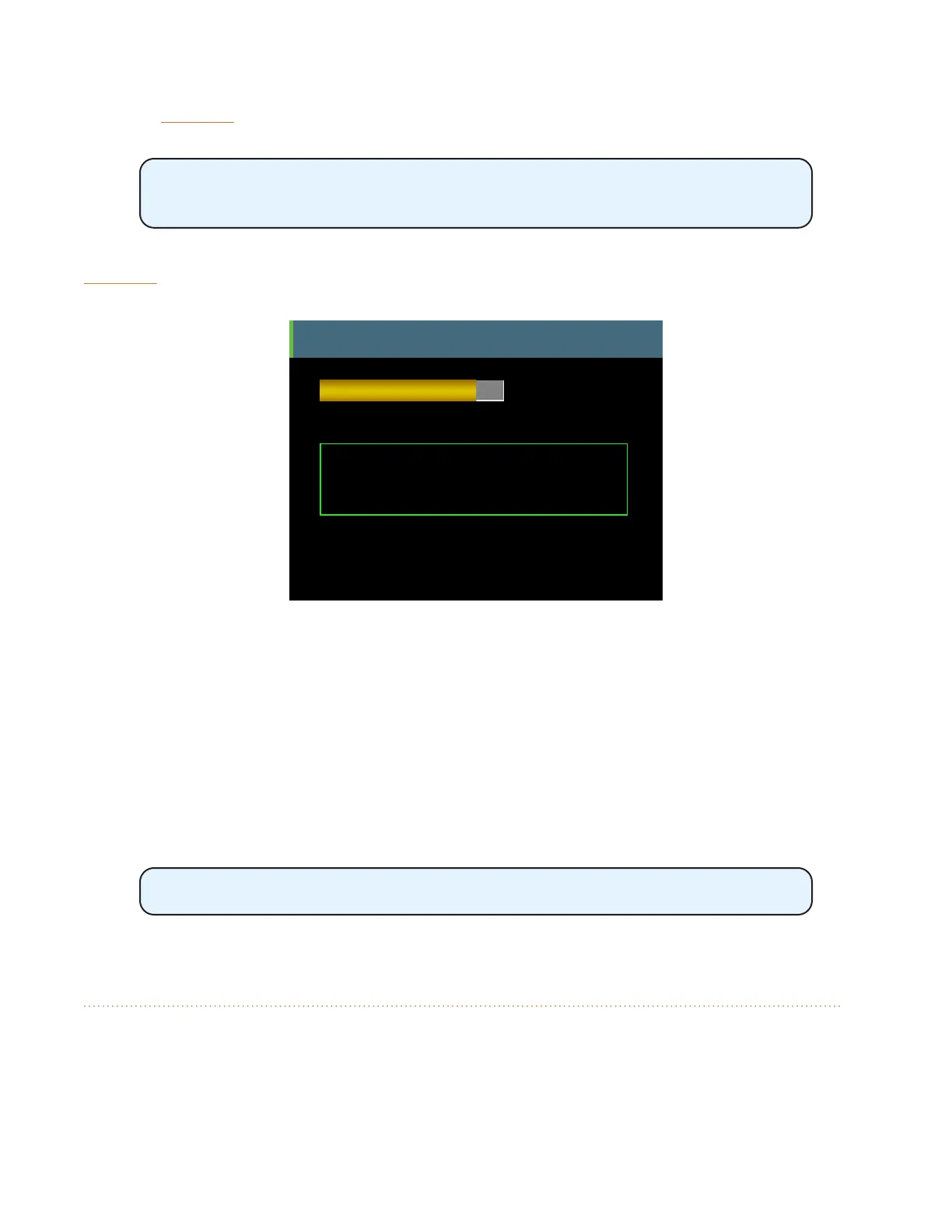
Information about the external mic and its Slot assignment is shown in the A640 display when the
inteRcoM button is held down.
Intercom
You are the speaker.
Receive
Volume
Intercom Broadcast Slot = 64
Audio Source = External Mic, Slot 57
D800 Port 1
Info about the external mic is displayed when you hold the Intercom button down.
Using Multiple External Mics
In some settings it may be convenient to have multiple A640 users capable of speaking over the
Intercom, each using an external mic at their location. To do this, follow the instructions above for
setting up an external mic as the audio source for transmitting Intercom audio. Choose a dierent
network Slot to transmit the second user's Intercom audio, being careful not to select a network Slot
that is already in use for monitor mix audio.
Only one A640 user may be the speaker at a time while using the Intercom.
Intercom Audio and Legacy Devices
When using the A640 Personal Mixer in a system that also includes other Aviom Personal Mixers such
as the A360, A320, and A-16II, Intercom audio can be heard on these devices as long as the system is
set up the allow the legacy Personal Mixers to access the Intercom audio's network Slot.



 To Next Page