Page 86Aviom A640 Personal Mixer User Guide
Help
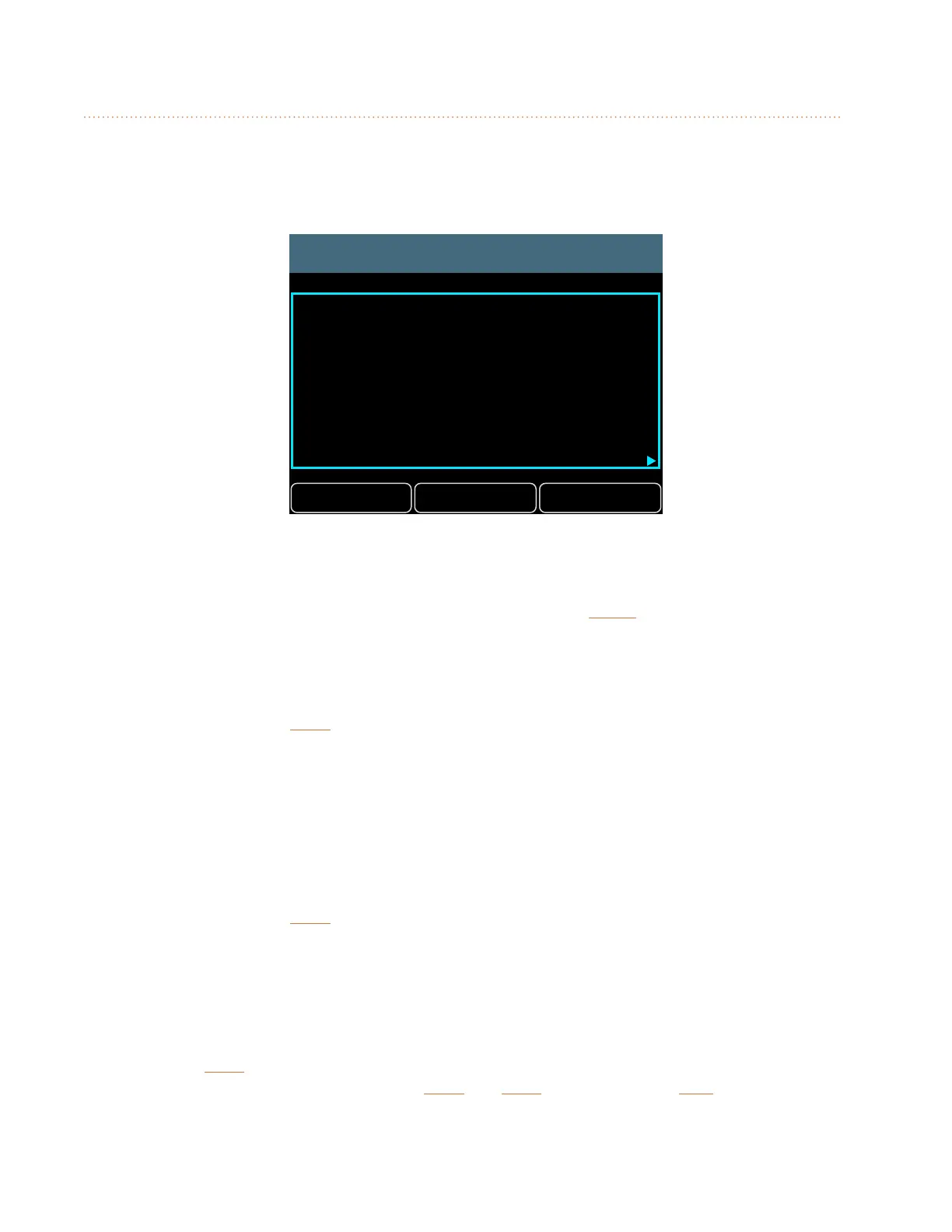
The Startup Help gives a brief overview of the main features and functions of the A640 Personal
Mixer. Designed for new users, the A640 will start up with its Help pages displayed each time the
A640 Personal Mixer is power cycled.
Next
Startup Help
Setup Exit
Welcome to the Aviom A640!
Press Exit to go directly to mixing.
Turn Startup Help on/o at
any time in the Mixer Setup menu.
Press Next for more.
Once you are comfortable with the A640 user interface you can turn o the Startup Help.
To turn o Startup Help when the A640 is powered on:
• With the Startup Help displayed on the A640, press the Setup button.
• The Mixer Setup menu’s Help Option page opens.
• Select Startup Help Enabled.
• Press either encoder button.
• The Startup Help will toggle ON/OFF with each press of the encoder button.
• To exit press the back button to return to the main Mixer Setup menu or press any mixer
interface button to exit directly to mixing.
To turn Startup Help on/o from the Mixer Setup menu:
• From the main Mixer Setup window, scroll to choose the Help option.
• Press either encoder button.
• In the Help options, select Startup Help Enabled.
• Press either encoder button.
• The Startup Help will toggle ON/OFF with each press of the encoder button.
• To exit press the back button to return to the main Mixer Setup menu or press any mixer
interface button to exit directly to mixing.
To jump directly to the Help pages:
• In the Help Options, select Open Startup Help.
• Press either encoder button.
• The Startup Help pages open.
• Press next to continue reading.
• Navigate the Help pages with the back and next buttons, or press exit to start mixing.
The Startup Help on/o state is remembered across power cycles.



 To Next Page