Page 78Aviom A640 Personal Mixer User Guide
• Y1 A-Net card for Yamaha devices
• A-Net console cards manufactured by Aviom partners
• A-16D and A-16D Pro A-Net Distributors
• A-16II Personal Mixer
If the system includes a mix of Pro16 and Pro16e devices, the higher channel count Pro16e version of
A-Net is used. Examples include:
• AN-16/i Input Module (version 1) connected to a D400 or D800 A-Net Distributor
• Y1 A-Net card connected to a D400 or D800 A-Net Distributor
• AN-16/i v.2 Input Module connected to an A-16D or A-16D Pro A-Net Distributor
Getting Help
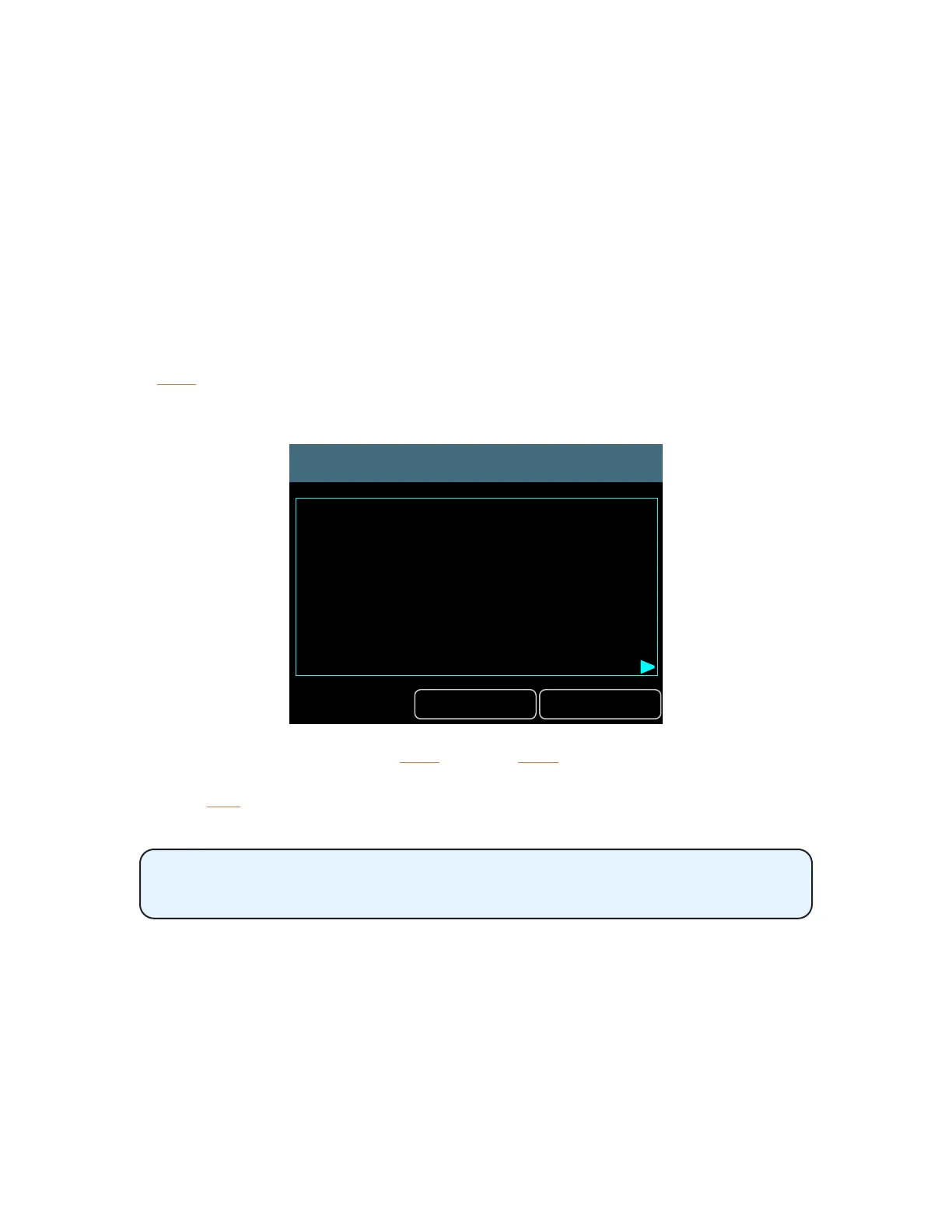
Press the Help button while the Mode options are displayed to open an overview of the three
available modes.
Mode Help
Exit Next
Pro16 maps the rst 16
network channels in numerical order
to A640 buttons 1-16.
All other network channels are ignored.
Move through the Help screens with the nex t button; a back button will appear as needed when
multiple Help windows are available. Close the Help window and return to the main Mode settings
by pressing the exit button.
The Mode Help screens are not available when connected to a legacy Pro16
A-Net device.
Pro16 Mode - 16 mono channels
When the A640 is in Pro16 mode, the rst 16 incoming network Slots are assigned in sequential order
to the 16 mix channel buttons. This mode is ideal for systems that use a single 16-channel analog
input module or digital console card.



 To Next Page