Page 99Aviom A640 Personal Mixer User Guide
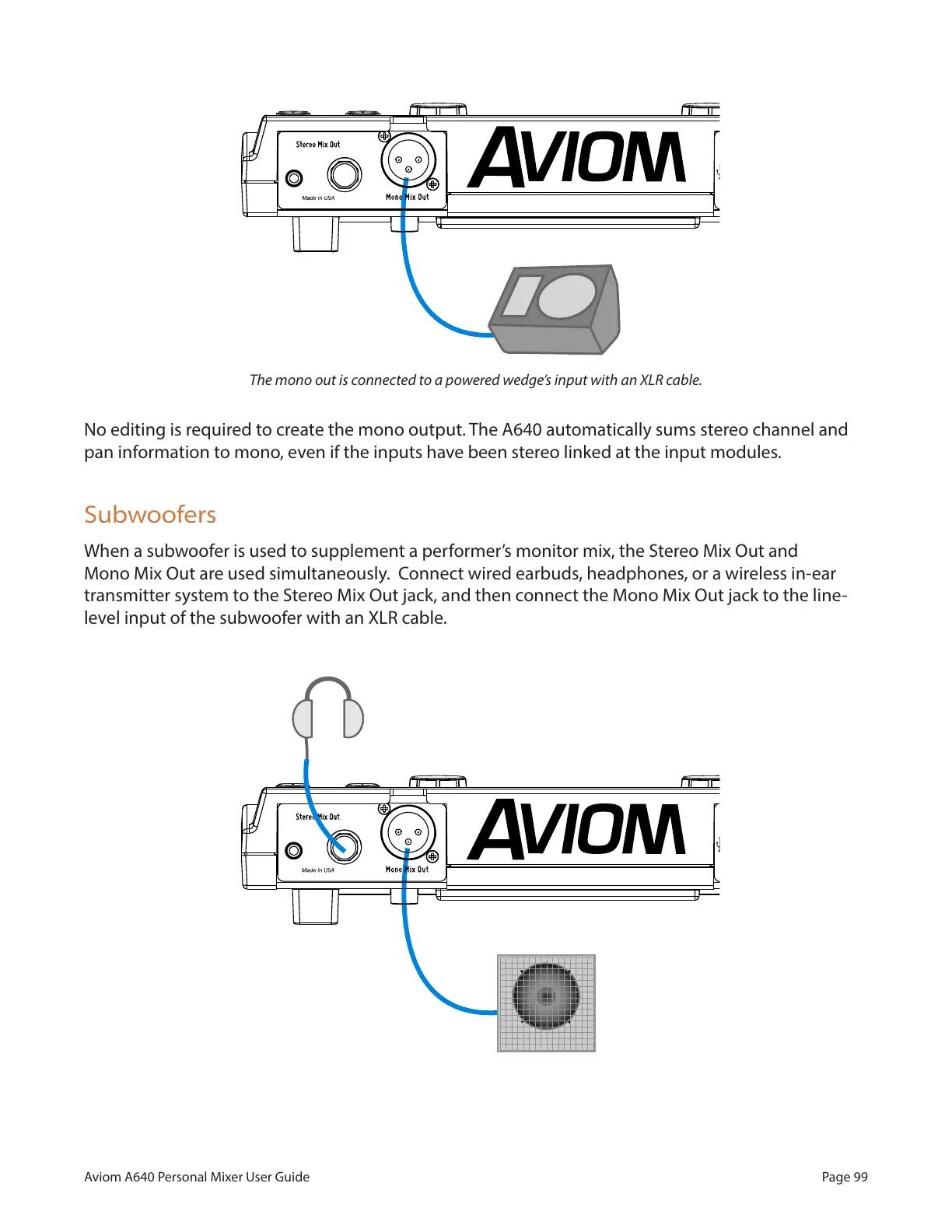
The mono out is connected to a powered wedge’s input with an XLR cable.
No editing is required to create the mono output. The A640 automatically sums stereo channel and
pan information to mono, even if the inputs have been stereo linked at the input modules.
Subwoofers
When a subwoofer is used to supplement a performer’s monitor mix, the Stereo Mix Out and
Mono Mix Out are used simultaneously. Connect wired earbuds, headphones, or a wireless in-ear
transmitter system to the Stereo Mix Out jack, and then connect the Mono Mix Out jack to the line-
level input of the subwoofer with an XLR cable.
Headphones and a subwoofer are connected to the A640.



 To Next Page