Page 16Aviom A640 Personal Mixer User Guide
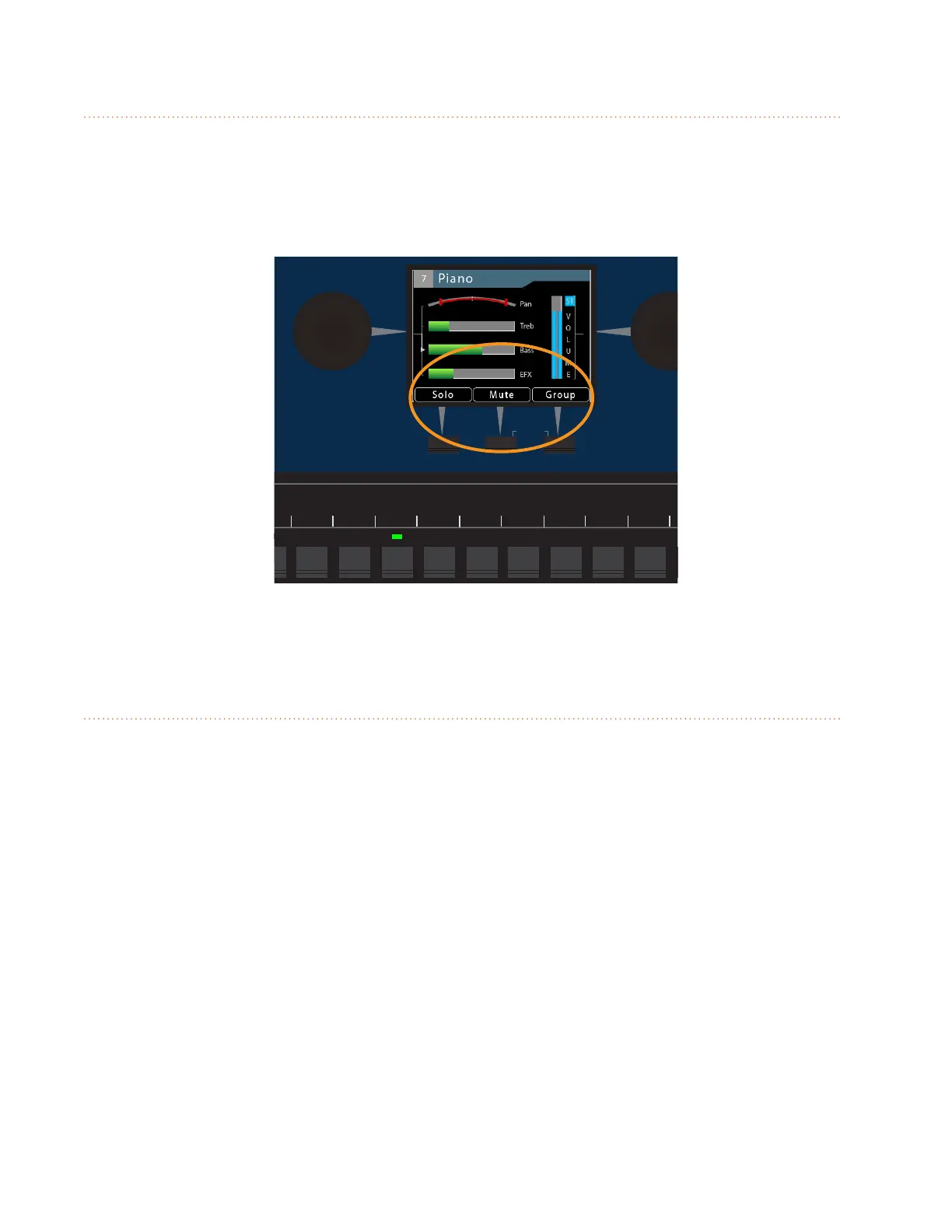
Assignable Soft Buttons
Below the A640's LCD are three assignable buttons that are used while mixing and for navigating in
the Mixer Setup window while setting up your A640 Personal Mixer. Whenever a function such as
Solo, Mute, or Group is available, the LCD will display the name of the function above the assignable
button. Press the associated soft button to use that feature.
AmbienceIntercom
Save Recall
Signal/Clip
Aux Volume Master Volume
Master EQ
Channel
Mix
Names
Trim All
View Mixer Setup
1 2 3 4 5 6 7 8 9 10 11 12 13 14 15 16 Favorite
In the Channel View the soft buttons are assigned to Solo, Mute, and Group.
Trim All Function
The Trim All function is an easy way to turn down the volume of all channels in a mix (including the
Ambience mic channel) by a uniform amount with a single command. Use Trim All to clean up a mix if
the Signal/Clip LED is lit solid red, or if a channel being edited is already at its maximum level and you
need to continue to raise its volume relative to the other elements in the current mix.



 To Next Page